A great WordPress theme for a small business is one that helps the business present itself professionally, attract customers, and communicate its services clearly, all within a reasonable budget.
So, the best WordPress themes for small business websites in Uganda combine professional design, mobile responsiveness, easy customization, and solid website performance.
They also support essential business features such as contact forms, service pages, online stores, and booking integrations without requiring advanced technical skills.
A good theme makes it easy to update your business information, maintain a consistent brand identity, and give potential customers a simple way to find and use your services.
Affordability, regular updates, developer support, and content portability are also important, especially for businesses working with limited budgets.
We have compared 12 popular WordPress themes based on their designs, editing experience, performance, business functionality, pricing, and long-term flexibility.
Let’s look at how they compare and which options may suit different types of small businesses.
WordPress Themes for Small Businesses Comparison
| Theme | Free version | Installs / sales | Entry price | Editor type | Portability |
|---|---|---|---|---|---|
| Astra | Yes | 1M+ | $99/yr, renews at $149/yr | Customizer + builders | High |
| Kadence | Yes | 500K+ | Free; Premium $350/yr/site | Block editor + Customizer | High |
| GeneratePress | Yes | 500K+ | $99/yr/site | Block editor + Customizer | High |
| Blocksy | Yes | 300K+ | $69/yr | Block editor + Customizer | High |
| Neve | Yes | 200K+ | $69/yr offer; $139/yr regular | Customizer + builders | High |
| OceanWP | Yes | 500K+ | Free; pro $42/yr offer; $52/yr regular | Customizer + builders | High |
| Divi | No | Not listed | $89/yr | Visual builder | Medium |
| Hello Elementor | Yes | 1M+ | Free; Pro €60/yr | Elementor | Medium |
| Sydney | Yes | 80K+ | $63/yr offer; $79/yr regular | Customizer + builders | High |
| Avada | No | 1M+ | $99/yr | Built-in visual builder | Medium |
| Hestia | Yes | 70K+ | $69/yr offer; $139/yr regular | Customizer | High |
| Twenty Twenty-Five | Yes | 1M+ | Free | Site Editor | High |
Pricing and installation figures can change. Check each developer’s website for current plans and licensing terms before purchasing.
Free themes can provide enough functionality for many small business websites. You do not necessarily need a premium license to get started.
1) Astra
Astra is a good option for consultants, agencies, professional service providers, and online shops that need a professional website without building everything from scratch.
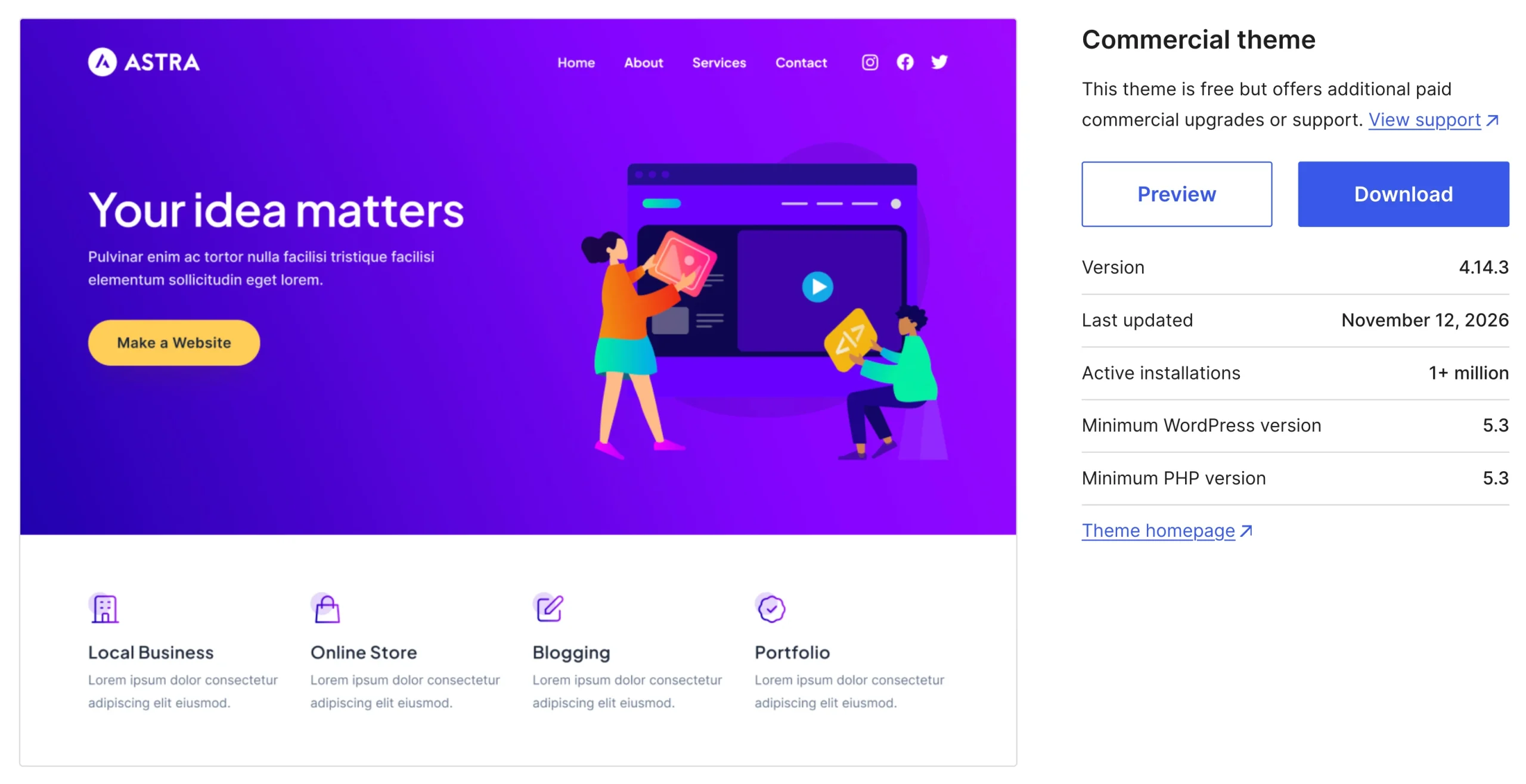
Astra’s features for small businesses:
- Schema markup to help search engines interpret website content.
- WooCommerce and SureCart integration.
- Starter templates for different business categories.
- Header and footer builder, with additional customization in Astra Pro.
Getting started is relatively simple. You can import a starter template, replace the sample text and images, and adjust your colors, navigation, and business information.
The header builder also lets you arrange elements such as your logo and navigation without writing code.
However, check which starter templates and advanced design features require a premium upgrade before settling on a particular design.
2) Kadence
Kadence suits business owners who prefer working with the WordPress block editor and want their website’s colors, fonts, and layouts to follow a consistent brand style.
Features supporting small businesses:
- Drag-and-drop header and footer builder to give you control over the placement of logos, menus, and other website elements.
- Starter templates for different website layouts.
- Global color and typography controls.
- Integrations for online shops and course platforms, useful for businesses selling products or digital services.
The global color and typography settings are particularly helpful. Instead of changing individual elements across several pages, you can manage important brand styles centrally.
Its block editor integration also makes it possible to build and edit page content using familiar WordPress tools.
The free theme is a good starting point, but some advanced customization options require Kadence Pro.
3) GeneratePress
GeneratePress is a lightweight theme for consultants, service providers, and businesses that publish articles or other content regularly. It is worth considering if you want to keep your website simple and prioritize performance.
Important features:
- To prioritize performance, a fresh installation adds less than 10 KB of gzipped data to the page size, according to its WordPress.org description.
- It works with the WordPress block editor and popular page builders for page creation flexibility.
- It offers more than 60 color controls and several layout options to adjust your website appearance as you wish.
You can build pages using WordPress blocks and manage the theme’s main settings through the Customizer. If you need more control over layouts, headers, footers, and other website elements, GP Premium adds advanced layout options and its Elements functionality.
It is not necessarily the easiest option for someone who wants a ready-made, visually rich website. Some advanced layouts require more familiarity with WordPress, and the premium Elements feature has a learning curve.
The advanced Elements features can also take some time to learn.
4) Blocksy
Blocksy is particularly useful for businesses planning to sell products online or wanting a modern website design.
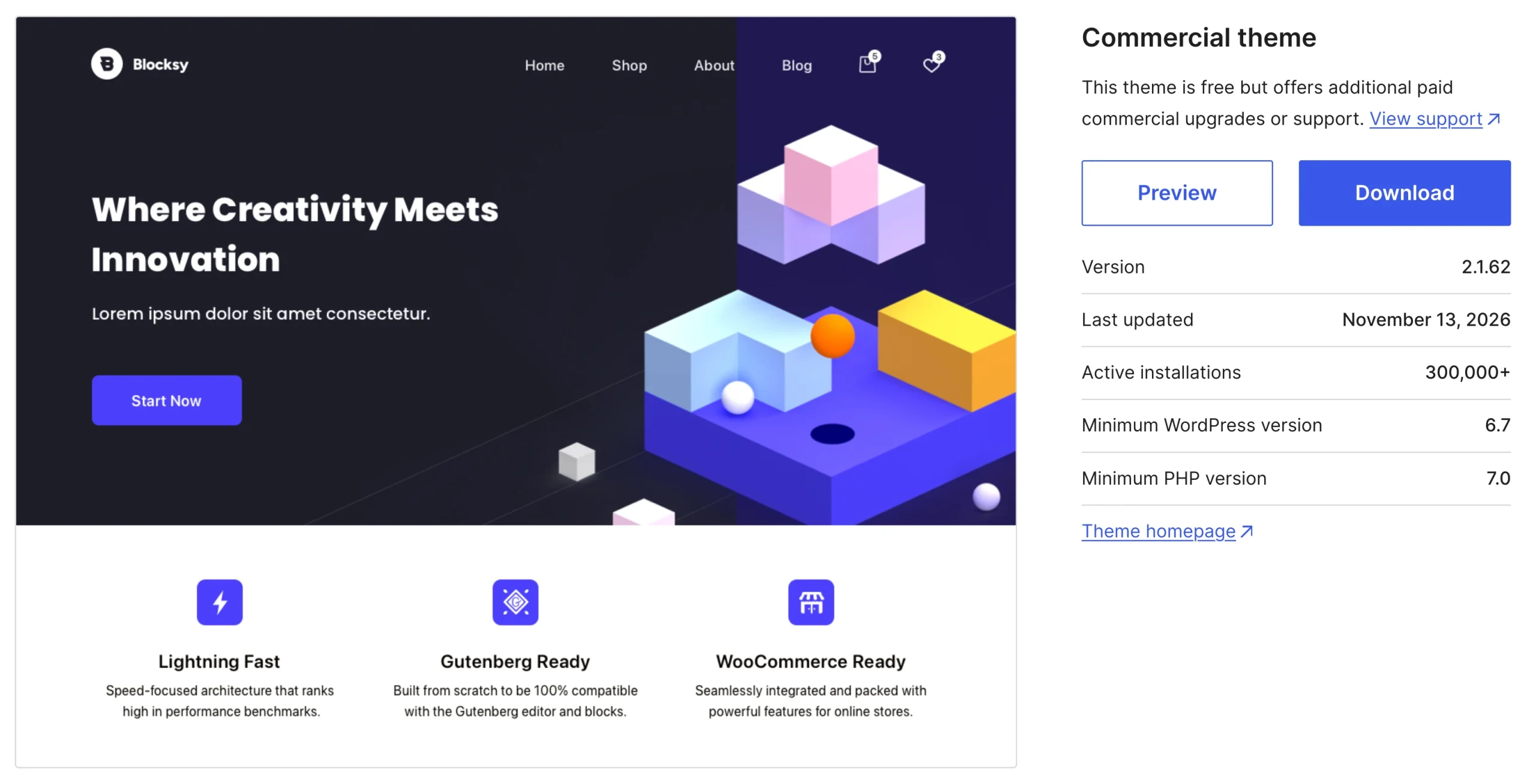
Small business supportive features:
- Full compatibility with the WordPress block editor.
- Advanced WooCommerce support for building and customizing product pages and shop layouts.
- A Companion plugin that provides additional extensions and starter sites, so you don’t have to design every page from the beginning to get the website running.
- Customization options for different sections of the website.
One useful feature is its live preview. As you adjust colors, layouts, and other design settings, you can see the changes before publishing them. You can adjust your website’s appearance without repeatedly saving and refreshing the front end.
Its free version is a useful starting point. However, some advanced ecommerce and design options require Blocksy Pro.
If you want access to additional starter sites and extensions, compare the annual and lifetime licenses before buying.
5) Neve
Neve is a practical option for local businesses that want a lightweight, responsive website. It can work for consultants, restaurants, professional services, and online retailers.
The theme includes:
- Compatibility with the WordPress block editor and popular page builders.
- WooCommerce support for online stores.
- Responsive layouts that adapt to different screen sizes.
- A collection of starter sites and templates, with additional options available in premium plans.
You can start with a basic design, add your business information, and adjust the appearance through the WordPress Customizer or a compatible page builder.
This is useful if you need a website with familiar sections such as a homepage, service descriptions, testimonials, and contact information.
The default design is relatively minimal, so you may need to spend some time adjusting colors, fonts, and layouts to give the website a distinctive business identity.
Neve is worth considering if you want flexibility without committing to one page builder.
6) OceanWP
OceanWP is particularly useful for retailers and businesses that need more control over their online shop’s appearance.
OceanWP features:
- Integrates with WooCommerce and offers ecommerce extensions for additional shop features.
- Compatibility with popular page builders, including Elementor, allowing you to create and customize pages visually.
- Responsive settings let you adjust how different elements appear on desktop, tablet, and mobile screens.
- The Ocean Extra plugin adds further theme functionality and customization options.
You can manage layouts, typography, colors, and shopping settings through the Customizer and available extensions. This gives you several ways to adjust the website without editing code.
One thing to consider is that some advanced features require paid extensions.
OceanWP offers annual licenses and lifetime bundle options. Annual licenses cover updates and support for the subscription period, while lifetime licenses are available for bundle plans.
If you do not renew, your existing extensions can continue working, but you lose access to updates and support.
7) Divi
Divi is a premium theme and visual website-building platform for businesses and agencies that want extensive visual control over their website and are comfortable spending time designing individual pages.
Divi features for small businesses:
- A visual builder that lets you edit page content directly on the website, including text, colors, spacing, images, and layouts.
- A large library of pre-designed layouts so you don’t have to start with a blank page.
- Divi Leads allows you to test different versions of website elements to see which performs better.
The editing experience is centered on visual design. You can select an element on a page and adjust its appearance without moving between several settings screens. This can be useful when building customized landing pages, service pages, or promotional sections.
The trade-off is that Divi offers many design choices, which can take time to learn and manage.
Divi can also introduce additional design and functionality dependencies, so consider its long-term portability before building an entire website around it.
This means content built with proprietary builder elements may need extra work if you move to another theme or page-building tool.
Divi 5, released in February 2026, introduces a new framework that moves away from the older shortcode-based content storage used in previous versions. Businesses maintaining older Divi 4 websites should also consider their upgrade and maintenance plans.
8) Hello Elementor
Hello Elementor is designed for business owners who intend to build their websites using Elementor. It provides a minimalist foundation rather than imposing a particular design.
Theme features:
- Rather than providing a complete business design out of the box, it offers a lightweight foundation for creating pages with the Elementor editor.
- The theme is compatible with Elementor’s visual editor and Theme Builder.
- Responsive design to support layouts for different screen sizes plus compatibility with popular WordPress plugins.
- Elementor’s Theme Builder can be used to create custom headers, footers, page templates and other website sections.
You can use Elementor to build your homepage, service pages, contact forms and other sections by arranging elements visually. This approach is useful if you want more control over the appearance of individual pages.
The main limitation is that Hello Elementor is not a ready-made business website. You will need Elementor to build the design, and some advanced features require Elementor Pro.
This means you should account for the page builder’s cost and features when planning your website.
9) Sydney
Sydney is a business-oriented theme for companies, freelancers and professional service providers that want a website with familiar business sections.
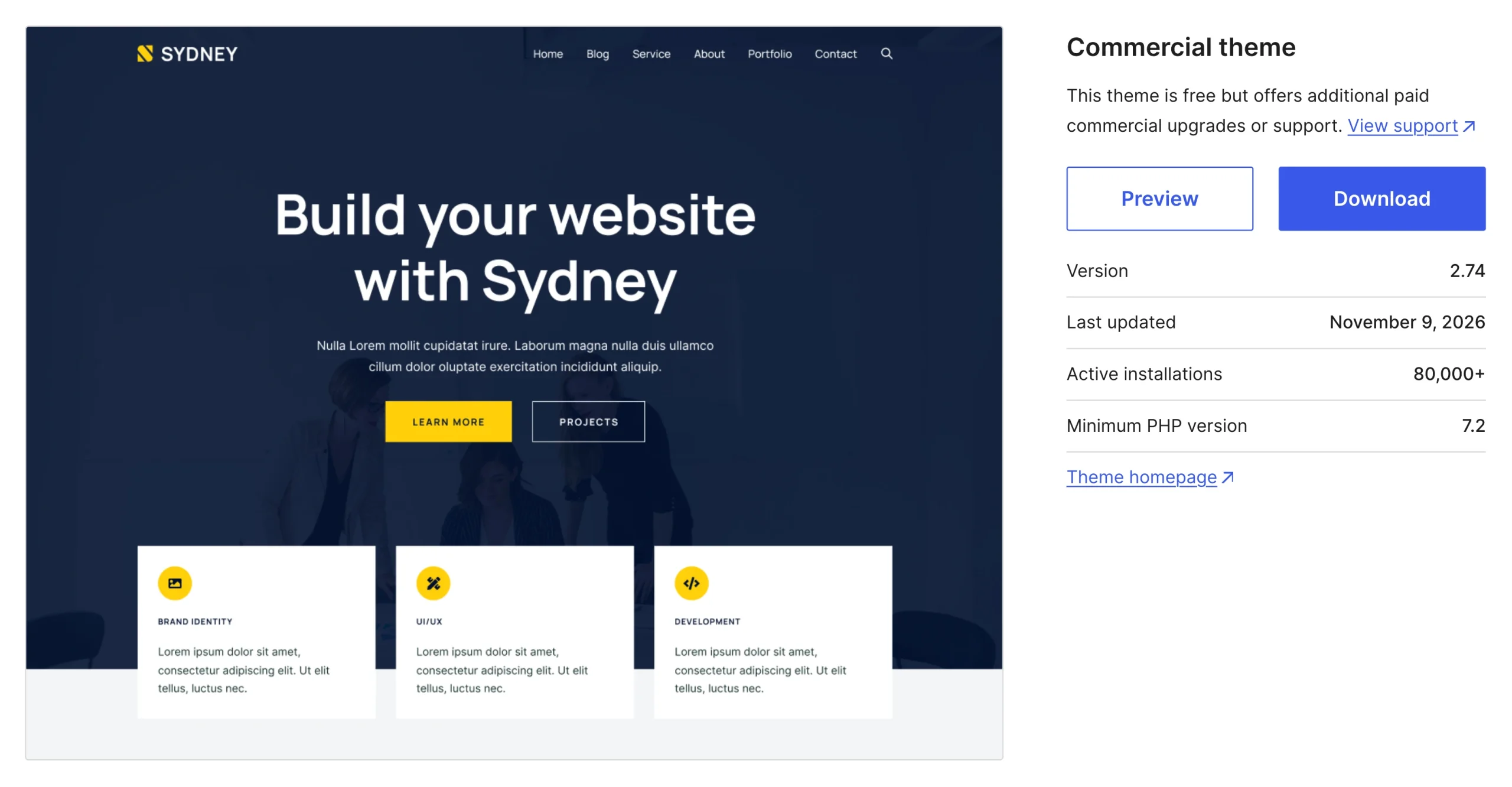
It includes:
- Starter sites for different business types.
- Homepage sections and block patterns for building pages for your services, business information and contact details.
- Compatibility with the WordPress block editor and Elementor.
- Supports WooCommerce for businesses that want to sell products online.
You can import a starter design, replace the sample text and images, and add information about your business.
The available homepage sections and patterns make it easier to organise content without creating every element from scratch.
The free version provides three starter sites, while Sydney Pro offers additional designs and customisation options. Its documentation and support resources can also help when you need to configure something unfamiliar.
10) Avada
Avada is a premium theme for established businesses and agencies that want an extensive set of design tools within one website-building system.
It comes with:
- An integrated visual builder with more than 120 design and layout elements.
- Prebuilt websites that you can import and customize.
- An built-in form builder for collecting enquiries from customers.
- A Performance Wizard that helps identify and disable unnecessary features.
Avada lets you customise website layouts visually. You can import a complete business website, change its colours and fonts, replace images and edit individual sections.
It also includes a setup wizard to guide you through the initial configuration, including importing a prebuilt website and installing the required plugins.
The big challenge is the learning curve. Avada has many settings, so a first-time website owner may need time to get through all the options.
Also, distinguish between Avada One and Avada Classic. Avada One uses an annual subscription, while Avada Classic remains available through ThemeForest with its separate licence terms. They should not be treated as the same purchase.
11) Hestia
Hestia is a good option for service businesses that want a simple one-page website. Restaurants, wedding planners and professional service providers can use it to introduce their business and direct visitors to the information they need.
Hestia features include:
- A multipurpose one-page design.
- A widgetised footer and separate blog page.
- WooCommerce and WPML compatibility.
- Support for popular page builders, including Elementor and Brizy.
You can arrange homepage sections to introduce your business, explain your services, showcase your work and provide contact information.
This structure works well when you want customers to find the most important details without visiting several pages.
The free version can support a basic business website. Hestia Pro adds more homepage sections, layout options and customisation features for businesses that need greater control over the design.
12) Twenty Twenty-Five
Twenty Twenty-Five is a free WordPress theme for businesses that want to use WordPress’s built-in editing tools without paying for a separate theme licence.
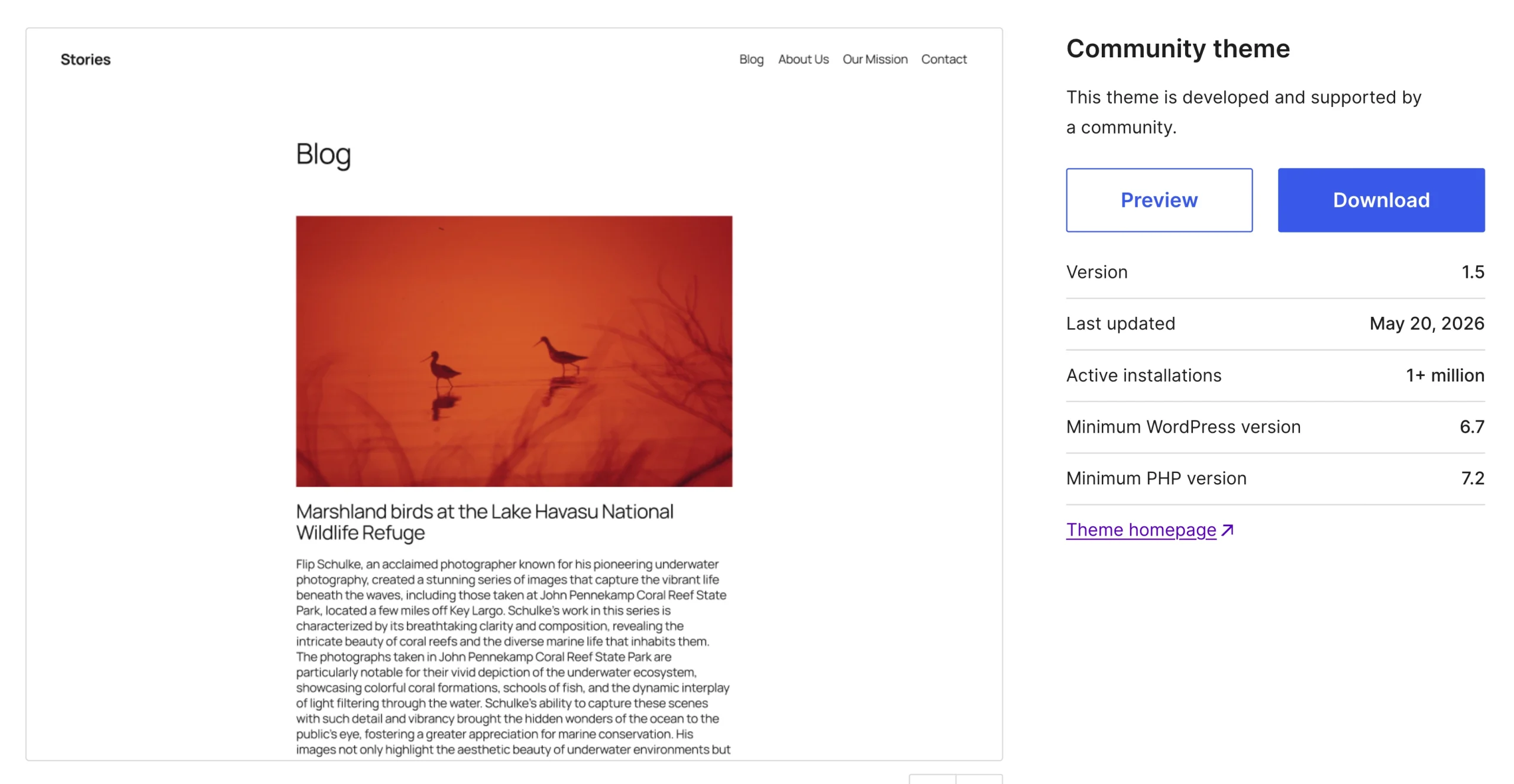
The theme includes:
- More than 70 patterns for different website sections and page layouts.
- Patterns for services, testimonials, contact information and landing pages.
- Full Site Editing for customising templates, headers, footers and other website elements.
- Different colour palettes, typography options and layout styles to match your business identity.
You can add blocks, rearrange sections and edit templates directly through the Site Editor. This gives you control over the website’s overall appearance while keeping your content within the standard WordPress editing system.
The theme is flexible and free, but getting a polished business website may take some familiarity with the block editor and Site Editor.
If you are new to these tools, allow time to learn how templates, patterns and individual blocks work together.
Which WordPress Theme Should You Choose?
The right theme depends on the type of business website you want to build and the features you need. The following recommendations can help narrow down your options.
| Small business website type | Themes to consider |
|---|---|
| Online shop | Astra, Blocksy, OceanWP, Neve |
| Local service business | Astra, Kadence, Sydney, Hestia |
| Portfolio or creative agency | Kadence, Astra, Divi, Avada |
| Content-heavy website or blog | GeneratePress, Astra, Kadence |
| Elementor users | Hello Elementor, Sydney, Neve |
| Divi users | Divi |
| Free, native WordPress website | Twenty Twenty-Five |
These recommendations are starting points rather than strict rules.
For example, a cleaning company may only need a homepage, service descriptions, an about page and contact details. A retailer selling products online may need more advanced WooCommerce customisation, product layouts and shopping features.
Choose a theme based on your actual business requirements, editing experience and budget rather than the number of design options it offers.
A simple theme that supports your needs may be a better choice than a feature-heavy option that takes more time and money to manage.
How to Keep Your WordPress Content Portable When Changing Themes
Choosing a theme is an important decision, but it does not mean you must use it forever.
WordPress separates much of your website’s content from its design. Your posts, pages and media generally remain in place when you switch themes. However, theme-specific layouts, widgets, shortcodes and other design elements may not transfer cleanly.
To reduce the amount of work involved when switching themes, take these steps:
1) Back up your website: Save a copy of your website files and database before making changes. This gives you a recovery point if the new theme causes problems.
2) Export your content: Go to Tools, then Export in your WordPress dashboard. You can export supported content, such as posts and pages, into an XML file. Remember that this is a content export, not a complete website backup.
3) Use standard WordPress blocks: Keep important text, images and page content in standard WordPress blocks where possible. This reduces dependence on proprietary design tools and makes content easier to reuse.
4) Use a child theme for custom code: If you add custom PHP or CSS, place it in a child theme rather than editing the parent theme’s files. This helps prevent theme updates from overwriting your changes.
5) Test the new theme on a staging site: Check the homepage, navigation, forms, product pages and mobile layouts before replacing the live design. Fix any display or functionality problems before making the change public.
The main principle is to keep your actual website content separate from the design tools used to display it. This gives you more freedom to change themes without rebuilding important parts of your website.
Launch Your Small Business Website with Truehost WordPress Hosting
A suitable WordPress theme gives your website its appearance and some of its functionality. You also need reliable hosting to make the website accessible to customers.
At Truehost, our WordPress-optimised hosting plans provide a practical starting point for small businesses building their online presence in Uganda. You get features that make it easier to install, manage and maintain your website, including:
- SSD storage for storing your website files and database.
- Free SSL certificates to help secure connections between your website and visitors.
- Daily backups to provide recovery points for your website data.
- cPanel for managing your hosting account and website files.
- Softaculous for one-click WordPress installation.
- WooCommerce support for businesses planning to sell products online.
You can start with a suitable hosting plan and upgrade as your website and business grow. Once WordPress is installed, choose a theme that fits your services, add your business information and make it easy for customers to contact you.
Give your business a place online where customers in Uganda can find your services, learn about what you offer and get in touch.
