A website builder is a tool that lets you create a website without writing a single line of code. You pick a design, swap in your own words and pictures, and hit publish.
You can go from zero to a live site in a few hours, sometimes minutes if you dont need to tweak every little detail with a website builder.
These tools aren’t just for simple blogs anymore.
People use them to build online stores, salon booking pages, restaurant menus with order forms, church websites, school portals, and freelance portfolios.
The reason? Traditional website development is slow and expensive. You either learn HTML and CSS (which takes months) or pay a developer thousands of shillings for something you can’t even update yourself.
A website builder puts you in control. You drag things around, type your content, and you’re done.
How Does a Website Builder Work?
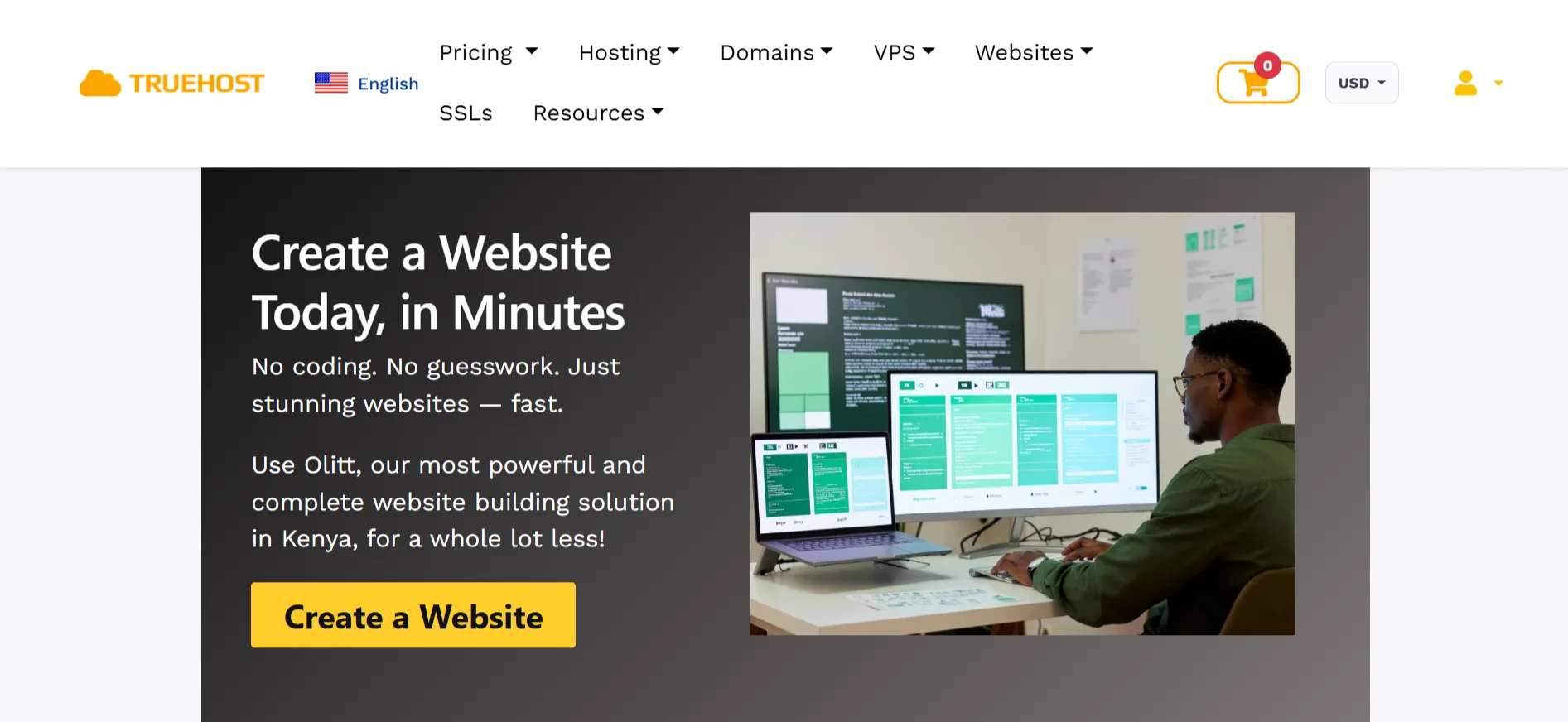
- Pick a Template – Choose from a library of ready-made designs built for specific industries, the one that suits what you want to build.
- Customize It – Click on the headline and type your own. Upload your logo and photos. Grab a section, say, the testimonials block, and drag it above the contact form.
- Publish – When you’re happy with how it looks, click the publish button. Your site goes live on the internet.
- Edit Anytime – You’re not locked in after publishing. Need to change your opening hours? Update a product price? Add a new photo to your gallery? Log in from your phone or laptop, make the change, and save.
How Much Is a Website Builder?
| Builder | Starting Price | Best For |
| Truehost | USh 136,021.00 | Beginners, local businesses, eCommerce |
| Wix | $17/month for Light plan | Visual design, basic sites |
| Squarespace | $19/month | Design-focused businesses |
| GoDaddy | $9.99/month | Quick, simple websites |
| Olitt | $10/year | Budget-friendly all-in-one solution |
Features of a Website Builder
1) Drag-and-Drop Editor
With this feature, you see your website on screen, and you move things around with your mouse or finger. Want the image on the left instead of the right? Drag it.
Want a bigger button? Grab the corner and stretch it. The editor should work on any device too; you can fix a typo from your phone on the go.
2) Prebuilt Templates
Good website builders give you dozens or hundreds of templates, and they’re not all the same design with different colors.
They’re built for specific purposes: a salon site needs booking buttons and service lists; a hardware store needs product categories and a contact form; a blog needs article layouts and a sidebar.
Pick the one that matches your industry, and you’re already halfway there.
3) Free Hosting & SSL
Hosting is where your website files live so people can visit them. SSL is the little padlock in the browser that tells visitors their connection is secure.
A good builder bundles both with your paid plan. You also get the option to connect your own domain (like yourbusiness.co.ke) or use a free subdomain while you’re testing things out.
4) E-Commerce Capabilities
If you’re selling anything, you need this.
A proper e-commerce setup lets you list unlimited products, accept payments through methods people actually use- mobile money, PayPal, cards, bank transfers- offer different shipping options, and keep track of what’s in stock.
You don’t need a separate Shopify subscription if your builder handles this well.
5) SEO & Marketing Tools
SEO (search engine optimization) is what helps your site show up when someone Googles your business.
Built-in SEO tools let you set page titles, descriptions, and keywords without needing a separate plugin.
Marketing tools go further: send bulk emails to customers, set up automated email sequences (drip campaigns), and connect your social media accounts so your posts and products sync.
6) Business Email & Forms
You want an email that says [email protected], not [email protected]. Many builders include free business email addresses, sometimes just one, sometimes up to seven depending on the plan.
Contact forms let visitors send you messages directly from your site. Some plans limit you to five forms; better plans offer unlimited forms.
7) Social Media Integrations
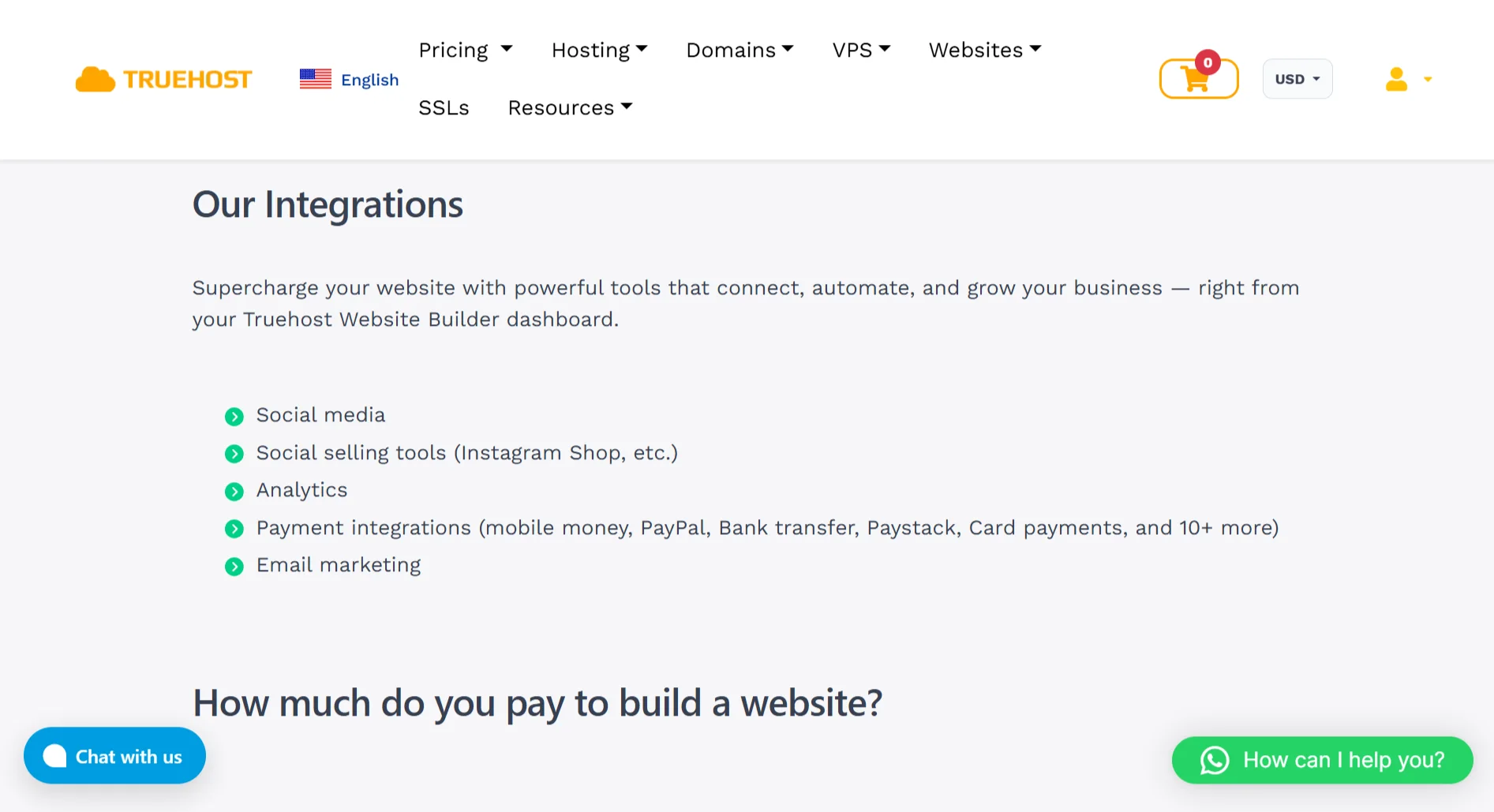
Your website shouldn’t exist in isolation. You want your Instagram shop visible on your site. You want a WhatsApp button so customers can message you directly.
You want your Facebook page linked in the footer. A good builder makes these connections simple, no copying and pasting code snippets.
8) Analytics & Reporting
You need to know if anyone is actually visiting your site. Built-in analytics show you how many people came this week, which pages they looked at, and where they came from.
No Google Analytics degree required, just a simple dashboard that tells you what’s working.
Benefits of Using a Website Builder
a) No Coding Needed
You don’t need to learn HTML, CSS, or JavaScript. You don’t need to understand what a “div” is or why your footer is floating in the middle of the page.
The builder handles the technical stuff. You just need the content.
b) Cost-Effective
A website builder subscription costs a few thousand shillings a year. For a small business or a freelancer just starting out, that difference is massive.
You get a professional-looking site without draining your savings.
c) Fast Setup
We’re talking minutes or hours, not weeks. You can pick a template in the morning and have a working site by lunch.
That speed is crucial when you’re trying to launch before a busy season, or you need something up quickly to share with potential clients.
d) Easy to Maintain
With a custom site, every tiny change- a new phone number, an updated price, a fresh photo means emailing your developer and waiting. With a builder, you log in and do it yourself in two minutes.
e) All-in-one Solution
Hosting, SSL, domain connection, email, forms, SEO tools, social integrations; it’s all in one dashboard.
You’re not juggling five different services and hoping they talk to each other. One login, one bill, one place to manage everything.
f) E-commerce Ready
If you’re selling products, you don’t need to build a separate store. The builder includes a shop section where you add products, set prices, and connect payment methods.
Customers browse, add to cart, and pay, all on your site.
f) Scalable
Start with a simple five-page site. Later, add a blog, a shop, a booking system, or member-only content.
Your website grows with your business without you needing to migrate to a completely different platform.
How to Get the Best Website Builder
- Know What You Want: Are you building a simple blog, a portfolio, a business site, or an online store? The answer changes which builder fits you best. A blogger doesn’t need complex e-commerce tools. A shop owner needs payment integrations that work locally.
- Set a Budget: Website builders range from free to premium. Figure out what you can comfortably spend per year, and watch for hidden costs; some charge extra for domain connection, business email, or removing their branding.
- Check Ease of Use: Look for a drag-and-drop editor that feels intuitive to you. Watch a demo or try a free trial. If the interface confuses you in the first five minutes, it’s probably not the right fit.
- Review Templates: Does the builder have professionally designed templates for your industry? A restaurant template should have menu sections and reservation forms. If you have to bend a generic template into shape, you’ll spend more time fighting the tool than building your site.
- Confirm What’s Included: Check whether hosting, SSL, domain connection, and business email are part of the plan. Some builders advertise a low monthly price but charge extra for basics. Read the plan details carefully.
- Evaluate SEO & Marketing Tools: If you want people to find you on Google, you need built-in SEO tools. If you want to stay in touch with customers, you need email marketing. If you sell on social media, you need integrations with Instagram, WhatsApp, and Facebook.
- Test Customer Support: Check if the builder offers phone, chat, or WhatsApp support. An email form that promises a reply within 48 hours won’t cut it when your site goes down on a Saturday.
- Check Payment & E-Commerce Options: If you’re selling online, the builder needs to support the payment methods your customers actually use. If it only supports international credit cards, your local customers will struggle to buy from you.
- Read Reviews & Compare: Look at what other people say; not just on the builder’s own website, but in independent reviews and forums. Compare Truehost, Wix, Squarespace, and GoDaddy on price, features, and local support.
- Try Before You Buy: Most builders offer free plans or trials. Use them. Build a test page. Click around. See how it feels.
Ready to Build Your Website?
You don’t need to spend weeks learning code or millions of shillings on a developer. With our website builder, you can have a professional site live in minutes.
Truehost is our most powerful and complete website-building solution in Uganda, for a whole lot less.
You get:
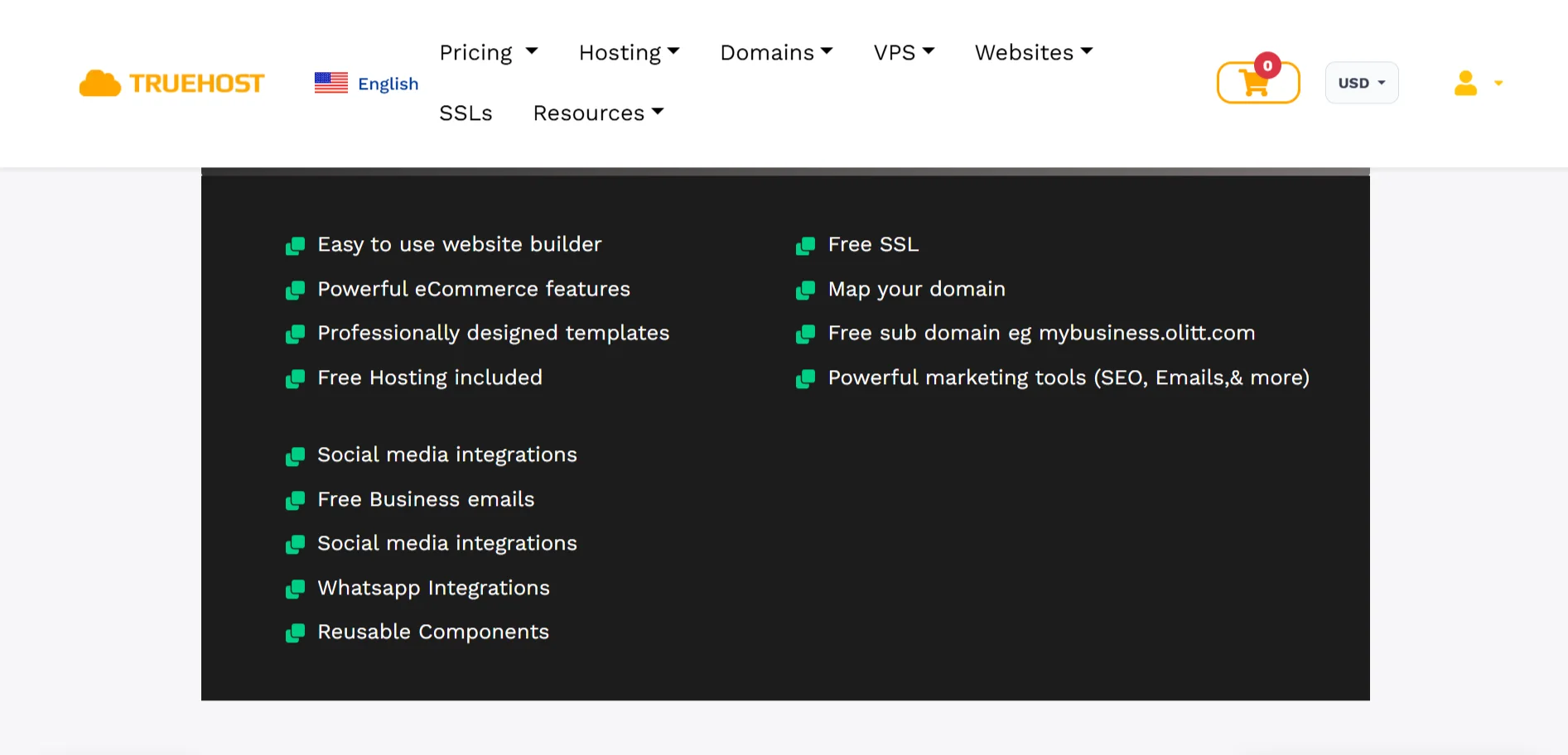
- An easy-to-use drag-and-drop editor
- Powerful eCommerce features
- Professionally designed templates
- Free hosting
- Free SSL
- Domain mapping
- A free subdomain like
mybusiness.truehost.com - Marketing tools including SEO and email campaigns
- Social media integrations
- WhatsApp chat
- Free business emails
- Reusable components you can drop into any page
The Website Builder Starter (DIY) is just USh 136,021.00 per year, with 1GB storage, unlimited bandwidth, a free domain, one business email, and SEO tools to help you rank on Google.
Pro and Business plans add more storage, more forms, more contacts, and more email accounts as you grow.
