Your enquiries are scattered. One sits in WhatsApp, another in your inbox, a third in a notebook nobody can find.
Every missed follow-up is a sale you already paid to attract. A CRM keeps every lead in one place, so none slip through.
Eurostat’s 2025 data shows only 25% of small EU enterprises used CRM software, against 65% of large ones.
Here is our pick of the best CRM for small business teams. We compare five tools on free plans, entry price, features, pros and cons. All prices are in UGX.
Best CRM for Small Business: Quick Comparison
| Tool | Best for | Free plan | Entry price (UGX/user/month) |
|---|---|---|---|
| HubSpot | Teams starting free | Yes | $20 (~UGX 74,000) |
| Zoho CRM | Budget and customization | Yes (up to 3 users) | $14, billed annually (~UGX 51,800) |
| Salesforce Starter | Teams planning to scale | Free suite (limited to 2 users) | $25 (~UGX 92,500) |
| monday CRM | Visual, custom workflows | Free trial | $12, billed annually (~UGX 44,400) |
| Pipedrive | Pipeline-focused sales | Free trial | $24 (~UGX 88,800) |
How we converted prices: We used about UGX 3,700 per US dollar. Market rates sat near UGX 3,660 in June 2026 and UGX 3,727 in August 2026. Rates move, so treat every UGX figure as an estimate. Prices are the lowest paid plan per user, as listed in 2026.
5 Best CRM Tools for Small Businesses
Each tool below gets the same checks: who it suits, what it does, where it falls short, and what it costs.
1) HubSpot CRM
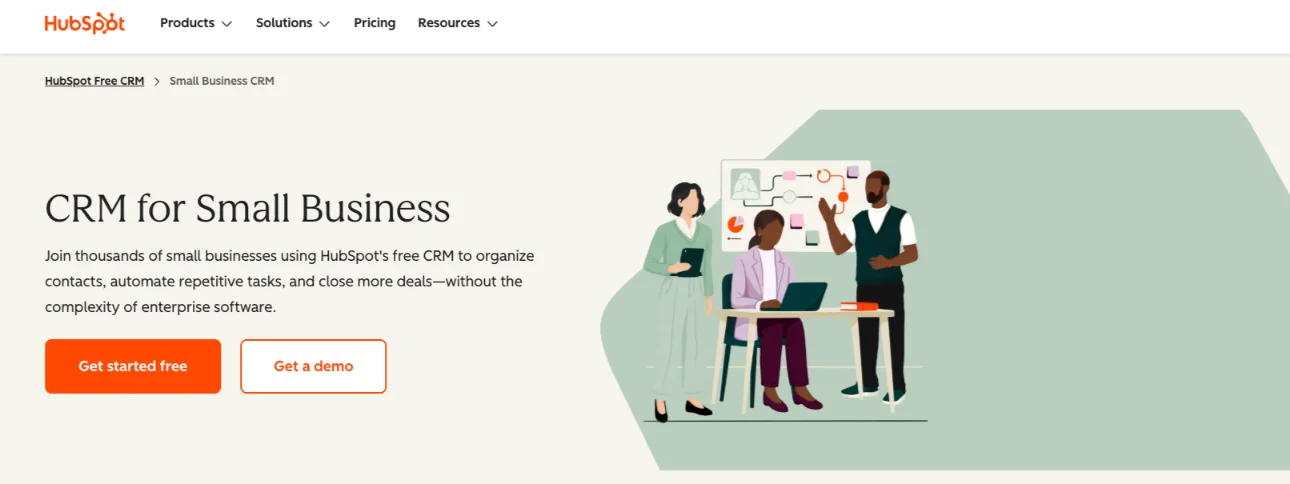
Best for: new teams that want a free, easy start and may add marketing and service tools later.
Features
- Contact management: one shared database with each customer’s history. Import your existing contacts.
- Deal tracking and pipeline: store, manage and report on deals, with tasks attached to each one.
- Enquiry capture: web forms, plus a meeting scheduler that logs booked meetings on the contact record.
- Email integration: Gmail and Outlook, templates, email tracking, and a Chrome extension that shows CRM data inside Gmail.
- Calendar and calls: Google Calendar and Office 365 scheduling, plus call logging against the contact.
- Marketing tools: audience segmentation, email and social campaigns, and website-building tools.
- AI tools: an AI writer for outreach, the Breeze assistant for researching target companies, and AI insights.
- Automation: light automation on the free plan. Email automation on paid plans.
- Reporting and integrations: sales activity dashboards, Slack, Google Calendar and the HubSpot App Marketplace.
Pros
- A real free plan with no time limit.
- Easy to set up and use.
- A clear upgrade path, so you don’t switch tools as you grow.
- Strong Gmail and Outlook integration.
Cons
- Automation and other useful features cost extra.
- Limited customization on some plans.
- Costs rise sharply at higher tiers.
Pricing
- Free CRM: UGX 0.
- Starter: $20 per seat on monthly billing (about UGX 74,000). Annual billing is cheaper, and some sources report promo rates from $7 per seat.
- Professional: $100 per seat on monthly billing, or $90 billed annually, plus a one-time $1,500 onboarding fee (about UGX 370,000 monthly).
- Enterprise: $150 per seat, plus a $3,500 onboarding fee (about UGX 555,000).
The jump from Starter to Professional is steep. Plan for it before you commit.
2) Zoho CRM
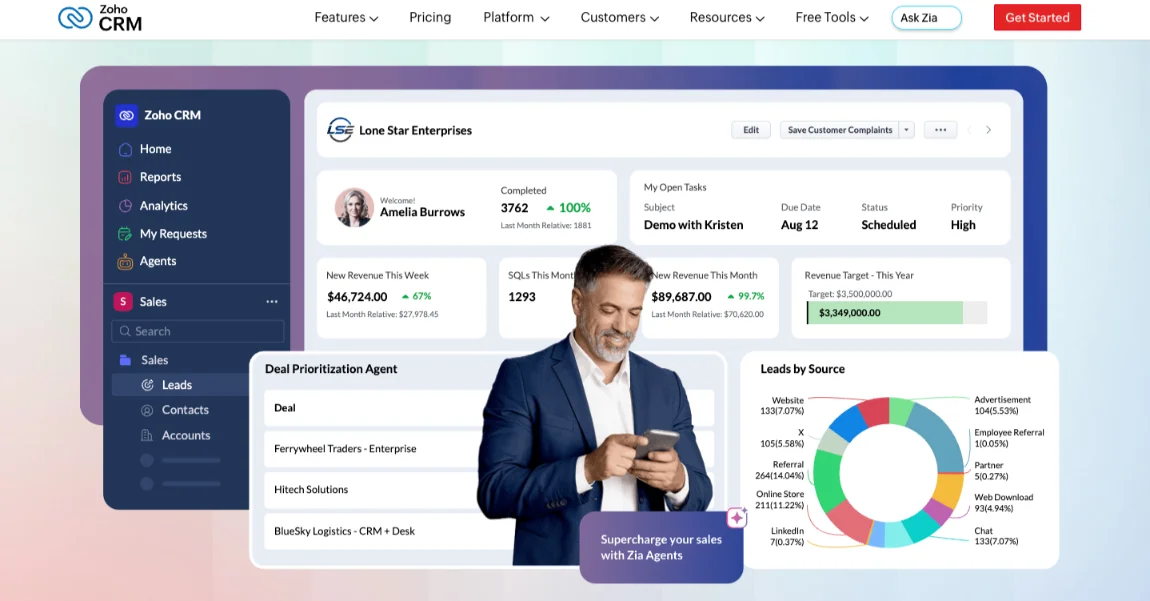
Best for: cost-conscious teams that want to customize their pipeline and may add other Zoho apps later.
Features
- Contact and lead management: record every interaction, with lead scoring to prioritize leads.
- Sales pipeline: customizable pipelines, plus Blueprint, an interactive flowchart that guides users through each workflow step.
- Email marketing: a direct link to Zoho Campaigns. Zapier connects other tools.
- Customization: custom fields, categories, workflows and dashboards. Custom modules on higher tiers.
- Collaboration: a company activity feed and dedicated team spaces.
- AI assistant (Zia): analyzes email and call sentiment, enriches profiles and helps with forecasting. The full version sits on the Enterprise tier.
- Automation: sales and marketing automation. Professional adds advanced process automation, validation rules, inventory and CPQ (quotes).
- Higher-tier extras: multi-user portals, social media management, paid-ad integration, predictive AI, and advanced analytics (bundled on Ultimate).
- Free edition: up to three users, with customer management, call logs and standard reports.
- Bigin: a lighter, pipeline-centered CRM from the same company.
Pros
- One of the lowest published entry prices for a full sales CRM.
- A free plan for up to three users.
- Many enterprise-style features at a fraction of Salesforce’s cost.
- Deep customization, including Blueprint workflows.
Cons
- A denser interface and a steeper setup curve than simpler tools.
- Hidden costs: extra users, implementation, data migration and onboarding add up.
- Monthly billing costs noticeably more than annual billing.
- Regional pricing can differ from the US price list.
Pricing
- Free: UGX 0, with no expiry, for up to three users.
- Standard: $14 billed annually, about $20 monthly (about UGX 51,800 annual).
- Professional: $23 billed annually, about $35 monthly (about UGX 85,100 annual).
- Enterprise: $40 billed annually, about $50 monthly (about UGX 148,000 annual).
- Ultimate: $52 per user per month, annual billing only (about UGX 192,400).
3) Salesforce Starter
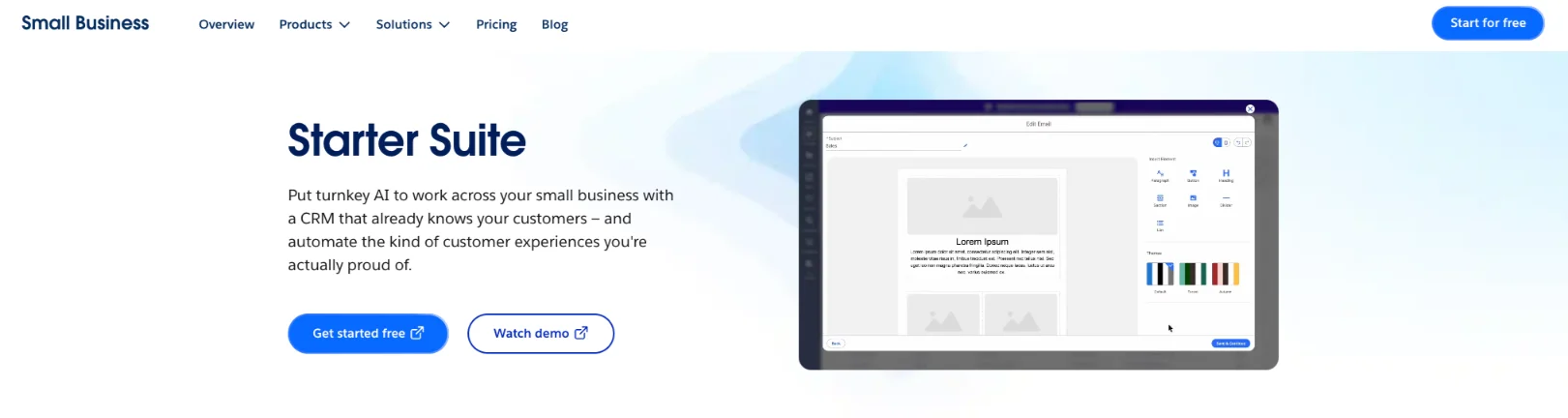
Best for: teams expecting to grow, or already working in the Salesforce and Slack ecosystem.
Features
- All-in-one dashboard: sales, service, commerce and marketing tools in one view.
- Contact management: customer details and history in one place.
- Sales tracking and forecasting, plus task and workflow automation.
- Guided onboarding: a ready-to-use setup, simple sign-up, easy data import and a library of learning resources.
- Built-in AI: AI-assisted email optimization, and Agentforce in Slack for sharing conversations and resources.
- Reporting: simple sales performance and marketing analytics.
- Marketing email: 2,000 sends a month included. Extra blocks of 1,000 cost $10 a month.
- Mobile app on all devices.
- Free suite: a permanent free option with two user licenses.
- Free trial: 30 days for Starter.
Pros
- Highly scalable, with the deepest ecosystem of the five tools.
- Guided onboarding and a ready-to-use setup.
- A full 360-degree view of each customer.
- You can pay month to month at the same rate as the annual plan.
Cons
- The highest entry price of the five tools.
- A big jump to the next tier, Pro Suite at $100 per user.
- A steeper learning curve and more complexity than small teams usually need.
- Add-ons cost extra, such as extra email sends.
Pricing
- Free suite: UGX 0 for two users.
- Starter: $25 per user per month, billed monthly or annually (about UGX 92,500).
- Pro Suite: $100 per user per month (about UGX 370,000).
4) Monday CRM
Best for: teams of three or more who want a visual, no-code workspace they can shape themselves.
Features
- Visual interface: drag-and-drop boards that show every deal at a glance.
- Pipelines: unlimited customizable pipelines and workflows, built without code.
- Templates: ready-made templates for leads, contacts and deals.
- Enquiry capture: forms and documents for collecting data.
- Email integration: Gmail and Outlook sync, plus alerts when an email is opened.
- Automation: automatic assignment of newly qualified leads and automated task reminders. Standard allows about 250 automation actions a month. Pro allows about 25,000.
- Customer profiles: the full interaction history in one record.
- Dashboards: custom dashboards with more than 15 widgets, and sales forecasting on higher plans.
- AI: lead enrichment and help prioritizing high-value prospects.
- Quotes and invoices: generated from CRM data. Monthly limits vary by plan.
- Integrations: 100+ apps, including Zoom, Slack, Google Workspace and Microsoft Teams.
- Mobile apps: iOS and Android.
- Support: 24/7, according to one competitor’s review.
- Free trial: included with each plan.
Pros
- An intuitive, highly visual interface.
- Flexible: it adapts to your own process without coding.
- Ready-made templates speed up setup.
- A long integration list.
Cons
- Every paid plan has a three-seat minimum, then seats rise in multiples of five. Small teams can pay for unused seats.
- Basic is very limited: five columns per board, one dashboard and no automations.
- Email sync starts on the Standard plan, per one source.
- Monthly billing costs noticeably more than annual billing.
Pricing
- Basic: $12 per seat per month billed annually (about UGX 44,400). Three seats is $432 a year, or about UGX 1,600,000.
- Standard: $17 per seat per month (about UGX 62,900).
- Pro: $28 per seat per month (about UGX 103,600).
- Enterprise: custom monthly price. Contact monday.com for a quote.
5) Pipedrive CRM
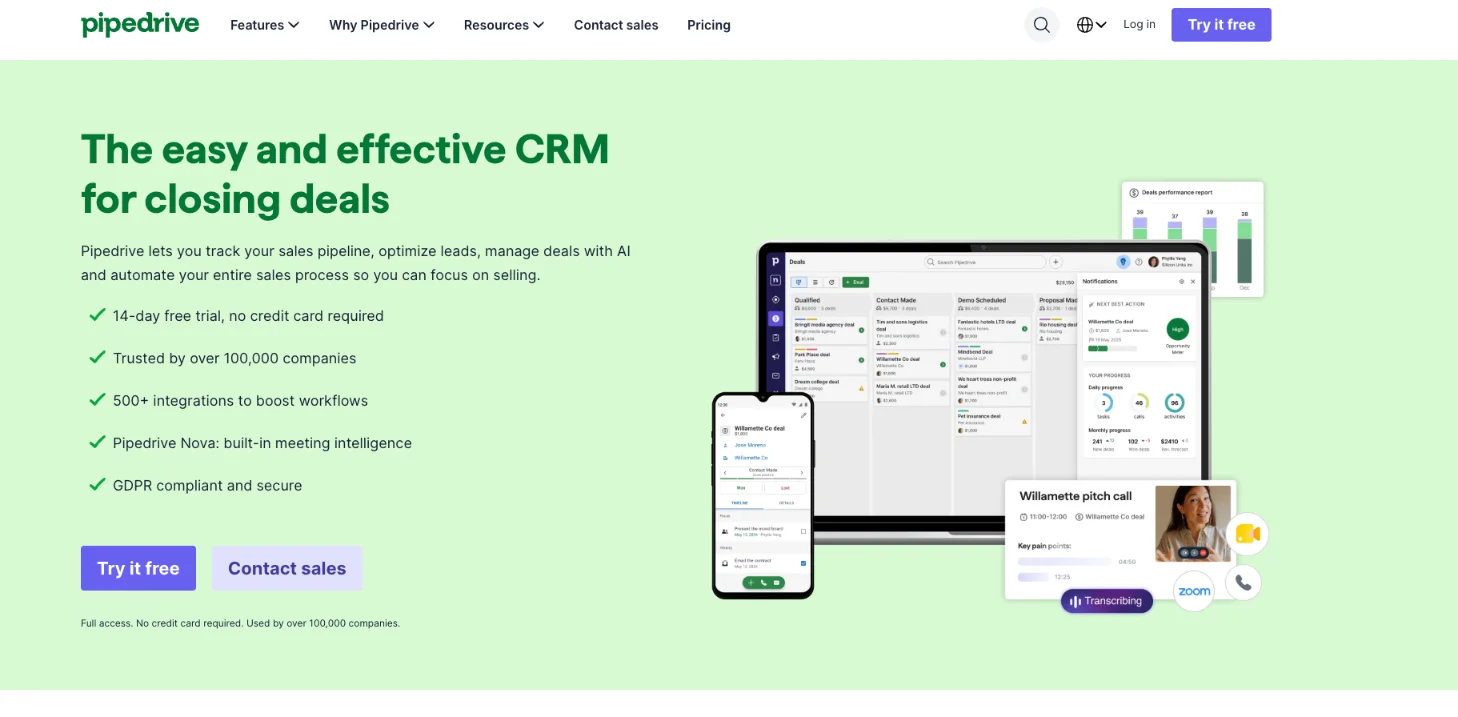
Best for: teams whose daily work revolves around moving deals through a sales pipeline.
Features
- Visual pipeline: a drag-and-drop view of every sales stage in real time.
- Custom pipelines: build as many as your sales process needs.
- Lead and deal management: track leads, monitor deals and take customers to the final stage.
- Chatbot builders: easy-to-use builders for capturing enquiries.
- Email integration: email sync, prebuilt templates, a drag-and-drop email builder, and open and click tracking.
- Automation: automated follow-up emails and activity reminders.
- AI sales assistant: personalized recommendations, real-time insights and help creating reports.
- Reports and dashboards: custom reports, sales dashboards and deal reports.
- Integrations: 500+ tools, including Slack, Trello, Google Workspace and Mailchimp.
- Mobile apps: strong mobile capability, so you can work from anywhere.
- Project management: features that keep deliverables and deadlines on track.
- Free trial: 14 days.
Pros
- Simple, intuitive and highly visual.
- Strong mobile apps.
- A very wide integration list.
- Smart features come on all plans, per one competitor.
Cons
- No free plan, only a trial.
- Fewer extras on the lower plans.
- Costs climb at the higher plans, Premium and Ultimate.
Pricing
- Lite: $24 billed monthly, or $14 billed annually (about UGX 88,800 monthly, UGX 51,800 annual).
- Growth: $49 monthly (about UGX 181,300).
- Premium: about $79 monthly (about UGX 292,300).
- Ultimate: $99 monthly (about UGX 366,300).
Annual rates for Premium vary between sources, so check Pipedrive’s pricing page.
How to Choose the Right Small Business CRM
Match the tool to your team, not to the longest feature list.
- Starting free or very cheap: HubSpot or Zoho CRM.
- Pipeline-first sales team: Pipedrive.
- Team of 3 or more wanting a visual workspace: monday CRM.
- Planning to scale: Salesforce Starter.
Check annual versus monthly billing before you commit. Zoho’s monthly rates run well above its annual ones. The gap on other tools is similar.
The best CRM for small business owners is the one your team opens every day. A cheap tool nobody uses costs more than a pricey one that works.
Your CRM also needs a home base. We at Truehost can set you up with a domain, hosting and professional email at truehost.ug.
Your Next Step: Shortlist Two and Start a Free Trial
Pick two tools. Then test each with 20 real enquiries before paying.
Use real leads from WhatsApp, email and your notebook. You will see fast which tool fits how you work.
If your website and business email aren’t set up yet, we at Truehost can help with a domain, hosting and professional email. Your enquiry forms and inbox will be ready to connect to whichever CRM you choose. Open a domain with us at truehost.ug.
Once your CRM is running, you can automate the repetitive work around it:
- n8n hosting: run self-hosted n8n on our KVM VPS, with unlimited workflows and a flat fee. Check that your CRM is on n8n’s integration list first.
- AI Workers: our AI Workers automate tasks such as data entry and report generation.
- OpenClaw hosting: run a private, self-hosted AI assistant on our VPS.
- VPS and dedicated servers: start on a VPS and move to a dedicated server if your traffic outgrows it.
CRM Tools for Small Businesses FAQs
Is there a free CRM for small businesses?
Yes. HubSpot has a free CRM with no time limit. Zoho’s free edition covers up to three users and does not expire. Salesforce offers a permanent free suite for two users.
monday CRM and Pipedrive only offer trials.
How much does a CRM cost per month in UGX?
Entry plans run from about UGX 44,400 to UGX 92,500 per user per month. That range covers monday Basic at the low end and Salesforce Starter at the high end.
Mid-tier plans cost more. Pipedrive Premium is about UGX 292,300 monthly, and HubSpot Professional is about UGX 370,000. monday also needs three seats, so its Basic plan starts near UGX 133,200 a month.
Can I pay in UGX or by mobile money?
Every price above is listed in US dollars. We did not find a published mobile money option for any of these subscriptions.
Plan on a Visa or Mastercard that can pay in dollars. Confirm the payment options at checkout, and remember the UGX cost shifts with the exchange rate.
Can I export my data if I switch CRMs?
Yes. HubSpot exports contacts as CSV, XLS or XLSX, and Pipedrive exports as CSV or Excel. Zoho has an Export option under Data Administration, and Salesforce exports through reports.
monday CRM is the exception. It exports to Excel only, with no native CSV option.
Do these CRMs work with Gmail or Outlook business email?
HubSpot and monday CRM both list Gmail and Outlook integrations. Pipedrive offers email sync, with full sync on its Growth plan.
For Zoho and Salesforce, check the plan page for email sync before you pay.
Business email on your own domain looks more professional to customers. You can set one up with us at truehost.ug.
