Your team’s work lives in a spreadsheet, a WhatsApp group and a crowded inbox. Then a deadline slips, and nobody knows who dropped it.
That is a normal day for many small teams. The fix is not working harder. It is putting everything in one place.
The right project management tools for small business give you that place. Tasks, deadlines, conversations and files sit side by side, so everyone sees who is doing what.
The problem is real. Wellingtone’s 2025 State of Project Management report found that only 31% of projects finish on time, on budget and on scope.
It also found that 21% of teams still run projects on spreadsheets.
Spreadsheets carry their own risk. A 2024 review of 35 years of research, published in Frontiers of Computer Science, reported that 94% of business spreadsheets contain errors.
This guide covers seven tools. I picked them on four points:
- Ease of use
- Price
- What the free plan really includes
- Features that suit small teams
Let’s start with a quick side-by-side look.
Quick Comparison Table
| Tool | Best for | Free plan | Starting paid price |
| ClickUp | All-in-one customization | Yes (unlimited users) | $10 per month |
| Monday .com | Visual work management | Yes (2 seats) | $9 |
| Airtable | Database-style projects | Yes | $20 |
| Wrike | Cross-team collaboration | Yes | $10 |
| Trello | Simple Kanban tasks | Yes | $5 |
| Basecamp | Team communication | Limited (1 project) | $15 |
| Asana | Structured task management | Yes (2 users) | $10.99 |
Prices are in USD, per user per month, and change often. Check each vendor’s pricing page before you buy.
Now let’s look at each tool in detail.
1) ClickUp
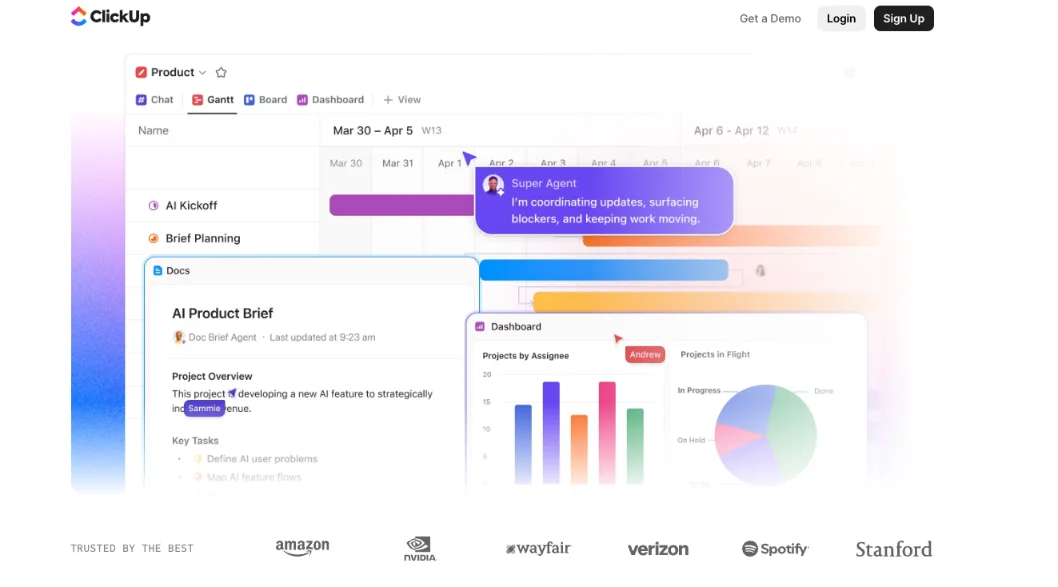
Best for: small to mid-size teams that want one platform instead of several subscriptions.
Key Features
- Task management with multiple assignees, assigned comments and task dependencies
- 15+ views of the same data, including List, Board, Gantt, Timeline, Calendar, Workload, Table and Mind Map
- Built-in time estimation and time tracking
- Goal setting, with tasks linked to higher-level objectives
- Real-time reporting and custom dashboards
- A document hub for wikis, docs and FAQs, which works as a company knowledge base
- Mind maps and checklists to break big tasks into smaller steps
- Automation and 50+ native integrations (Slack, Google, Microsoft, GitHub)
Pros
- Free Forever plan with unlimited users and unlimited tasks
- Strong feature-to-price ratio
- Replaces several tools, so there is less app-switching
- Keeps company resources in one place
- Highly customizable and scales as your team grows
Cons
- The interface can feel cluttered and overwhelming to new users
- It takes time to set up and learn
- Large datasets or complex projects can slow it down
- The free plan has a very small storage cap and limited automations
- The free version becomes read-only once the account limit is reached
- No phone support
Pricing
Free Forever; Unlimited 10billedmonthly(7 billed annually); Business 19billedmonthly(12 billed annually); Enterprise custom pricing.
2) monday .com
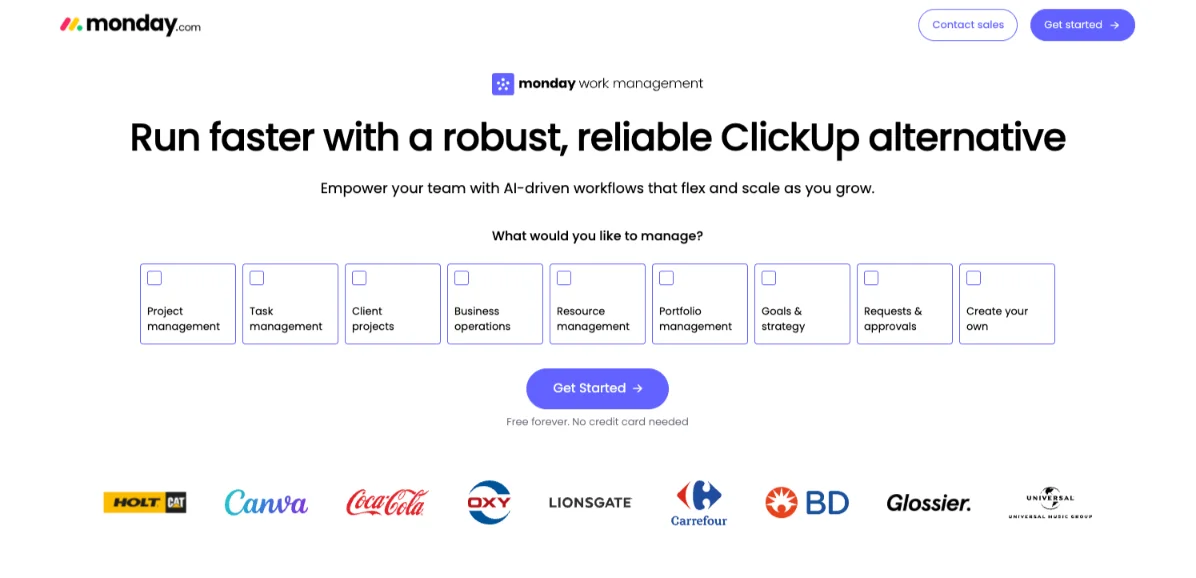
Best for: teams that want a colorful, easy-to-learn workspace.
Key Features
- Customizable dashboards and boards that show progress at a glance
- Multiple views: Kanban, timeline, Gantt, calendar and workload
- No-code automations, including reminders and “if this, then that” rules
- Portfolios and projects for tracking progress across many tasks
- Workdocs with live board data embedded
- A library of premade templates
- Column customization, including budget information on tasks
- 200+ native integrations (Google, Slack, Salesforce) and monday AI to automate workflows
Pros
- Clean, colorful interface that is easy to adopt
- Rule-based automation that needs no technical training
- Flexible enough for simple task lists or complex workflows
- Easy budgeting through custom columns
- Scales from startup to growing business
Cons
- Task filtering is limited
- Time tracking is only on the Pro plan
- The spreadsheet-style layout gets cluttered, and key details can get buried
- No native proofing and limited advanced analytics
- No inbound phone support
- The free plan is limited to 2 seats, 3 boards and no automations
Pricing
Free (2 seats); Basic $9; Standard $12; Pro $19.
3) Airtable
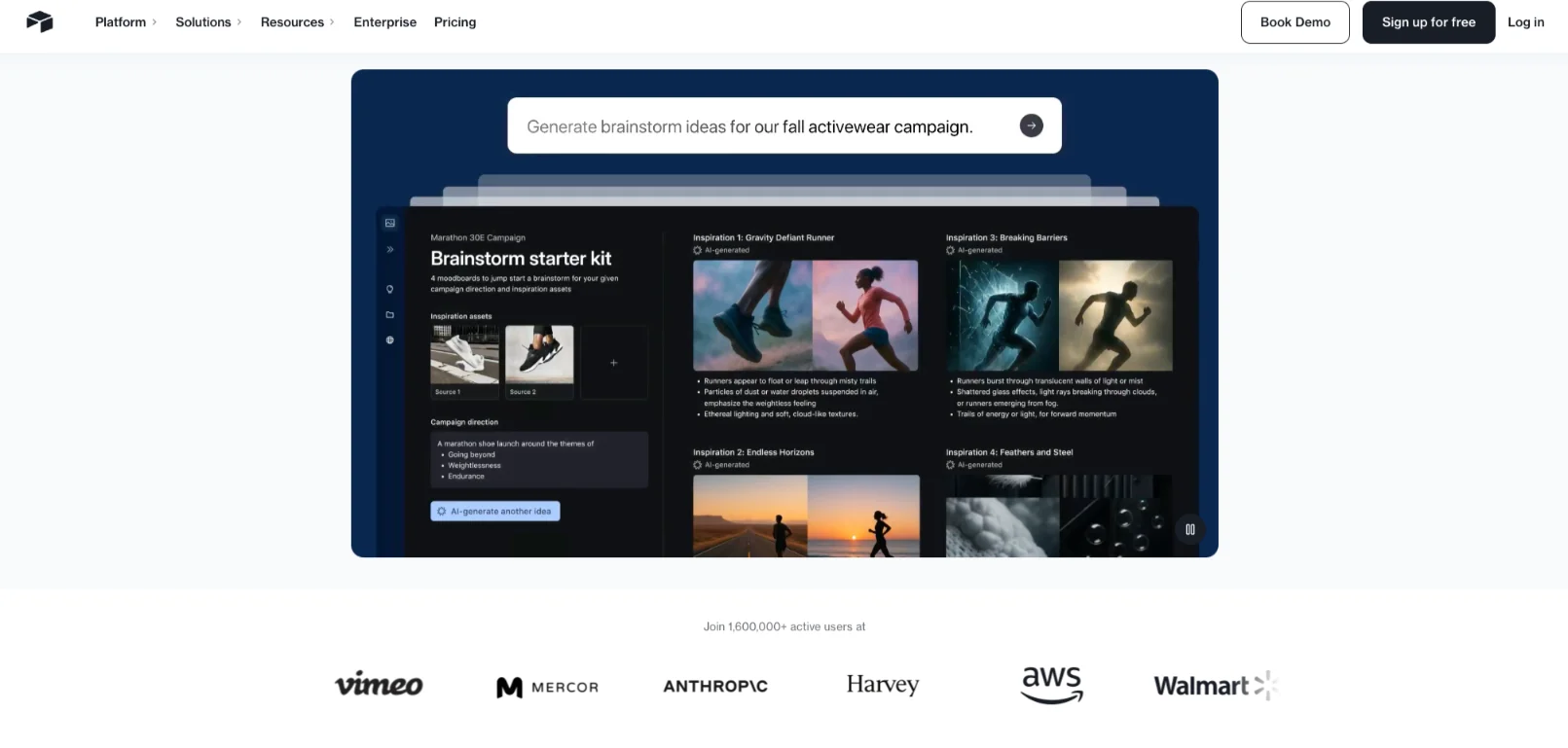
Best for: data-heavy work like content planning and product development.
Key Features
- A spreadsheet-database hybrid
- Switchable views: Grid, Calendar, Form, Gantt, Kanban, Timeline and List
- Real-time collaboration on shared tasks, timelines and deliverables
- Milestone tracking combined with task dependencies
- Pre-made templates and automations
Pros
- Excellent for managing large amounts of data
- Custom views let you focus on specific data
- Templates make setting up boards easy
- Good support options
- Easy to use, yet comprehensive
Cons
- Automations can be limiting for complex needs
- Its closed-source nature limits customization
- The interface can be complex to navigate
- It lacks some purpose-built project management features
Pricing
Free; Team $20; Business $45; Enterprise Scale custom pricing.
4) Wrike
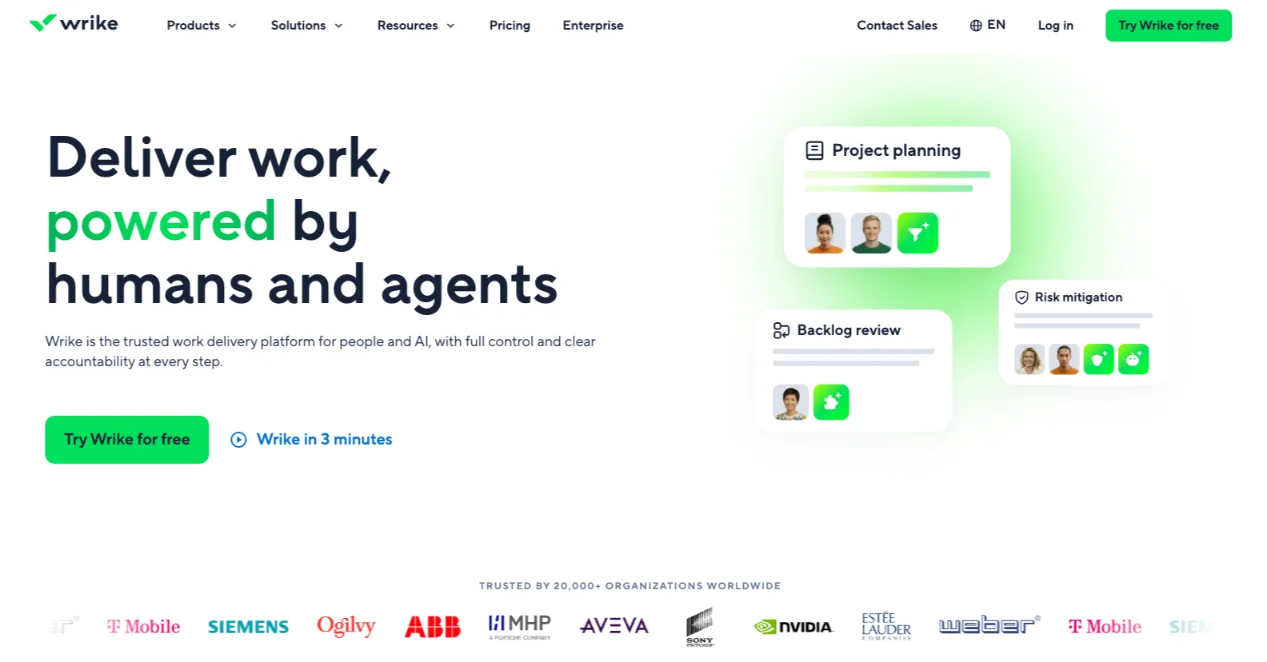
Best for: growing small businesses with remote or cross-functional teams.
Key Features
- Task management with subtasks and dependencies
- Gantt charts and Kanban boards
- Customizable dashboards and real-time analytics for workload and project health
- Work Intelligence and AI: risk prediction, auto-created tasks and subtasks, brief drafting
- Custom request forms with conditional logic
- Resource management and capacity tracking
- Built-in timer, online proofing and approvals
- Digital whiteboard, mind-mapping tools and a mobile app
- 400+ integrations (Google Calendar, Slack, Microsoft Teams, Adobe Creative Cloud)
Pros
- Very wide feature set
- A three-pane view gives clear visibility of project operations
- Built-in resource planning, time tracking and budgeting
- Strong automation and AI that save time
- Enterprise-grade security (SOC 2, ISO 27001, GDPR)
- 24/7 support and many guides
- A free plan you can start on, then grow into more features
Cons
- Advanced features may be more than a very small team needs
- Some integrations deliver delayed notifications
- The mobile app has no offline access
Pricing
Free; Team $10; Business $25.
5) Trello
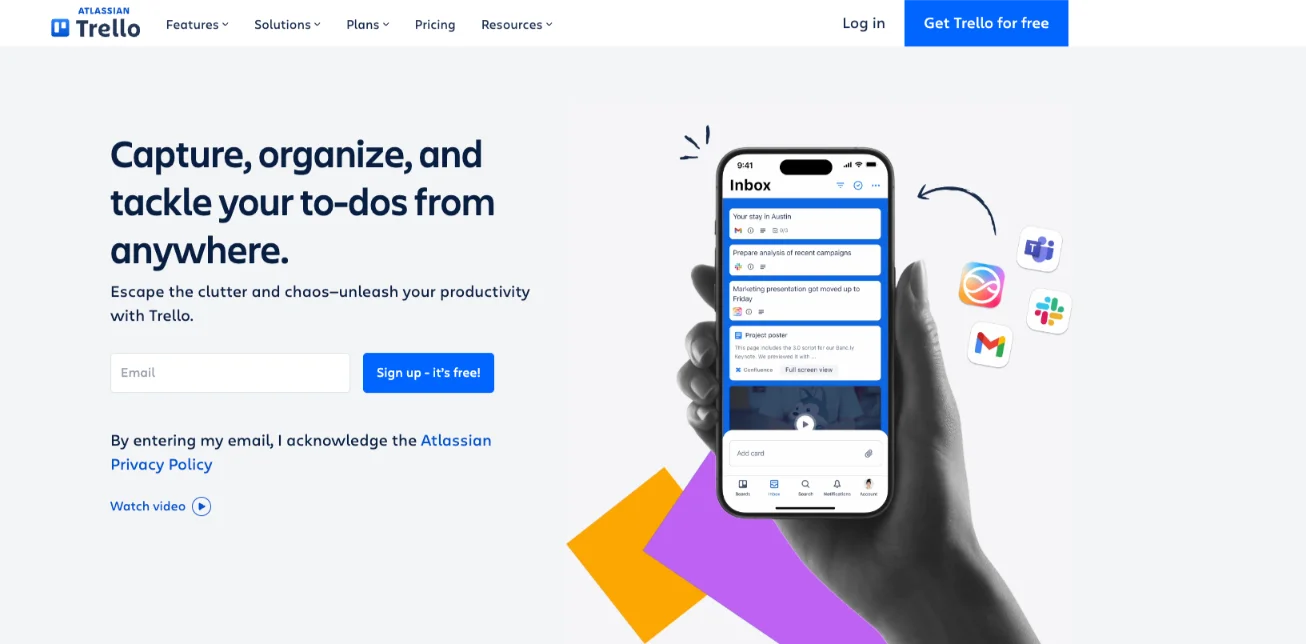
Best for: freelancers and small teams that want quick setup.
Key Features
- Kanban boards with drag-and-drop cards
- Lists to track high-priority or time-sensitive tasks
- Custom cards with due dates, labels, comments and checklists
- Butler no-code automation
- Power-Ups that add calendar views, Gantt charts, time tracking and more
- Real-time updates and 200+ integrations (Google, Slack)
Pros
- Very easy to set up and use
- Simple to invite outside members to a board
- Real-time updates suit several people working at once
- Built-in automation on every plan
- The free plan includes unlimited cards and users
- Works well for content calendars, simple workflows and client onboarding
Cons
- Weak for portfolio or high-level planning
- The free plan has no permission settings
- The free plan is limited to 10 boards per workspace
- Gantt and time tracking depend on Power-Ups
Pricing
Free; Standard $5; Premium $10; Enterprise $17.50.
6) Basecamp
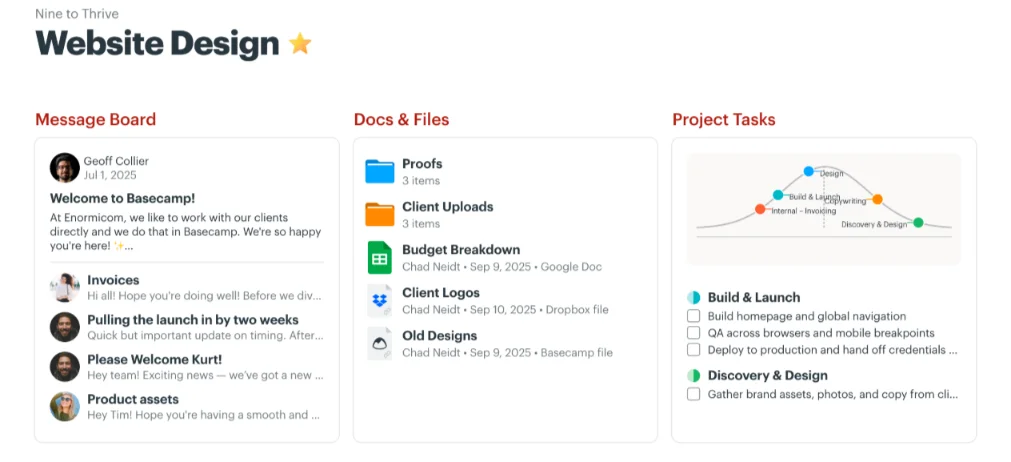
Best for: small teams, agencies and remote teams working with clients.
Key Features
- To-do lists with notes and attachments
- Message boards for project discussions
- Campfire group chat in every project
- Project scheduling with calendar sync
- Hill Charts to track progress visually
- Reports and automatic check-ins for status updates
- Docs and file storage
Pros
- Excellent for simple projects without complex requirements
- Clean interface that doesn’t overwhelm
- Automatic check-ins reduce repeated status meetings
- Easy calendar sync for the whole team
- A flat-rate pricing option regardless of team size
- Good for client collaboration
Cons
- Little customization, and task statuses are hard to adapt
- No detailed project tracking or resource allocation
- Message boards and to-do lists may not suit larger teams
- No formal security certifications and no SAML SSO on standard plans
- No phone or live chat support
- The free plan covers only one project
Pricing
Free (1 project); Plus $15 per user per month; Pro Unlimited $299 per month billed annually, for unlimited users.
7) Asana
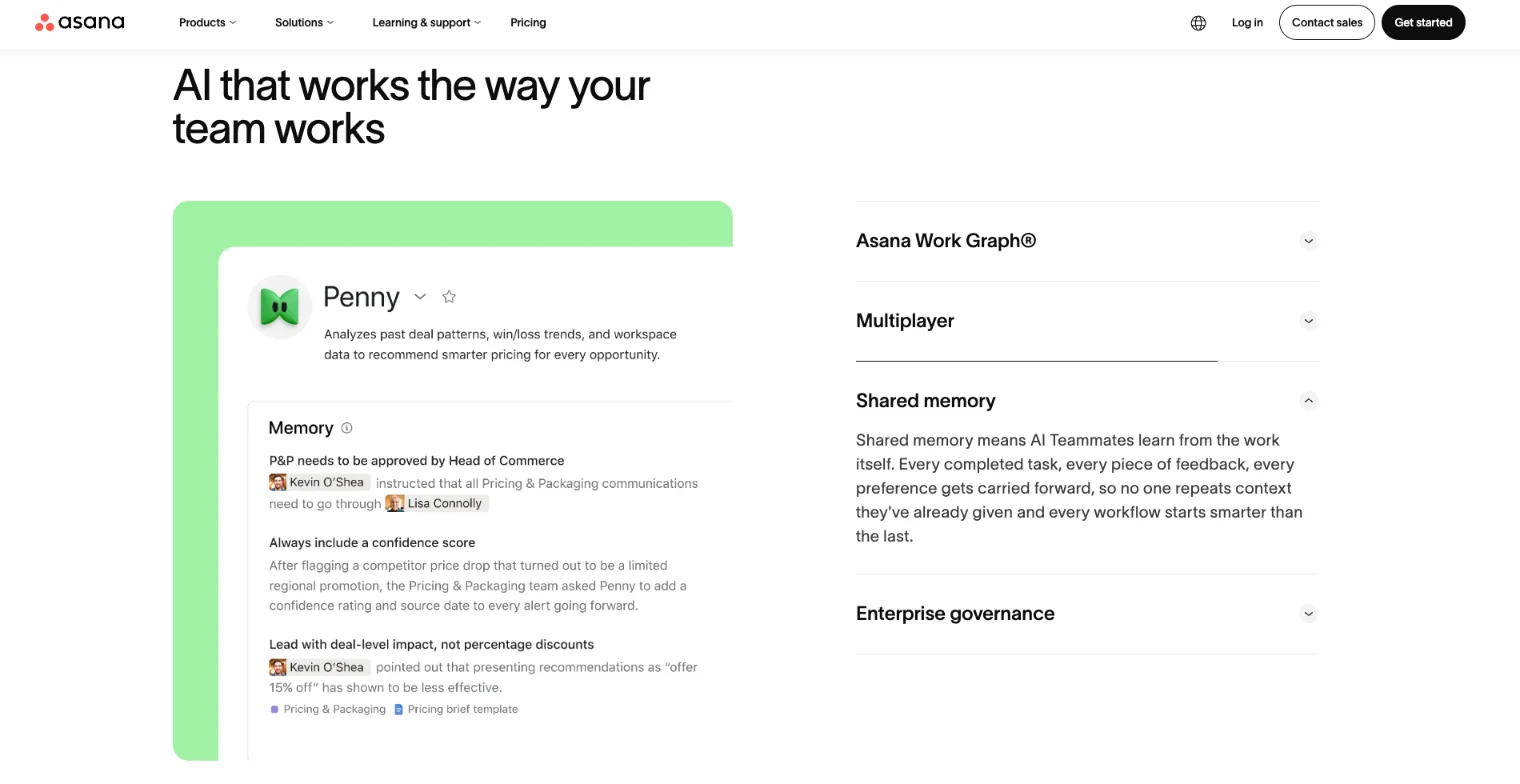
Best for: small to mid-size teams that want an intuitive, polished interface.
Key Features
- Task lists, boards, calendar and timeline views
- Workflow Builder for rule-based automation
- Gantt charts and task dependencies
- Strategic goals with performance metrics
- Workload management to spot overloaded team members (Advanced plan)
- Approvals and proofing (Advanced plan)
- File storage, project roadmaps and dashboards
- 200+ integrations (Google Drive, Google Calendar, Slack)
Pros
- An all-in-one tool in an attractive, easy-to-use interface
- Automations that need no technical knowledge
- The timeline view handles task dependencies cleanly
- Project boards plus a combined task view help with many projects at once
- Strong security (SOC 2, ISO certifications, 256-bit encryption, multi-factor authentication)
- Unlimited free guests on the Starter plan
Cons
- Workload and capacity planning is weaker and locked behind the Advanced tier
- The free plan is limited to 2 users and lacks timeline, Gantt, automations and dashboards
- No phone or live chat support
- Slow responses to how-to tickets
Pricing
Free; Starter $10.99; Advanced $24.99; Enterprise custom pricing.
Now you know the seven tools. Next, here is what to look for in any of them.
Key Features of Effective Project Management Tools
A good tool does the basics well. Look for these:
- Task management and tracking: assignments, deadlines and dependencies
- Collaboration and communication: comments, chat and file sharing
- Multiple views and project planning: Kanban, Gantt, calendar and milestones
- Reporting and analytics: dashboards, progress and bottlenecks
- Integrations: Slack, Google Drive, Microsoft and your CRM
- Automation: task assignment, reminders and status updates
- Resource management and time tracking
- Mobile access
- Security: encryption, two-factor authentication and compliance
- Templates
Features matter only if they change how your team works. That is where the benefits show up.
Benefits of Using Project Management Tools
- Better team collaboration, with fewer scattered emails and messages
- Higher productivity through automation and clear task visibility
- Better resource allocation, so nobody is overloaded
- Real-time progress tracking and earlier problem spotting
- Clear accountability, because every task has an owner
- Scalability as your business grows
- Live updates and dependencies that replace static spreadsheets
There are tradeoffs too. Every tool needs setup time, and every new app is one more login. Pick the simplest tool that does the job.
How to Choose the Right Project Management Tool
Use this checklist before you commit:
- Assess team size and who will use the tool
- Set a budget and check what the free plan really includes
- List your must-have features. Do you need Kanban only, or Gantt, time tracking and client access?
- Check integrations with the tools you already use
- Weigh ease of use against depth. Trello and Basecamp are simple. ClickUp and Wrike go deeper.
- Check security needs
- Trial it with real work, not just a demo
Then roll it out in four steps:
- Run a pilot project with a small group.
- Train the team on the basics.
- Review how it is going at 30 days.
- Review again at 60 and 90 days, then adjust.
Some teams outgrow hosted tools or want custom automation. If that is you, we at Truehost offer VPS hosting with one-click setup, so you can self-host tools like n8n and automate repeat work. Open a domain and hosting account with us to get started.
Project Management Tools for Small Business FAQs
Do small businesses really need project management software?
Not always. A team of two can manage with a shared list. Once you have several people, clients and deadlines, a tool saves time. Wellingtone’s 2025 report shows how many teams still struggle without a clear system.
What is the best free project management tool for a small business?
ClickUp offers unlimited users on its free plan. Trello’s free plan is the easiest to learn. Pick based on how much structure you need.
What’s the difference between task management and project management tools?
Task tools track individual to-dos. Project tools add timelines, dependencies, workload and reporting. Most tools in this list do both.
Can these tools replace spreadsheets?
Yes, for most project tracking. Airtable is the closest to a spreadsheet and adds views, forms and automation. Keep spreadsheets for pure number work.
How much does project management software cost?
The seven tools above start free. Paid plans in this list start at $5 to $20 per user per month. Basecamp also offers a flat rate for unlimited users.
Are project management tools secure?
Wrike and Asana list SOC 2 and ISO certifications. Basecamp has no formal security certifications. Check this before you store client data.
Do they work for remote teams?
Yes. Wrike, Basecamp and Asana are built with remote and distributed teams in mind. All seven have web or mobile access.
How long does it take to set one up?
Trello and Basecamp can take an afternoon. ClickUp and Wrike take longer because they have more options. A pilot project helps you learn quickly.
Get Your Business Set Up Beyond the Tools with Truehost
The right project management tool gives a small team one clear place to see who is doing what. Start with a free plan and test it on a real project before you upgrade.
Staying organized inside is half the job. Customers also need to find you and trust you online.
Every small business needs three basics:
- A domain name that matches your business
- A reliable website, on WordPress or web hosting
- Professional email under your own business name
We at Truehost cover all three. You can get domains, WordPress and web hosting, and business email from us. Need more power? We also offer VPS hosting with one-click setup, so you can self-host tools like n8n for automation.
You can try us without pressure:
- 24/7 support
- Free migration if you are moving from another provider
- A 45-day money-back guarantee, so you can test properly
Ready to start? Visit Truehost to pick your domain and hosting plan. If you need help setting up, contact our team.
