Websites are not all built the same, and they don’t need the same kind of home on the internet.
A personal blog that gets a few hundred visitors a month has very different needs from an online store processing orders around the clock.
That’s where web hosting comes in, and more specifically, the type of hosting you choose.
There are four main types of web hosting: shared, VPS, dedicated, and cloud. They differ in how resources are allocated, how much control you get, how easily you can grow, and how much you pay.
Some are hands-off and cheap. Others are powerful and expensive.
The trick is matching the hosting type to what your site actually needs right now, with a little room for where it’s going next.
Shared, VPS, Dedicated, and Cloud Hosting Compared
| Feature | Shared | VPS | Dedicated | Cloud |
| Starting price | USh 8,905.00 | USh 16,257.56 | USh 349,432.20 | USh 42,744.00 |
| Resources | Shared | Dedicated (virtual) | Fully dedicated | Pooled/scalable |
| Control | Limited | Root access | Full | Varies |
| Best for | Beginners, small sites | Growing sites | High-traffic/enterprise | Variable traffic, apps |
| Scalability | Low | Medium | Low–medium (hardware-bound) | High |
4 Types of Web Hosting
1) Shared Hosting
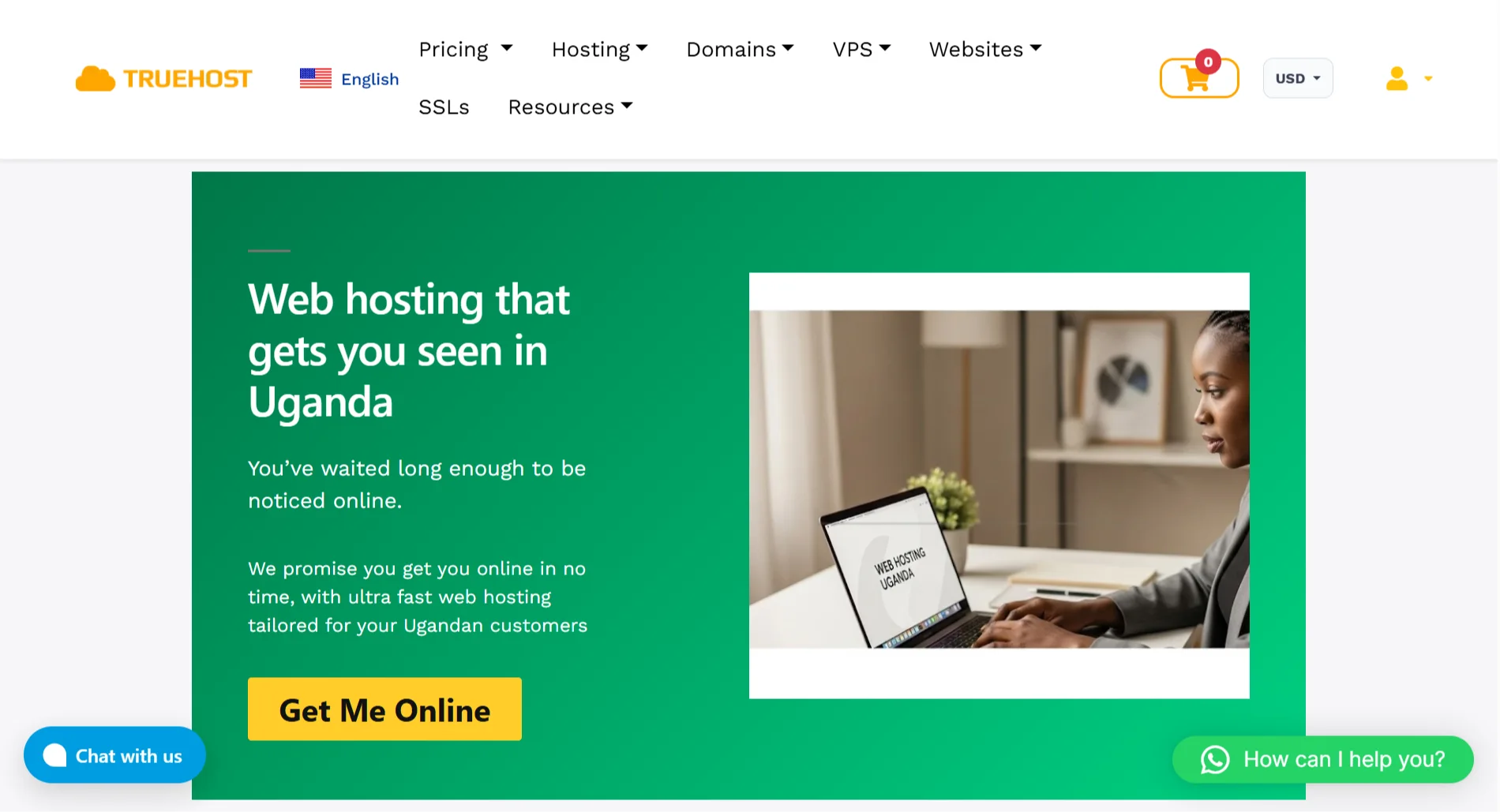
With shared hosting, multiple websites live on one physical server and share its CPU, RAM, and disk space.
Your host manages the server, applies security patches, and handles maintenance.
You get a control panel, like cPanel, and you can install WordPress or other apps with a few clicks, but you’re not touching the underlying server configuration.
This is the go-to choice for beginners, personal blogs, small business sites, and low-traffic sites on a budget.
If you’re putting up your first website or running a simple brochure site for a local shop, shared hosting does the job without asking you to learn server administration.
Truehost’s shared plans start at USh 8,905.00/month for Starter, USh 3,740.10/month for Pro, and USh 52,296.10/month for Unlimited.
It’s the cheapest option available, and you don’t need any technical skills to get started.
The host handles maintenance, and most plans throw in email accounts, SSL certificates, and a control panel. It’s the easiest way to get a site online fast.
The trade-off is shared resources, which means performance can dip when traffic spikes on someone else’s website.
You also have limited control over server configuration, and you can’t install custom software or change server-level settings.
2) VPS Hosting
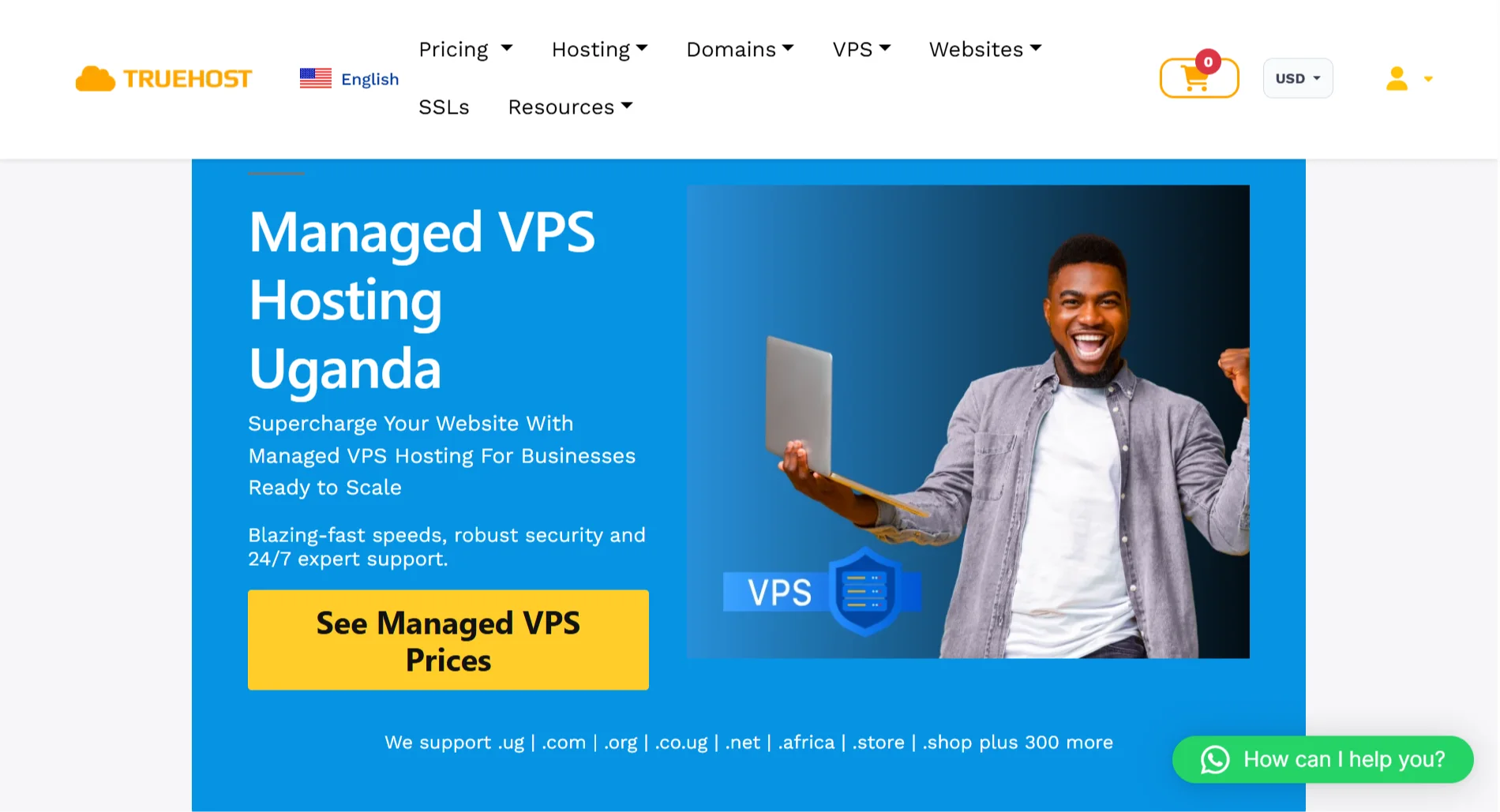
A VPS takes one physical server and divides it into virtual servers using a hypervisor. Each VPS gets dedicated CPU, RAM, and storage, along with its own operating system.
You get root access, which means you can install what you want, configure the server your way, and enjoy isolation from other users on the same machine.
This fits growing sites, e-commerce stores, developers, and businesses that have outgrown shared hosting but aren’t ready for the cost and commitment of a dedicated server.
If your site is getting more traffic than shared hosting can comfortably handle, VPS is the natural next step. Pricing starts at USh 16,257.56/month.
You get dedicated resources and better performance, plus root access opens up customization options that shared hosting simply can’t offer.
It’s scalable, and the isolation from other users makes it more secure than shared hosting.
On the other hand, it costs more than shared hosting and requires some technical knowledge, or you need to pay for managed support.
On unmanaged plans, you handle server admin tasks yourself, which means updates, security hardening, and troubleshooting are on you.
3) Dedicated Hosting
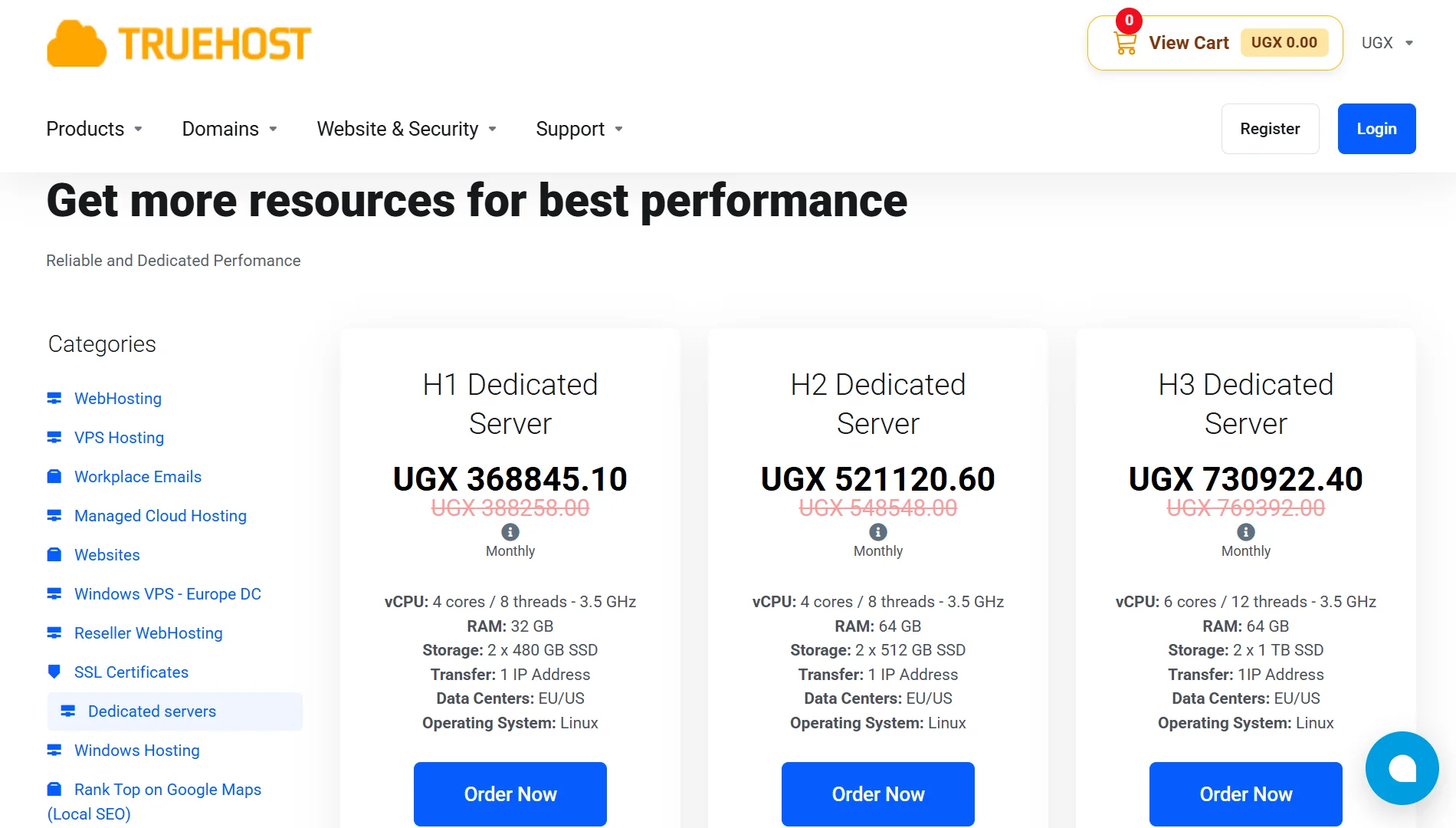
With dedicated hosting, you rent an entire physical server exclusively for your site or sites. No other users share the hardware.
You get full admin and root access, and you choose the configuration, the operating system, and the software stack.
This is built for high-traffic websites, large e-commerce platforms, enterprises, and applications with strict security or compliance requirements.
If your site consistently drives serious traffic and you need every ounce of performance, a dedicated server delivers.
Plans start at USh 349,432.20/month.
You get maximum performance and reliability, full control over the server, and the strongest security and isolation available. It’s highly customizable to your application’s needs.
The downside is cost; it’s the most expensive option. It also requires server administration skills unless you pay for managed add-ons, and scaling is less flexible because upgrading means moving to new hardware, which takes time and planning.
4) Cloud Hosting
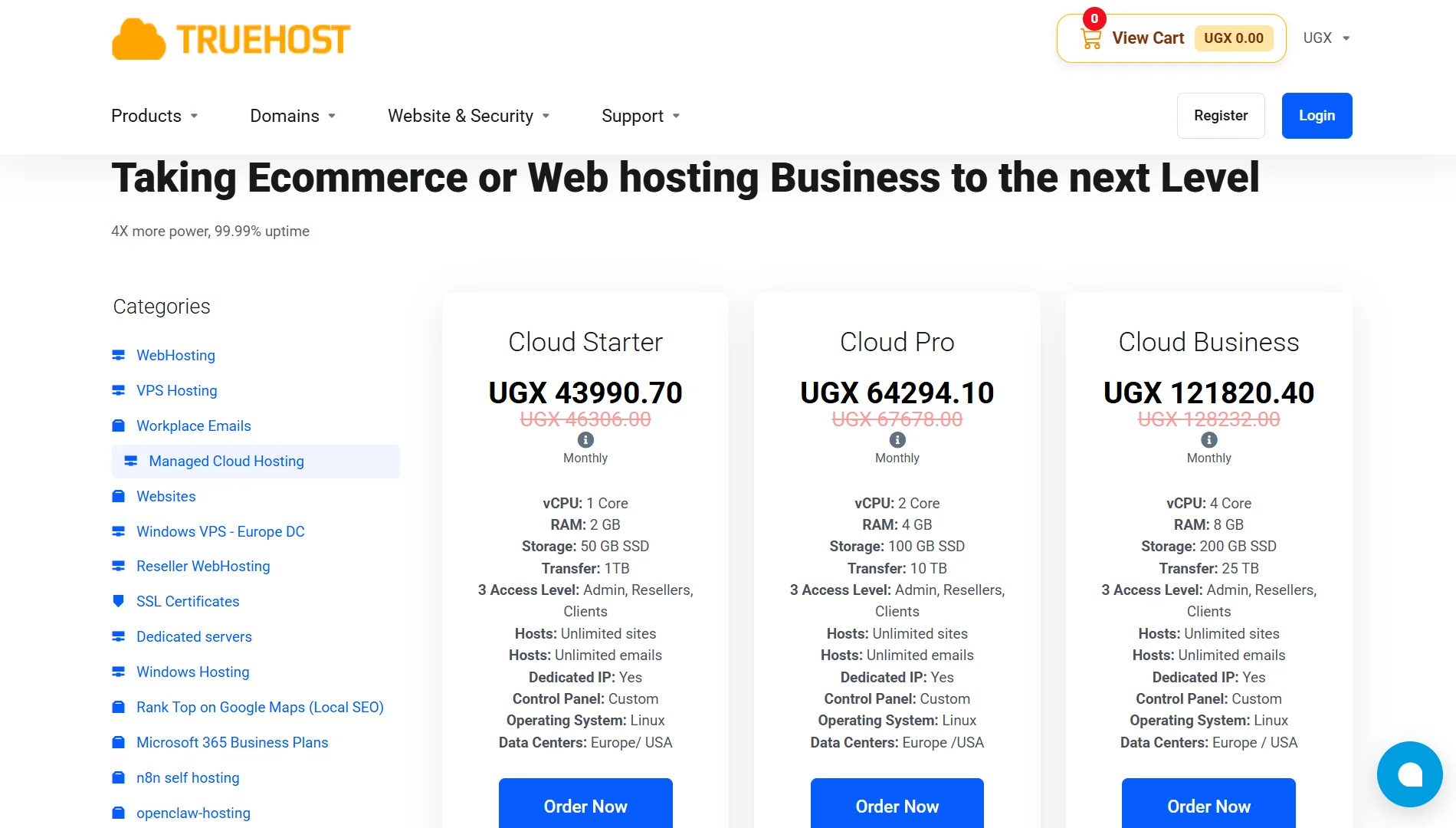
Cloud hosting runs your site across a network of connected virtual servers. Resources are pooled and can scale up or down on demand.
If one server fails, others keep your site online. You’re not tied to a single machine, which changes how reliability and growth work.
This suits sites with unpredictable or fast-growing traffic, SaaS applications, and businesses that need high uptime and easy scaling.
If your traffic spikes seasonally or you’re launching something that might blow up overnight, cloud hosting handles the uncertainty. Pricing starts at USh 42,744.00/month.
Scaling is easy, and you pay for what you use. You get high uptime and redundancy because there’s no single point of failure, and resources adjust to traffic automatically, so you’re not stuck with idle capacity or a crashing server during a surge.
Costs can vary with usage and become harder to predict, though, and configuration can be complex.
And performance depends on the provider’s infrastructure, so the quality of the cloud matters more than the label.
Factors to Consider When Choosing the Right Type of Hosting
a) Your Website’s Traffic and Growth Projections
Think about how many visitors you get now and how many you expect in six months or a year.
If you’re getting a few thousand visits a month and growth is slow, shared hosting is fine.
If traffic is climbing steadily, or you expect a surge, VPS or cloud makes more sense.
High or unpredictable traffic almost always points toward VPS or cloud because both can handle load that would overwhelm a shared server.
b) Your Budget
The cheapest plan today might cost you more later if you have to migrate in a hurry because your site outgrew it.
Balance the upfront cost against what upgrades will cost later. Shared hosting is cheap now, but if you know you’ll need VPS in a year, factor that in.
c) Technical Skill and Time
Figure out how much server work you want to do. Shared and cloud hosting are largely hands-off.
VPS and dedicated hosting need admin know-how, or you pay extra for managed support.
If you don’t know your way around a command line and don’t want to learn, managed options cost more but save you time and frustration.
d) Required Performance and Resources
Consider what your site runs. Heavy plugins, large databases, image-heavy portfolios, or custom applications all demand more CPU, RAM, and storage.
A resource-heavy site on shared hosting will crawl. If your site does real work, VPS or dedicated hosting gives you the resources to do it without competing with other users.
e) Security and Compliance Needs
If you’re handling sensitive data- customer payment details, health information, personal records- isolation is critical.
Shared hosting puts your site on the same server as other people’s sites, and while hosts secure the environment, you don’t control the neighbors.
VPS and dedicated hosting offer stronger security boundaries because they isolate you from other users.
f) Scalability and Flexibility
Will you need to scale up quickly? Or scale down if traffic drops? Cloud hosting scales on demand, which makes it the most flexible option.
Dedicated hosting is hardware-bound, so scaling means buying or renting new hardware. VPS is in the middle: more scalable than dedicated, less flexible than cloud.
g) Level of Control and Customization
Do you need root access, custom software, or specific server configurations? Shared hosting limits what you can change.
VPS and dedicated hosting give you full access.
If you’re running a custom application or need to install software that shared hosting won’t allow, you need the control that comes with VPS or dedicated hosting.
h) Uptime and Reliability Requirements
Downtime costs different sites different amounts. A personal blog can survive an hour offline. An e-commerce store loses sales every minute.
Cloud hosting offers redundancy because your site runs across multiple servers. Single-server setups, whether shared, VPS, or dedicated, are a single point of failure.
If uptime is critical, cloud hosting’s architecture is built for it.
i) Support and Maintenance
Check what’s included. Managed hosting costs more but covers updates, security, and server maintenance. Unmanaged hosting is cheaper but puts the responsibility on you.
Look at response times and support channels too. If something breaks, you want to know how to reach someone.
j) Type of Website or Application
A blog or a simple brochure site fits comfortably on shared hosting. An online store or custom web app needs more resources and control, which points to VPS, cloud, or dedicated hosting.
Match the hosting to what your platform requires. WordPress runs on almost anything, but a WooCommerce store with hundreds of products and steady traffic will quickly show the difference between shared and VPS.
Get Affordable Hosting at Truehost
If you’ve read through all of that and you’re thinking, “I just need a reliable place to start,” we’ve got you covered.
At Truehost, our shared hosting plans are built for real websites, whether you’re launching a personal project or getting a business online for the first time.
Our Starter plan is USh 8,905.00/month, and it’s enough for a fresh website, a portfolio, or a blog that’s just finding its audience.
The Pro plan at USh 3,740.10/month gives you more room for small business sites and professional company pages.
And if you’re running an agency, a busy online shop, or managing multiple sites, the Unlimited plan at USh 52,296.10/month takes the limits off storage and websites.
Every plan comes with SSD storage for fast page loads, free SSL certificates, unlimited email accounts at your domain, and daily backups.
You get cPanel to manage your site without a headache, plus one-click installs for WordPress, Joomla, and Drupal.
If you’re in Uganda, we’ve set things up with local needs in mind: fast setup, support that actually responds, and some of the lowest renewal prices around.
You can go live in under 30 minutes, and if you ever need to move from another host, our team handles the migration.
You don’t have to figure out VPS or dedicated hosting on day one. Start where you are. We’ll be here when you’re ready for more.
