Windows hosting is a type of web hosting where the server runs Windows Server instead of Linux.
The server is a computer in a data center, loaded with Microsoft software so it can run websites and applications built for the Microsoft ecosystem.
Windows hosting is great for people building with Microsoft tools.
If your site runs on ASP.NET, needs a Microsoft SQL Server database, or depends on the .NET Framework, Windows hosting is the environment it was made for.
You don’t have to fight the server to get your application to work.
The main advantage here is native compatibility. When your hosting matches your technology stack, things just work.
Microsoft’s tools are designed to talk to each other, and Windows hosting keeps that chain intact from the operating system down to the database.
How Windows Hosting Works

The foundation is Windows Server, and on top of it runs IIS, which stands for Internet Information Services. IIS is Microsoft’s web server software.
It listens for incoming requests and serves up your website files or runs your application code when someone visits your site.
Your Microsoft technologies get direct support. If you’re running ASP.NET or .NET Core, IIS knows exactly how to handle it.
If you’ve got an MSSQL database, the server environment is built to work with it without any translation layer or compatibility headaches.
For managing everything, you’ll almost always see Plesk as the control panel. It gives you a visual interface to handle files, databases, email accounts, and domain settings.
You don’t have to memorize command-line instructions to do everyday tasks.
Most Windows hosting plans share resources. The physical server’s CPU, RAM, and storage are divided among multiple hosting accounts.
That keeps the price down compared to a dedicated server, while still giving your site a stable environment.
How Much Does Windows Hosting Cost?
| Provider | Starting Price | Key Features |
| Truehost | USh 5,672.49 | SSD storage, free SSL, Windows Server 2019,ASP.NET & MSSQL, DDoS protection, Plesk |
| InterServer | $8/mo | Unlimited storage & bandwidth, free CloudFlare CDN, weekly backups, free migration, Plesk |
| IONOS | $16/mo | Scalable VPS+, VM cloning, load balancing, block storage, unlimited traffic, AI assistant, 99.99%+ uptime |
| Liquid Web | $105.50/mo | Fully managed, 99.999% uptime, 30-min hardware SLA, Microsoft Silver partner, Plesk |
| AccuWeb Hosting | €3.12/mo | Windows Server 2022,ASP.NET & .NET Core 9.0, Node.js, 30-day money-back |
| Hostwinds | $22.99/mo | Fully managed, nightly backups, server monitoring, instant scalability, snapshots |
What Should You Look For in Windows Hosting?
- Microsoft tech support: Check that the plan explicitly supports ASP.NET, MSSQL, and .NET Core. If the host only mentions PHP and MySQL, it’s probably a Linux plan with a Windows label slapped on.
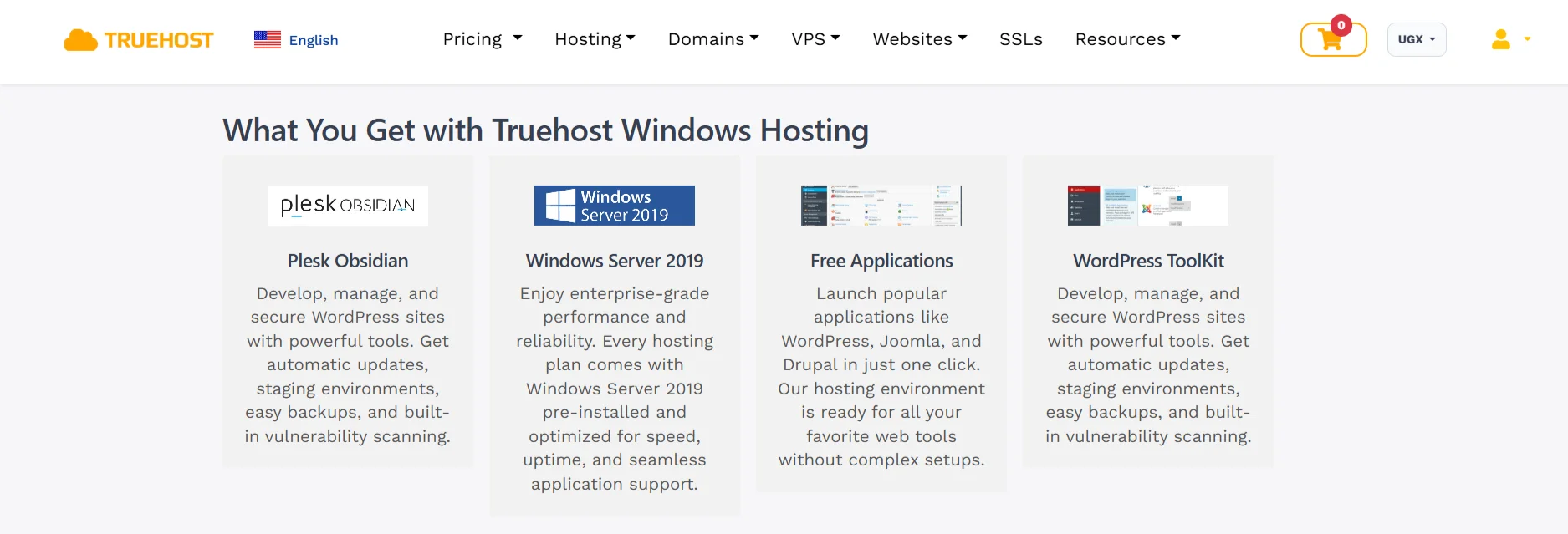
- Windows Server version: Aim for Windows Server 2019 or 2022. Older versions might still work, but you want the security updates and performance improvements that come with the newer releases.
- Control panel: Plesk is the standard for Windows hosting. It’s what you’ll use to manage your site, so make sure it’s included and not an expensive add-on.
- Storage type: Go for SSD storage over traditional hard drives. The speed difference for database queries and file access is noticeable.
- Uptime guarantee: Look for a 99.9% uptime guarantee or higher. Anything less risks downtime that could hurt your site’s reputation.
- Scalability: You want a host that lets you upgrade your plan without a massive migration project. As your site grows, your hosting should grow with it.
- Support: 24/7 support matters, but it should be support that actually understands Windows. Someone who only knows Linux commands won’t be much help when IIS throws an error.
- Security: Free SSL certificates, DDoS protection, and regular backups are baseline features now. Don’t settle for a host that treats them as premium extras.
- Price vs. value: Match the features to what you actually need. If you’re running a simple ASP.NET site, you don’t need a fully managed enterprise plan. If you’re running a business-critical application, the cheaper shared plan might not cut it.
- RDP access: Remote Desktop Protocol access lets you connect to the server’s desktop as if it were your own computer. Only pay for this if you actually need that level of control. Many shared Windows hosting plans don’t include it.
6 Best Use Cases for Windows Hosting
a) ASP.NET & .NET Core Applications
ASP.NET and .NET Core are Microsoft’s frameworks for building web applications. On Windows hosting, they run natively.
There’s no compatibility layer, no workaround, no hoping the server interprets your code correctly.
If you’re a developer working in the Microsoft ecosystem, this is the environment you want.
b) MSSQL Databases
Microsoft SQL Server is a robust database system, and it runs best on Windows.
You get full access to its features, including the advanced security and performance tools that make it suitable for serious applications.
On a cross-platform setup, you might get MSSQL working, but you won’t get the same level of integration and performance.
c) Corporate & Enterprise Sites
Businesses that already run on Microsoft infrastructure benefit from Windows hosting.
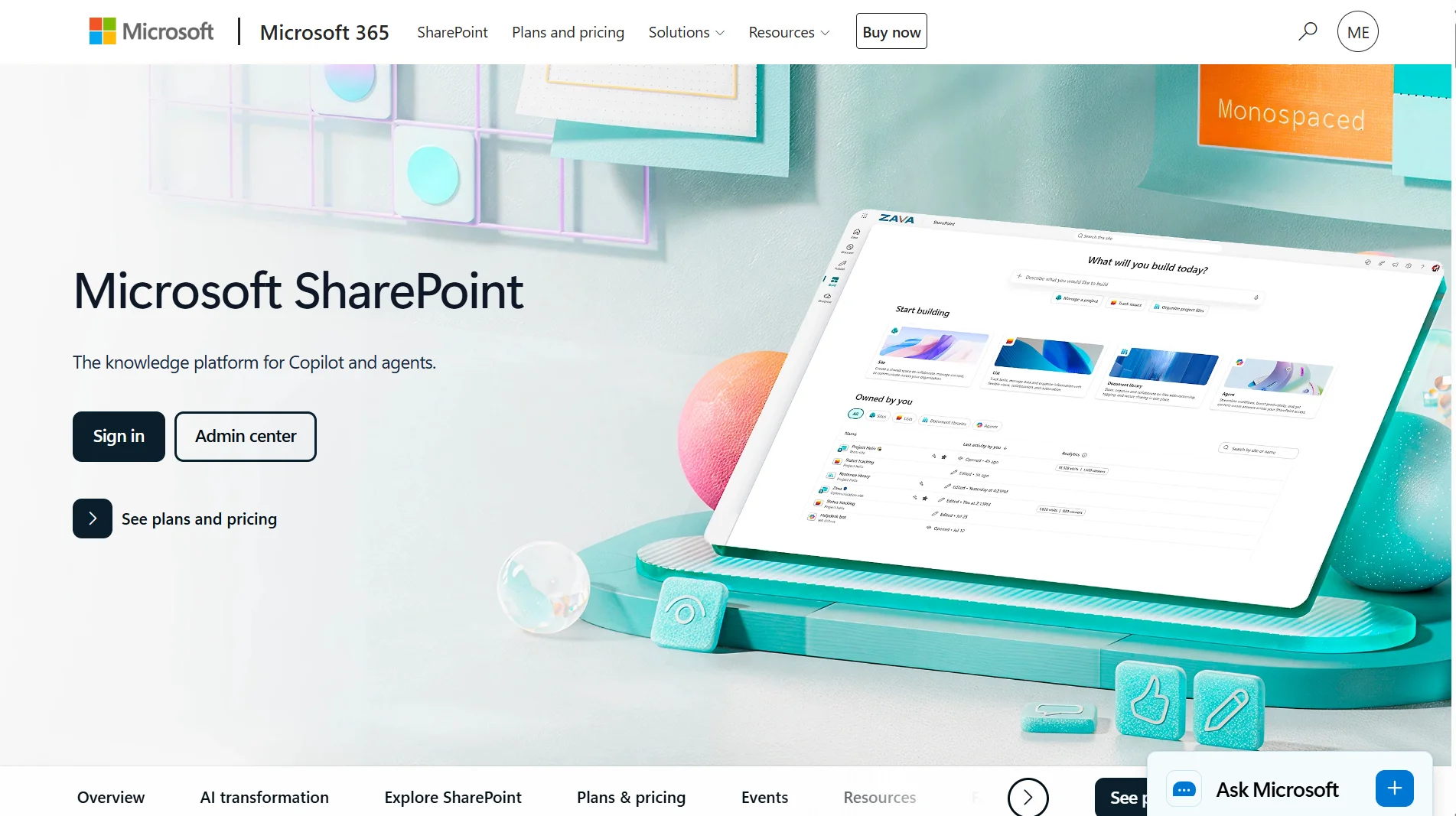
If your company uses Active Directory for user management, SharePoint for collaboration, or Exchange for email, a Windows server fits right into that environment.
It meets the security standards that enterprises typically require, and it doesn’t need special configuration to talk to your existing systems.
d) E-commerce Stores
Many shopping cart platforms and e-commerce systems are built on ASP.NET. Running them on Windows hosting means you’re using the platform they were designed for.
Payment gateways integrate smoothly, and the server can handle traffic spikes during sales or busy periods.
The stability of the Microsoft stack is an advantage when you’re dealing with transactions and customer data.
e) Windows-Based CMS

Windows-based content management systems include Sitecore, Umbraco, and DotNetNuke.
These aren’t household names like WordPress, but they’re powerful tools for businesses that need them.
Setting them up on Windows hosting with Plesk is straightforward, and each has its own ecosystem of plugins and extensions that expand what it can do.
f) Custom Business Apps
A lot of companies have internal tools- CRMs, ERPs, inventory systems that were built on the Microsoft stack.
These apps often need to integrate with other Microsoft software or require specific server configurations.
Windows hosting gives them a home that matches their requirements, and it’s flexible enough to accommodate custom development needs as the business evolves.
Pros of Windows Hosting
- Required for classic ASP and the .NET Framework
- Best-supported platform for MSSQL hosting
- Runs modern .NET (Core, 5+) without issues
- Smooth integration with Visual Studio (Web Deploy) and PowerShell
- Works well with Active Directory and other Microsoft infrastructure
- GUI-based management via IIS Manager and Remote Desktop
- Can host PHP, MySQL, and Node.js alongside Microsoft stacks
Cons of Windows Hosting
- Higher cost due to Windows Server and SQL Server licensing
- Less optimized for PHP, MySQL, and other open-source stacks
- Fewer hosting-specific tutorials and community resources
- Some tools and container-based workflows are Linux-first
- Higher resource usage than a minimal Linux install
Get the Ideal Windows Hosting Plan
Want to try Windows hosting? Let me point you to what we offer at Truehost.
Our Windows hosting plans start at USh 5,672.49/month and run up to USh 12,140.48/month. Every plan runs on Windows Server 2019 with SSD storage, so your site loads fast, and your database queries don’t drag.
You get Plesk for managing everything, free SSL certificates for your domains, and DDoS protection built in.
We’ve set things up so that ASP.NET and MSSQL work the way they’re supposed to. You’re not getting a Windows label on a Linux box.
If you’re running .NET applications or need a Microsoft SQL Server database, our environment is built to handle it from the start.
The plans are scalable, so if your site grows and you need more resources, you can upgrade without rebuilding everything from scratch. And our support team is available around the clock.
If something breaks or you’re stuck on a configuration, you can reach someone who understands the Windows stack.
You can see the full details and pick a plan on our Windows hosting page. The starter plan is USh 5,672.49/month, and it covers the essentials for most sites and small applications.
