Web hosting and website builders aren’t the same, even though people often use the terms interchangeably.
Both get you online, both cost money, and both come up in the same conversation about launching a site. But they do different jobs, and mixing them up can cost you time and control.
A web host gives your website a place to live. It’s the server space and infrastructure that keeps your files accessible to anyone who visits your domain.
Without hosting, your site is just a folder of files on your laptop; it exists, but nobody can see it.
A website builder gives you tools to design and assemble pages visually, usually without touching code. You pick a template, drag things around, add your text and images, and publish.
Many builders bundle hosting into their plans, which is part of why the two get confused, but the builder is the construction kit, not the land it’s built on.
They can work together, and often do, but they solve completely different problems. Once that distinction is clear, it becomes much easier to figure out which one you need.
Web Hosting vs Website Builders: What’s the Difference?
| Factor | Web Hosting | Website Builders |
| Core Function | Provides server space to store and serve your website files online | Drag-and-drop tools that let you build a site without coding |
| Pricing | Tiered by resources: shared starting price USh 8,905.00 | All-in-one monthly plans, entry-level: USh 11,335.08 |
| Technical Skill | Requires setup with a CMS (e.g., WordPress) or manual building | Zero coding, fully visual, beginner-friendly |
| Control & Flexibility | Full access to files, databases, and server config; supports any CMS | Limited to the platform’s templates and features |
| Scalability | Upgrade to VPS, dedicated, or cloud as traffic grows | Complex needs may require a developer |
| Data Portability | Free to migrate to another host or platform | Hard to migrate; often locked into the platform |
| Setup Time | Longer setup; domain, CMS, and config done separately | Fast launch; everything bundled in one dashboard |
| Maintenance | You handle updates, security, and backups (or pay for managed) | Platform handles updates, security, and hosting |
| SEO & Customization | Full SEO control; plugins and code-level tweaks | Basic SEO tools; limited to built-in options |
| Ownership | You own your files, data, and site entirely | Platform retains control; you license the site |
a) Cost Structure
Both charge you money every year, but they work differently. Web hosting is priced by resources. You pay for storage, bandwidth, the number of websites you can host, and the server power behind it.
Truehost’s shared hosting starts at USh 8,905.00/month for the Starter plan, which gives you room for up to ten websites, SSD storage, and the essentials to run a WordPress site or any other CMS.
As your needs grow, you move up to Pro or Unlimited, and the price reflects what you’re actually consuming.
Website builders bundle everything into one subscription. You’re not buying server space separately; you’re paying for the design tools, hosting, templates, and support all at once.
Truehost’s builder entry plan comes in at USh 11,335.08/month, which includes your domain, hosting, and the visual editor.
The catch with many builders is renewal pricing. Introductory rates often jump significantly after the first year, and you can’t shop around for cheaper hosting because the builder controls the whole stack.
With hosting, you can switch providers if renewal prices climb too high. With a builder, you’re stuck with whatever they decide to charge
b) Control & Ownership
When you buy web hosting, you get access to the underlying systems. Through cPanel or a similar control panel, you can see your files, manage databases, install any CMS you want, and configure server settings.
Your website is yours; the files live on storage you’ve rented, and you can download them whenever you like.
Website builders don’t work that way. You’re building inside their environment, using their templates and their infrastructure.
You might be able to export some content, but the design, the structure, and the functionality are tied to the platform.
If the builder changes its pricing, discontinues features, or shuts down entirely, you can’t just pick up your site and move it somewhere else. You’re renting space in someone else’s system, and that system has rules you don’t control.
d) Ease of Use vs. Flexibility
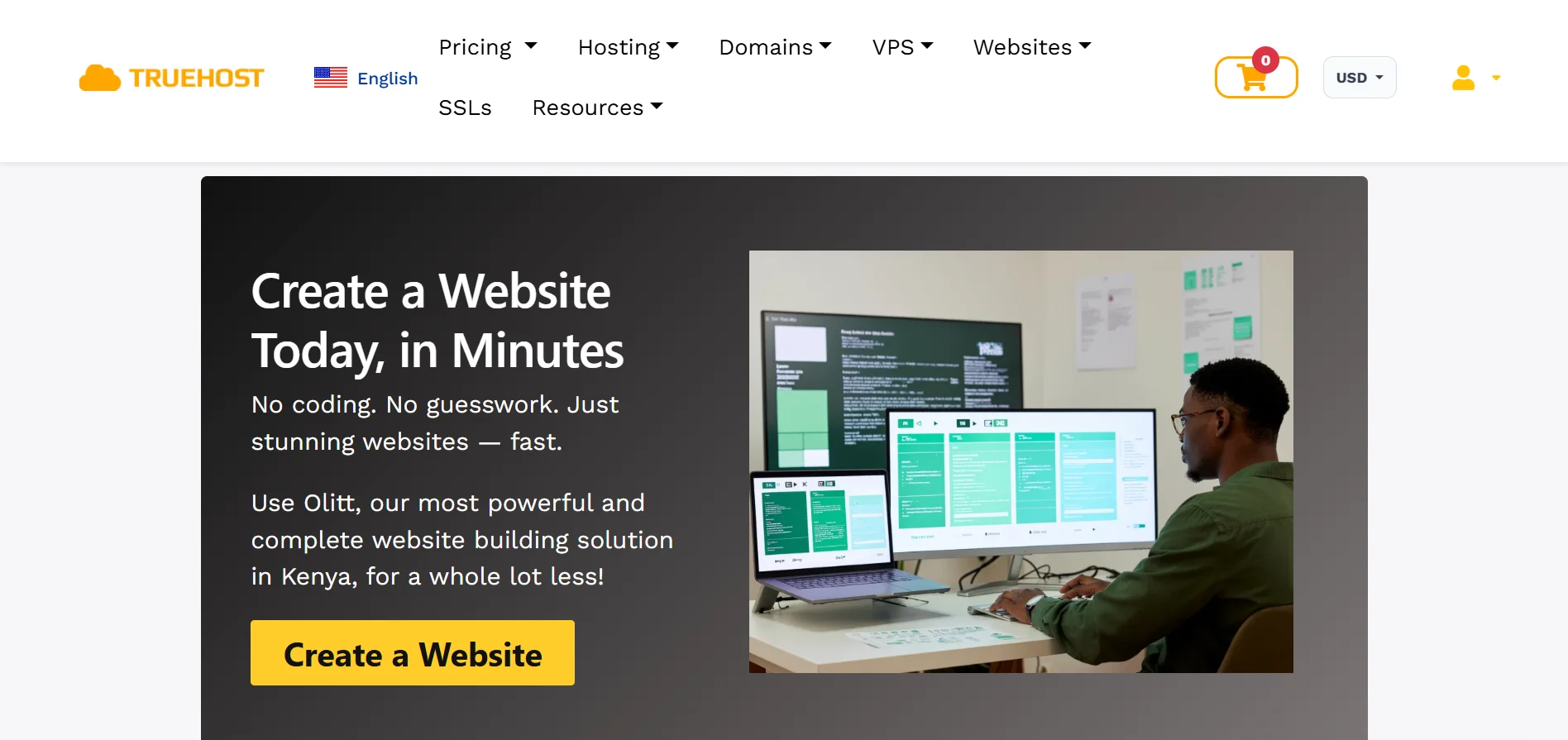
Website builders win on ease of use, no question. You sign up, pick a template, drag elements around, and publish.
Truehost’s builder, for example, walks you through the process with AI prompts and visual editing; you can have a functional site up in an afternoon without knowing what HTML stands for. The learning curve is nearly flat.
Web hosting asks more of you upfront.
You need to install WordPress (or another CMS), choose a theme, configure settings, and figure out how plugins work. It’s not rocket science, but it’s not drag-and-drop either.
Once you’re comfortable with a hosting setup, you can customize almost anything. You can edit theme files, add custom code, install plugins that extend functionality in ways builders never allow, and change your site’s structure without hitting a wall.
Builders give you a polished starting point with firm boundaries. Hosting gives you a blank canvas and the tools to shape it however you need.
e) Scalability & Growth
If your site stays small- a portfolio, a simple business page, a blog with modest traffic- a builder handles it fine. But growth exposes the limits.
Website builders sometimes cap how much traffic you can handle or how many products you can list before you need to upgrade to a higher tier.
When you hit those ceilings, your options are limited to whatever the platform offers, and the next tier might be expensive.
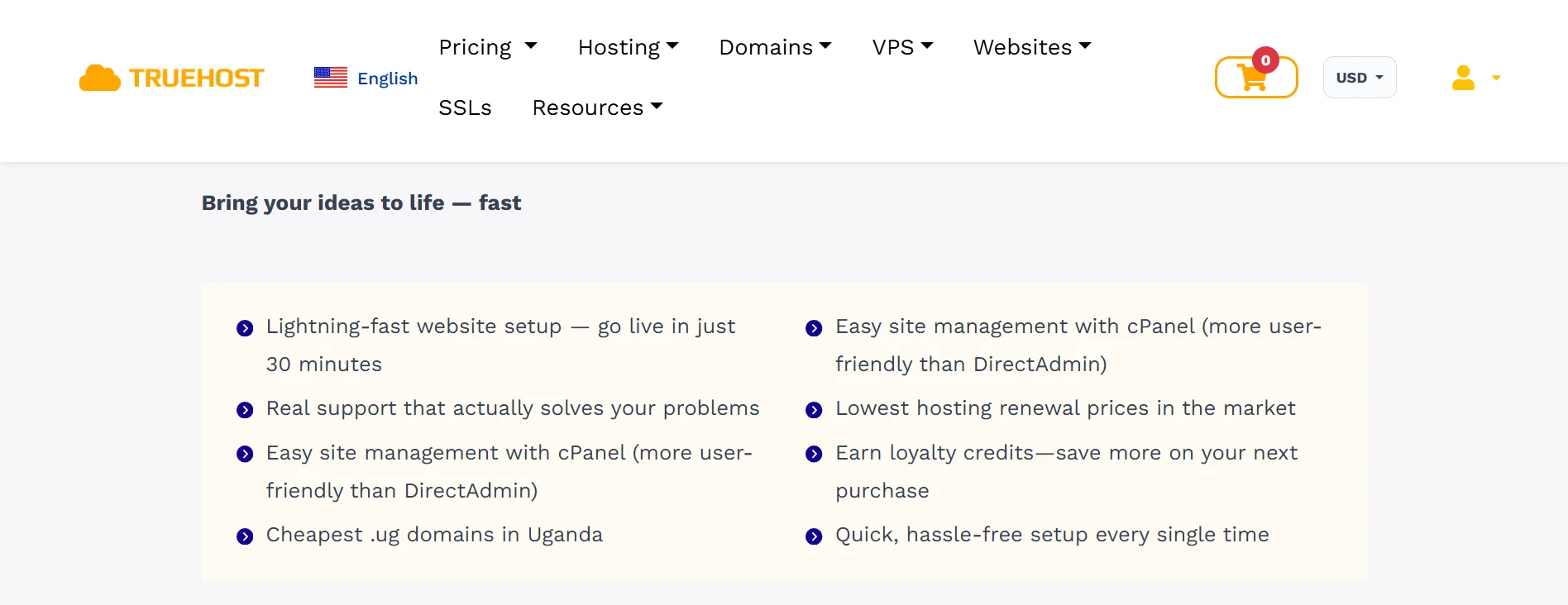
Web hosting scales with you. On shared hosting, you start small and upgrade to VPS, cloud, or dedicated servers as your traffic grows.
Truehost’s Pro plan, for instance, supports around 50,000 monthly visits, and Unlimited removes the website count limit entirely.
You’re not locked into one provider’s upgrade path either; you can move to a different host if another offers better resources for your needs.
When your site starts getting serious traffic, hosting gives you room to grow without rebuilding from scratch.
f) Data Portability & Migration
Moving a WordPress site from one host to another is a well-worn process. You export your files and database, import them at the new host, update your DNS, and you’re done.
Tools and support teams exist specifically to make this painless; Truehost offers free migrations for new customers.
With a website builder, migration is the hard part. Some platforms let you export content, but they don’t include the design and functionality.
You can’t take a Wix template and drop it into Squarespace. If you want to leave a builder, you’re often starting over on the design side, even if you keep your text and images.
g) Setup Time & Maintenance
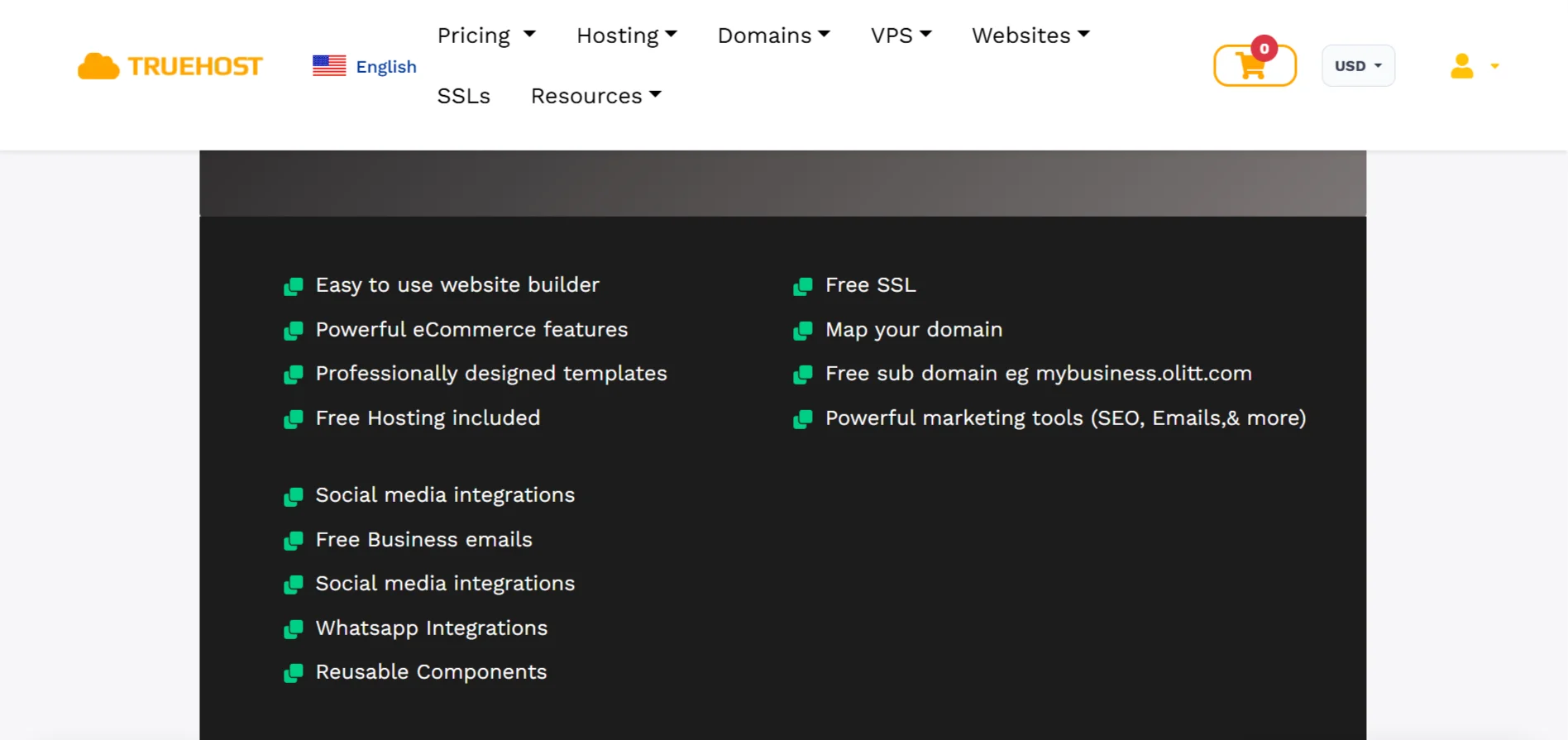
A website builder gets you live fast. Domain, hosting, design, and security are bundled into one dashboard, and you can publish the same day you sign up.
The platform handles maintenance; updates, backups, SSL certificates, and security patches are its job.
Web hosting takes longer to set up. You need to register or connect a domain, install your CMS, configure basic settings, and choose a theme before you even start adding content.
After that, you’re responsible for updates. WordPress releases new versions, plugins need patching, and backups are your responsibility unless you pay for managed hosting.
It’s not a huge ongoing burden, but it’s real. The tradeoff is that you’re not at the mercy of a platform’s maintenance schedule or its decision to stop supporting a feature you rely on.
h) SEO & Customization
Builders have improved their SEO tools, but they’re still basic. You can set page titles, meta descriptions, and maybe connect Google Analytics.
Truehost’s builder, for example, includes built-in SEO fields and generates mobile-friendly code. For a small local business, that’s often enough.
Web hosting with WordPress opens up a different level. You can install SEO plugins like Yoast or Rank Math that give you granular control over schema markup, sitemaps, redirects, and content analysis.
You can edit your theme’s code to fix technical SEO issues that plugins can’t reach. You can add custom post types, build complex internal linking structures, and optimize page speed at the server level.
If search traffic is important to your business, hosting gives you the tools to compete. Builders give you the basics and hope it’s enough.
i) Ownership & Long-Term Viability
With web hosting, you do. Your files, your database, your content- it’s all yours, stored on infrastructure you rent. If you decide to leave, you take it with you.
With a website builder, you’re licensing access to a platform. The design belongs to them. The functionality belongs to them.
If the company gets acquired, changes direction, or shuts down, your site goes with it.
You might be able to scrape your text and images, but the site itself- the thing you built and maintained doesn’t transfer. You’re building an asset on hosting. You’re renting space on a builder.
Which One Do You Need?
Choose Website Builders if you:
- Want a site live fast with zero coding
- Run a simple portfolio, blog, or small business page
- Don’t need custom features or advanced SEO
- Prefer one dashboard for everything (hosting + design + support)
- Have a small budget and no plans to scale aggressively
Choose Web Hosting if you:
- Plan to grow (e-commerce, membership, high-traffic content)
- Need full control over design, code, and data
- Want to use WordPress, custom CMS, or frameworks
- For SEO flexibility and plugin ecosystems
- Want to own your site and avoid platform lock-in
And Yes, You Can Use Both
Every website needs hosting, even builder sites. When you use a builder, the hosting is included in the subscription; you’re just not managing it yourself.
You can run a builder site for one project and a hosted WordPress site for another. Truehost’s hosting plans let you manage multiple websites under one account, so you could have a quick builder landing page alongside a full WordPress installation.
A common path is launching on a builder when you need speed, then moving to hosting when you outgrow the builder’s limits. You get the fast start without committing to the platform forever.
Use each for its strength. A builder for a simple event page or portfolio. Hosting for the site that needs to grow, rank, and stay yours.
Web Hosting vs Website Builders FAQs
Can I build a website without hosting?
No. Every website needs server space to store its files and serve them to visitors. Website builders include hosting in their subscription, so you’re not buying it separately, but it’s still there. You can’t have a live website without hosting somewhere.
Does a website builder include hosting?
Yes, almost always. The subscription covers the design tools, the hosting infrastructure, SSL, and basic maintenance. That’s why builders are appealing; everything is in one place. The tradeoff is that you don’t control the hosting layer, and you can’t take it with you if you leave.
Is it better to code a website or use a website builder?
It depends on what you’re building. For a simple site that needs to exist quickly, a builder is the practical choice. For anything that needs custom functionality, advanced SEO, or room to scale without hitting platform limits, coding or using a CMS on your own hosting gives you more control. Most businesses eventually need that control, even if they start on a builder.
Build Smarter with TrueHost Web Hosting
If you’re ready for hosting that gives you room to grow, we’re here. Our plans start at USh 8,905.00/month for Starter, USh 3,740.10/month for Pro, and USh 52,296.10/month for Unlimited—each one built for real projects, not just placeholders.
You get cPanel access, free SSL, daily backups, and the freedom to run WordPress, Laravel, Node.js, Python, or whatever stack your project needs.
Need more control? Use Git, SSH, and SFTP for direct access. Run multiple websites and brands under one account. Automate updates, spin up test sites, and keep your workflow clean.
We’ve built this for Ugandan businesses that need hosting to work fast load times on local servers, free .ug domains on some annual plans, professional email that uses your domain, and migration help if you’re coming from another host.
