Nameservers connect your domain name to the correct website server and help direct your email. They use DNS records to tell browsers and other services where to find your domain.
Your hosting or DNS provider gives you nameserver addresses, such as ns1.example.com and ns2.example.com. You enter these in your domain registrar’s settings to connect your domain to the provider managing its DNS.
This guide explains how nameservers work, their types, why they count, and what to check before changing them.
Types of nameservers and the DNS hierarchy
Nameservers have two main roles: recursive resolvers look up DNS information, while authoritative nameservers store a domain’s official DNS records.
| Type | What it does |
| Recursive resolver | Finds DNS answers and caches them for future requests. Usually provided by your ISP or a public service like Google DNS. |
| Authoritative nameserver | Stores a domain’s official DNS records. Your hosting or DNS provider usually manages it. |
Primary and secondary nameservers
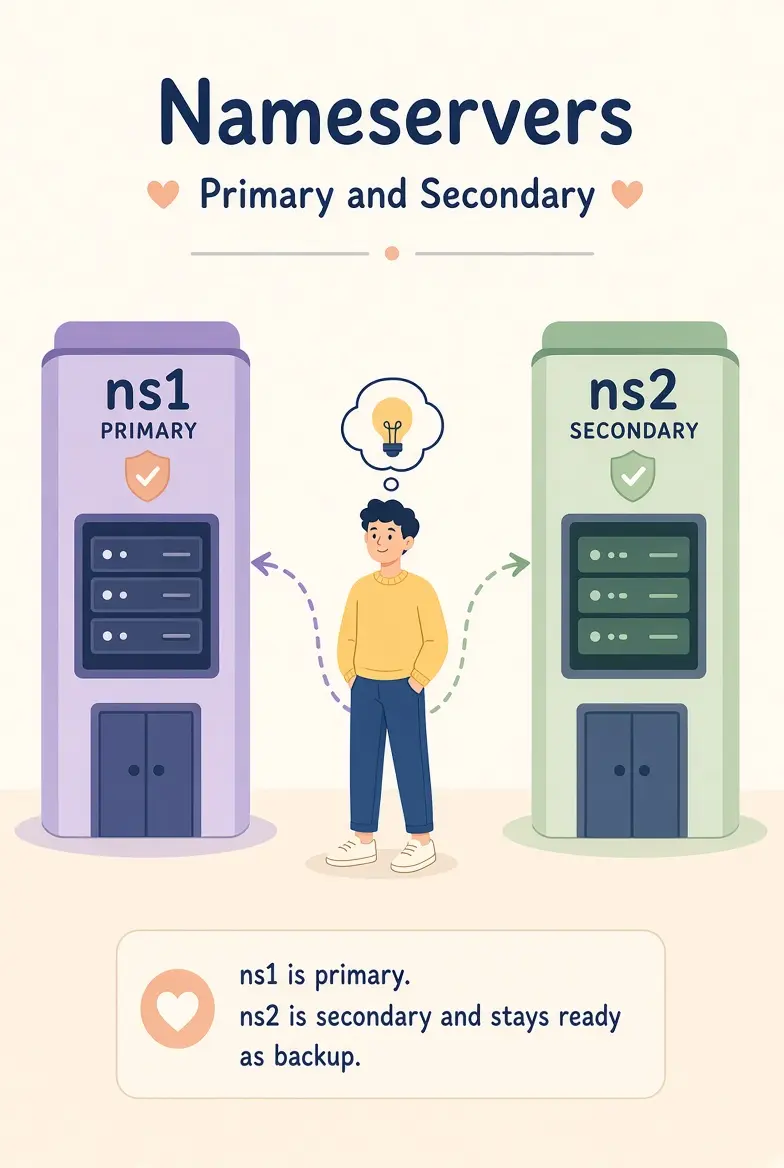
- Primary nameserver: Stores the main copy of a domain’s DNS records.
- Secondary nameserver: Keeps a copy of those records to provide backup and reliability.
Both can answer DNS queries authoritatively.
The three levels of the DNS hierarchy
i) Root nameservers: Direct resolvers to the correct top-level domain (TLD) servers.
ii) TLD nameservers: Handle extensions such as .com, .org, and .ke. They point resolvers to a domain’s authoritative nameservers.
iii) Authoritative nameservers: Store the actual DNS records, including the IP address that directs visitors to a website.
These levels work through DNS delegation, where each level points to the next. Resolvers follow these links to find the information needed to connect a domain to its website or other service.
Nameservers vs. DNS vs. DNS Records
These terms are related but have different meanings:
- DNS (Domain Name System): The system that connects domain names to IP addresses and other information.
- Nameservers: Servers that store and provide DNS information for domains.
- DNS records: Individual entries that tell DNS how to handle website traffic, email, and other services.
Common DNS records
| Record | Purpose | Example |
| A | Points a domain to an IPv4 address | 192.0.2.1 |
| AAAA | Points a domain to an IPv6 address | 2001:db8::1 |
| CNAME | Makes one domain name an alias of another | www → example.com |
| MX | Specifies the servers that receive email | mail.example.com |
| TXT | Stores verification and email security information | SPF or domain verification text |
| NS | Identifies the authoritative nameservers for a domain | ns1.example.com |
Where nameserver settings fit
Nameserver information exists in two places:
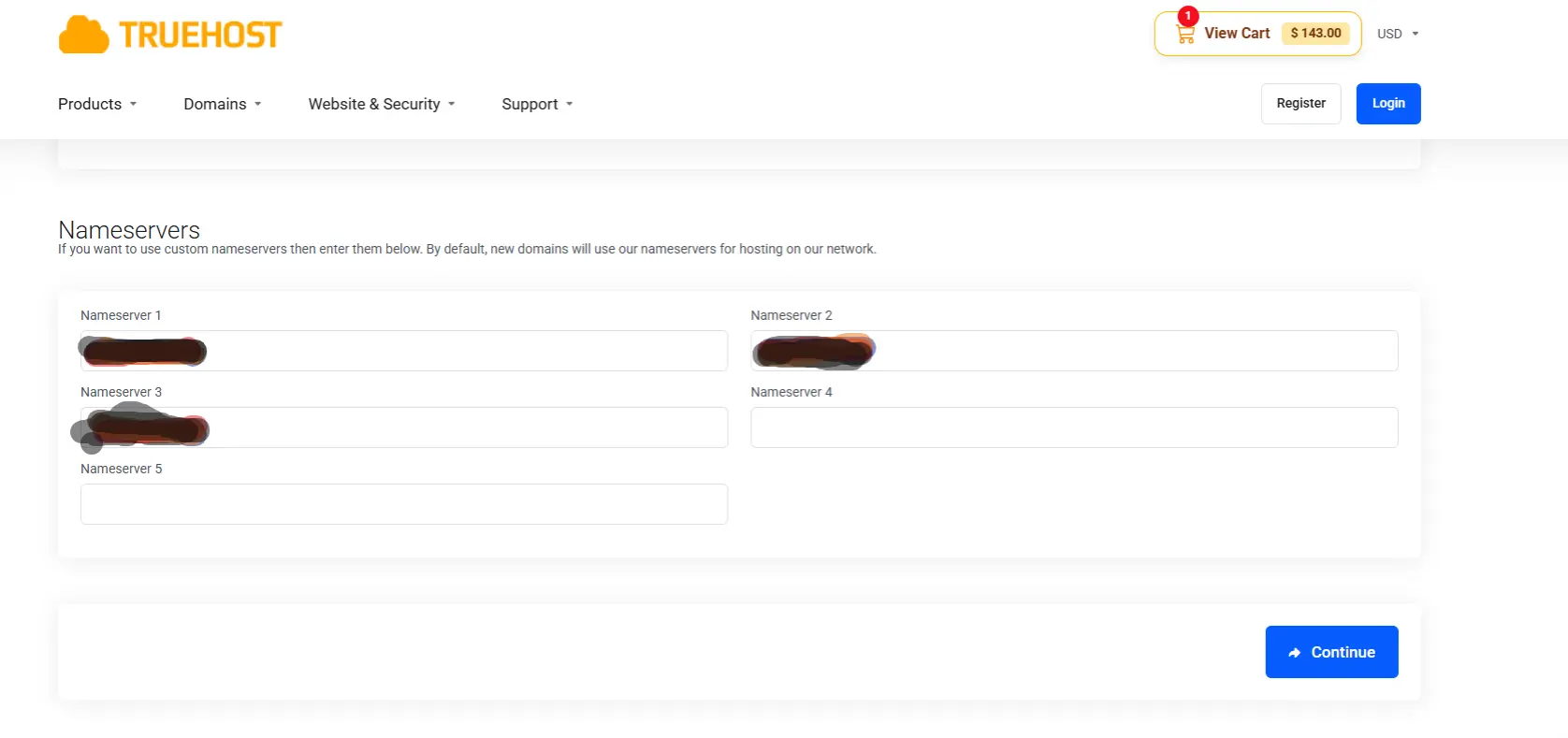
- At the registrar: You set which nameservers manage your domain.
- In the DNS zone: NS records identify the authoritative nameservers, while other records control website addresses, email, and verification.
Changing nameservers transfers DNS management to another provider. Changing an individual DNS record only updates a specific setting without moving the entire zone.
How nameservers work
When you type a domain name like www.example.com into your browser, DNS finds the IP address needed to reach the website.
i) Your browser checks its cache. If the address is already stored, it uses it. Otherwise, your device asks a recursive resolver.
ii) The resolver checks its cache. If it has a recent answer, it returns it immediately.
iii) The root nameserver directs the resolver to the correct TLD server, such as .com.
iv) The TLD nameserver provides the authoritative nameservers for the domain.
v) The authoritative nameserver returns the domain’s IP address from its DNS records.
vi) Your browser connects to the website using that IP address. The resolver also caches the answer for future requests.
Nameservers do not store website pages. They help your browser find the server hosting the website.
Why DNS caching counts
DNS records have a time-to-live (TTL), which tells resolvers how long to cache an answer.
Caching speeds up lookups and reduces repeated queries. However, after a DNS change, some resolvers may continue using the old information until their cached answers expire. This delay is commonly called DNS propagation.
Why nameservers are important
Nameservers help visitors reach your website and ensure your email and other domain services work correctly. Here are seven reasons they count.
1) They connect your domain to your website
Nameservers provide the DNS records that direct visitors to your website’s server. Without working nameservers, your domain may fail to load even when your website server is running.
2) They direct website traffic and email
Nameservers manage records that control how your domain works:
- A and AAAA records: Point your domain to an IP address.
- MX records: Direct incoming email to the correct mail servers.
- TXT records: Verify domain ownership and support email security through SPF, DKIM, and DMARC.
Incorrect records can disrupt your website or prevent emails from reaching their destination.
3) They connect your domain to your hosting provider
Changing your nameservers lets another provider manage your domain’s DNS records. Alternatively, you can keep your current nameservers and update individual records to point your domain to a new hosting server.
4) They help keep your domain accessible
If all authoritative nameservers become unavailable, visitors may eventually fail to reach your website. Using at least two reliable nameservers on separate networks helps reduce this risk.
5) They support website and email reliability
Incorrect settings or missing DNS records can interrupt your website and email services. Before changing nameservers, copy all existing records to the new provider and check that website, email, and verification settings are in place.
6) They help protect your domain
DNSSEC helps resolvers detect forged DNS responses. Securing your registrar account is equally important because anyone who gains access could change your nameservers and redirect your traffic.
Protect your domain by enabling two-factor authentication, using a registrar lock, and keeping your account details secure.
7) They can improve DNS response times
Resolvers cache DNS answers to avoid repeating the same lookup. A reliable DNS provider can also help queries resolve quickly when cached answers are unavailable. However, changing nameservers alone will not necessarily make your website load faster.
Nameservers keep your domain connected to the right services
Your domain is just a name until its nameservers connect it to a website, a mailbox, and every other service you rely on. That is why switching them is a bigger decision than editing one record: you are handing control of the whole zone to someone else. Get it right, and nobody notices. Get it wrong, and your site and email can vanish together.
Four habits keep a domain safe: use reliable providers, run at least two nameservers, copy every record before you switch, and lock down the registrar account that controls the setting.
Check yours today. Run dig NS yourdomain.com +short to see the nameservers the internet currently uses for your domain. Compare them with the ones saved at your registrar and the ones at your DNS provider. If all three match, you’re set. If they don’t, fix the mismatch now, before it shows up as a lost website or missing email.
Ready to put this into practice? Truehost lets you register a domain, manage its nameservers and DNS records, and add web hosting and business email from one dashboard, so your domain, website and mailbox stay in step. If you already own a domain elsewhere, you can point it to Truehost hosting by updating its nameservers at your current registrar. Check your hosting plan for the exact nameserver hostnames to use, and copy your existing DNS records first.
Nameservers FAQs
Are nameservers and DNS the same thing?
No. DNS is the worldwide system for turning names into addresses and other data. Nameservers are the servers that store and answer that data for specific domains. DNS is the system; nameservers are working parts of it.
Does every domain have nameservers?
Every domain that works on the internet does. A registered domain is delegated to at least one authoritative nameserver, and without one it can’t resolve. Registrars usually assign default nameservers when you register, so you may never have chosen yours. Those defaults are often replaced when you connect the domain to a host or DNS service.
Can I use more than one DNS provider?
Yes. You list nameservers from both providers at your registrar, and each must serve identical records. The benefit is resilience: an outage at one provider doesn’t take the domain offline. The cost is keeping the zones in sync, since a record changed at one provider but not the other produces inconsistent answers. DNSSEC adds further complexity in multi-provider setups, so confirm that both providers support the approach you plan to use.
Do nameservers affect SEO or site speed?
Indirectly. DNS lookup time is part of how long a page takes to load, but it is a small part, and caching removes it for repeat visits. What counts more is availability: if your nameservers are down, neither visitors nor search engine crawlers can reach your site. Nameservers have no direct ranking effect.
What’s the difference between a nameserver and a web host?
A nameserver answers the question “where is this domain?” with an IP address. A web host is the machine at that address that stores your site’s files and serves the pages. They can belong to the same company, which is common with shared hosting, or to different ones, as when you use a separate DNS provider in front of a host elsewhere.
How many nameservers do I need?
At least two. Domain registrars generally ask for at least two nameservers for redundancy, and managed providers typically give you two to four. More names only help if they are on independent infrastructure. Four hostnames that all point at the same machine protect you from very little.
What happens if your nameservers are incorrect?
The symptoms depend on the mistake:
- Nameservers that don’t exist or don’t answer: resolvers can’t find your domain, so the website fails to load and email may bounce or be delayed.
- Nameservers that answer but lack your records: the domain resolves to nothing, or to the wrong place, until the records are added.
- A typo or old provider still listed: some visitors may reach the right server and others the wrong one, since resolvers pick among the listed nameservers.
To fix it, confirm the nameservers shown at your registrar, then check that each one actually serves your zone with dig NS yourdomain.com @ns1.yourprovider.com. Correct the registrar entry or the missing records, then allow time for cached answers to expire.
Can you change nameservers without transferring your domain?
Yes. Changing nameservers and transferring a domain are separate actions. A transfer moves the registration to a different registrar. A nameserver change only tells the registry which servers hold your DNS records, and you can do it at any time from the registrar where the domain already lives.
Expect a delay. Nameserver changes are usually the slowest kind of DNS change, because the nameserver records handed out by the TLD commonly carry a long TTL of around two days, which resolvers may cache. In practice, many hosts quote a window of a few hours up to 24 to 48 hours, and during it some visitors see the old setup while others see the new one. To make the move smooth, keep the old DNS records and hosting running until the change is fully live, and lower the TTL on your own records ahead of time if you are also changing IP addresses
