If you have ever priced out a cPanel license for a VPS, you already know the feeling. One account of cPanel can cost you $29.9/month which makes the costs add up especially if you need multiple accounts.
Free control panels solve that problem, but they come with trade-offs. You are usually giving up some polish, some support, or some of the hand-holding that paid panels provide.
You are also taking on more responsibility for maintenance, security, and updates. But for a lot of people, those tradeoffs are absolutely worth it. The panels on this list are production-ready tools that can run real websites, real email, and real businesses.
The key is picking the right one for your situation. A beginner running a single WordPress blog has very different needs from a sysadmin managing a cluster of servers.
A developer building Node.js apps does not care about the same features as someone migrating a traditional shared-hosting setup with email accounts.
Each panel below targets a slightly different user, and that is exactly why this list is useful.
5 Free Web Hosting Control Panels in Details
1) CyberPanel
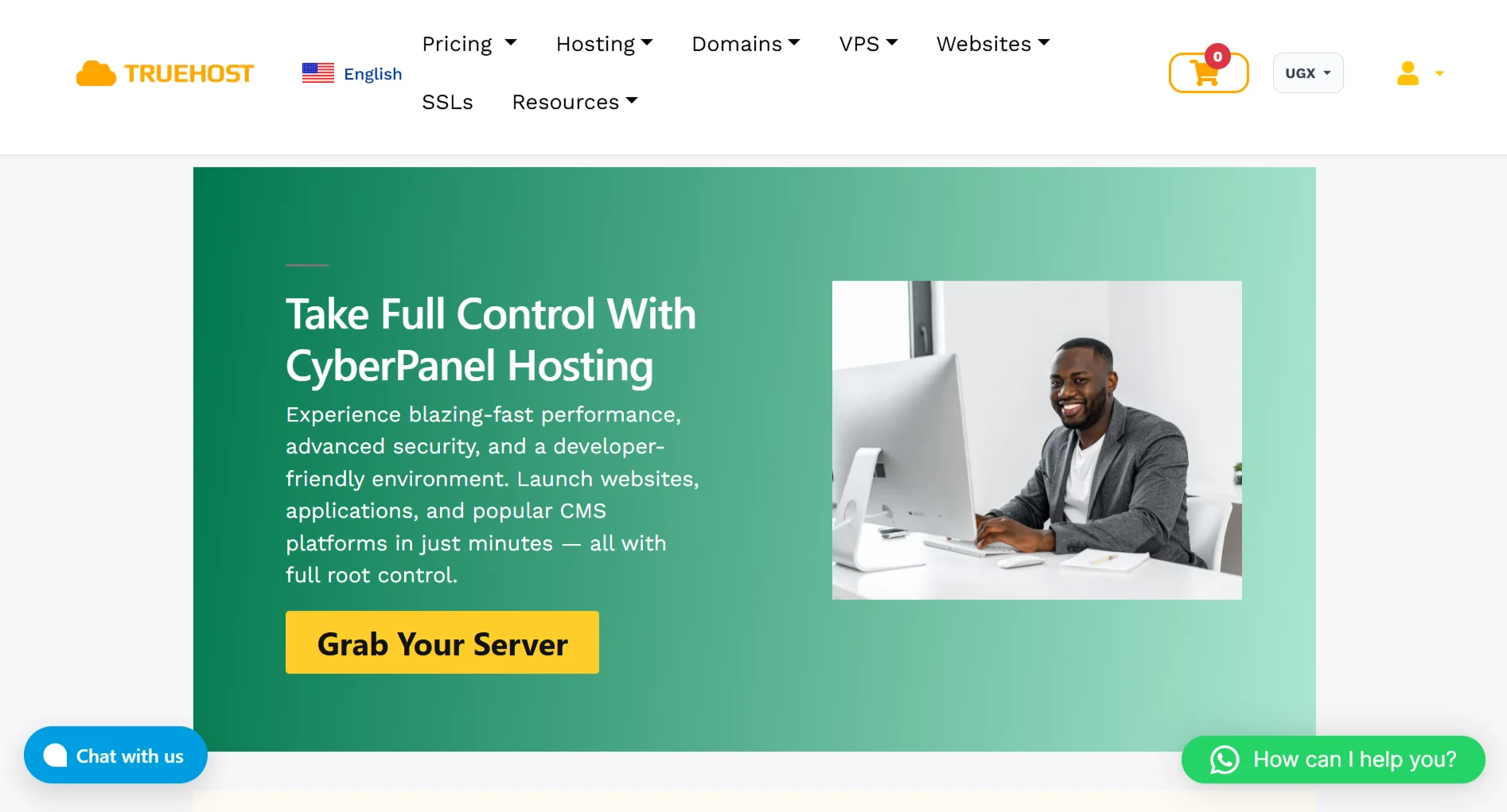
If you have spent any time in the WordPress or LiteSpeed communities, you’ve probably heard of cyberpanel.
It runs on OpenLiteSpeed, which is the open-source version of the LiteSpeed web server.
OpenLiteSpeed handles static files and caching well, and CyberPanel exposes that performance through a clean interface.
The WordPress integration is where CyberPanel outdoes itself. You get one-click installs, sure, but you also get staging environments and cloning tools.
That means you can test a plugin update or a theme change on a copy of your site before touching the live version.
Automatic Let’s Encrypt SSL is built in, so every site you create gets HTTPS without you thinking about it.
For anyone running WordPress seriously, those features alone justify trying it.
CyberPanel also includes a full email stack using Postfix and Dovecot, plus DNS management through PowerDNS.
So if you want mail and DNS on the same server, you can do that here.
Note that CyberPanel is not a featherweight. The official recommendation leans toward 4GB of RAM minimum and 8GB if you want comfortable headroom, especially once you start running WordPress with caching, email services, and a database on the same box.
You can technically install it on less, but you will feel the squeeze. If you are on a 1GB or 2GB VPS, this is not the panel for you.
2) FastPanel
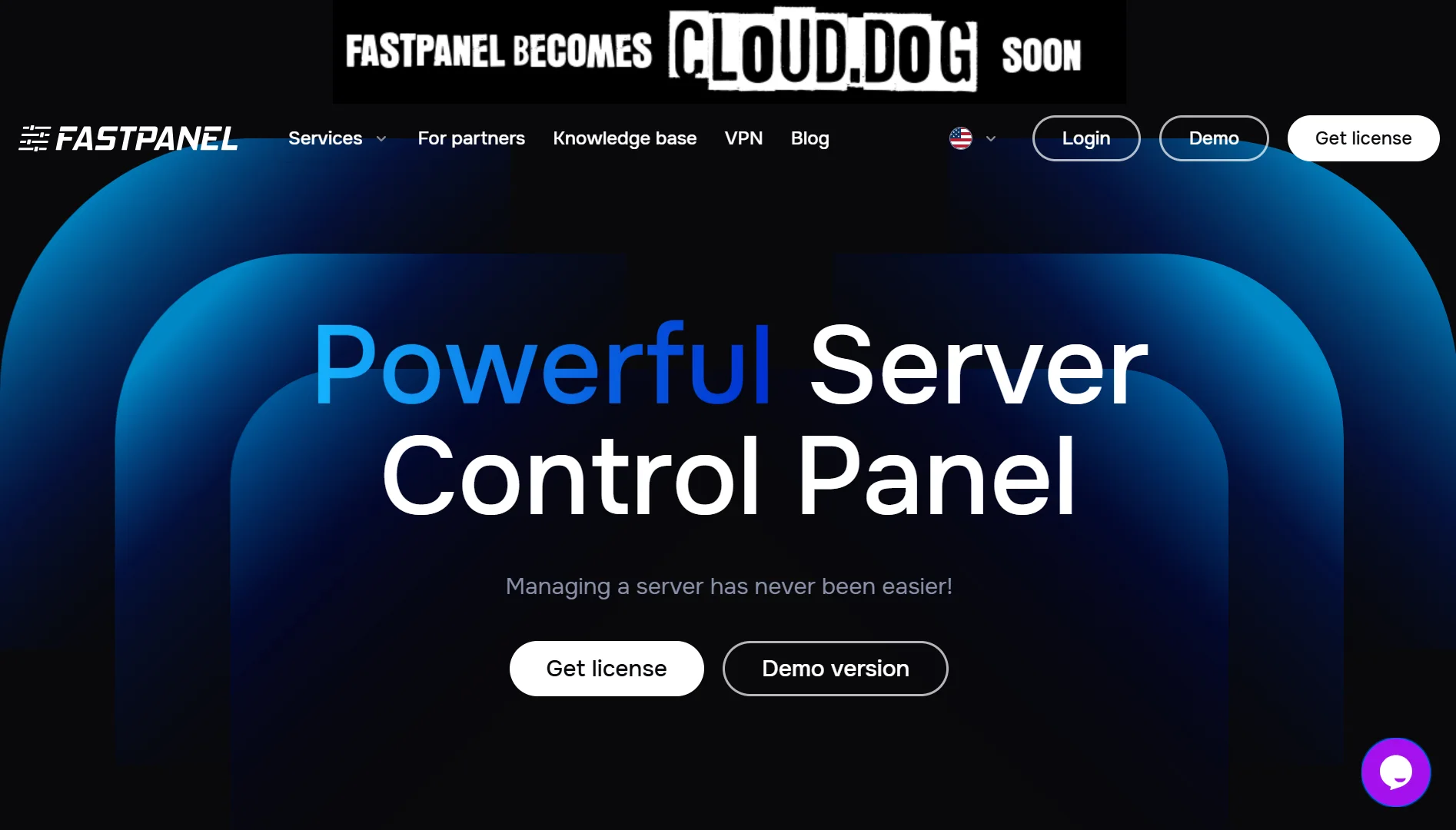
FastPanel goes the opposite direction on resource use. The minimum requirements are genuinely modest: 1GB of RAM, one CPU core, and 5GB of disk space.
That means it will run comfortably on a cheap VPS that other panels would choke on.
But being lightweight does not mean it’s limited. FastPanel includes Node.js support, Docker management, cloud backups, and a built-in firewall.
That is a surprisingly broad feature set for something that sips resources.
The interface is also friendly, with multi-language support, which is not something every free panel bothers with.
On the operating system side, FastPanel supports Ubuntu, Debian, AlmaLinux, and Rocky Linux. That covers the major modern distributions, so you are not locked into one obscure choice.
If you have a small VPS and you want to run a mix of websites and applications without upgrading your server just to run the control panel, FastPanel is a great starting point.
3) HestiaCP
HestiaCP is a lightweight, open-source control panel that runs on as little as 1 GB of RAM, though 4 GB or more is the sensible target for a full stack with mail and filtering.
The email stack is complete: ClamAV for antivirus, SpamAssassin for spam filtering, and Roundcube for webmail.
If you are coming from a shared hosting background where email accounts were just part of the package, HestiaCP is the closest you will get to that experience on a free panel.
You are not bolting on email as an afterthought; it is a first-class feature.
HestiaCP also supports DNS clustering, which is crucial if you are running nameservers across multiple servers, and it has multi-user permission management so you can give clients or team members limited access without handing them the keys to everything.
On the web server side, it supports Apache and NGINX, with multiple PHP versions available.
That flexibility means you can run older applications that need PHP 5.6 alongside modern sites on PHP 8.x without spinning up separate servers.
For a traditional hosting environment, that is genuinely useful.
4) ISPConfig
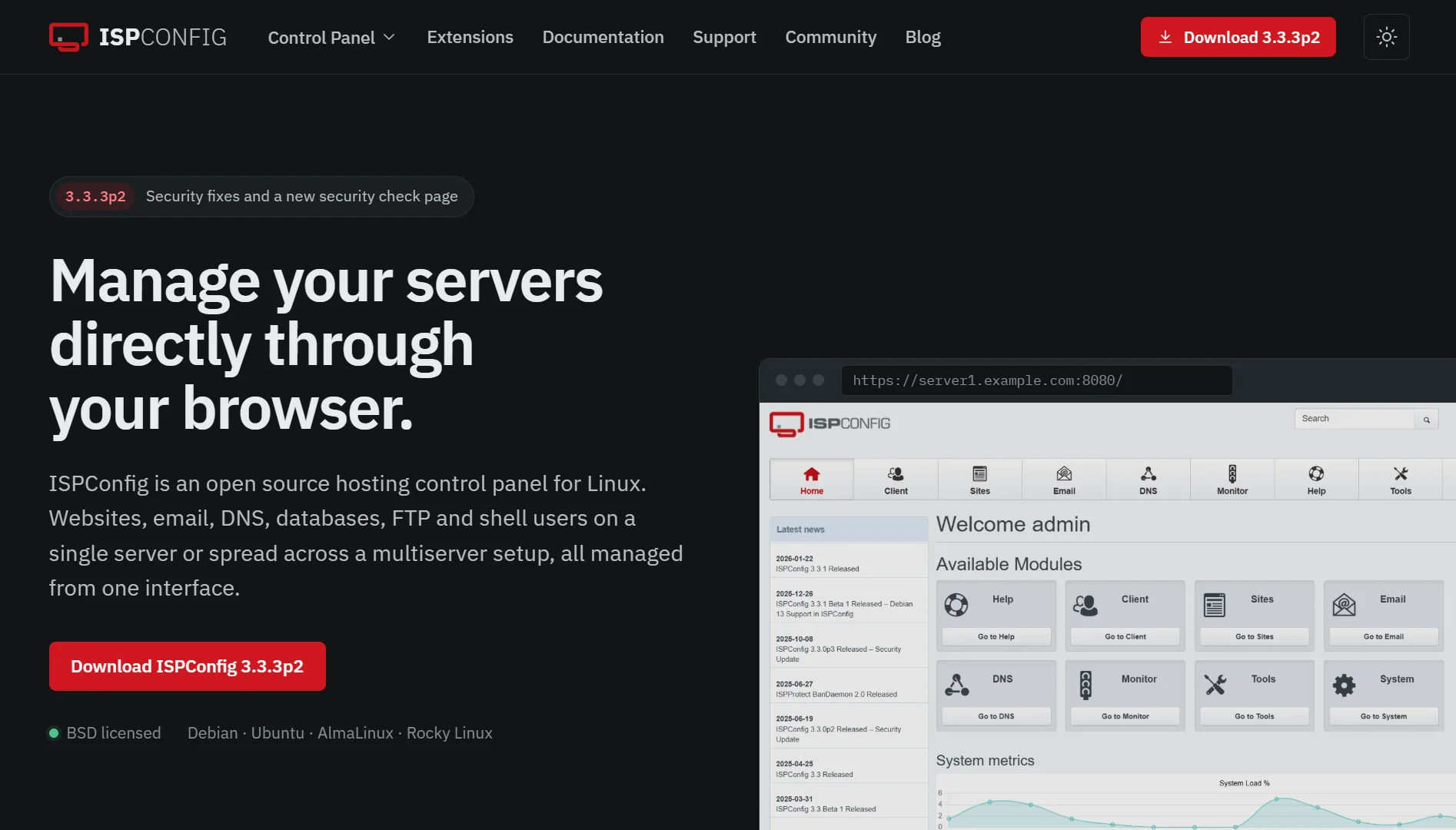
ISPConfig manages multiple servers from a single control panel. You can run dedicated web, mail, DNS, and database servers, all controlled from one management interface.
The software support is broad. Apache and NGINX are both supported. BIND and PowerDNS for DNS.
Postfix and Dovecot for email. MySQL, MariaDB, and even PostgreSQL for databases. It is not opinionated about your stack; it meets you where you are.
On access control, ISPConfig has four distinct login levels: Administrator, Reseller, Client, and Mail-user.
If you are running a hosting business or managing clients, that hierarchy is critical. You can give a client access to their own site without exposing anything else.
ISPConfig is released under the BSD license, and it has been around long enough that documentation and community answers are plentiful.
The tradeoff is complexity. ISPConfig assumes you know your way around Linux. There is no hand-holding, and the panel has no file manager; you are expected to use FTP or SSH for file operations.
If you are comfortable with that, ISPConfig is incredibly capable. If you are not, it will be frustrating.
5) BrainyCP
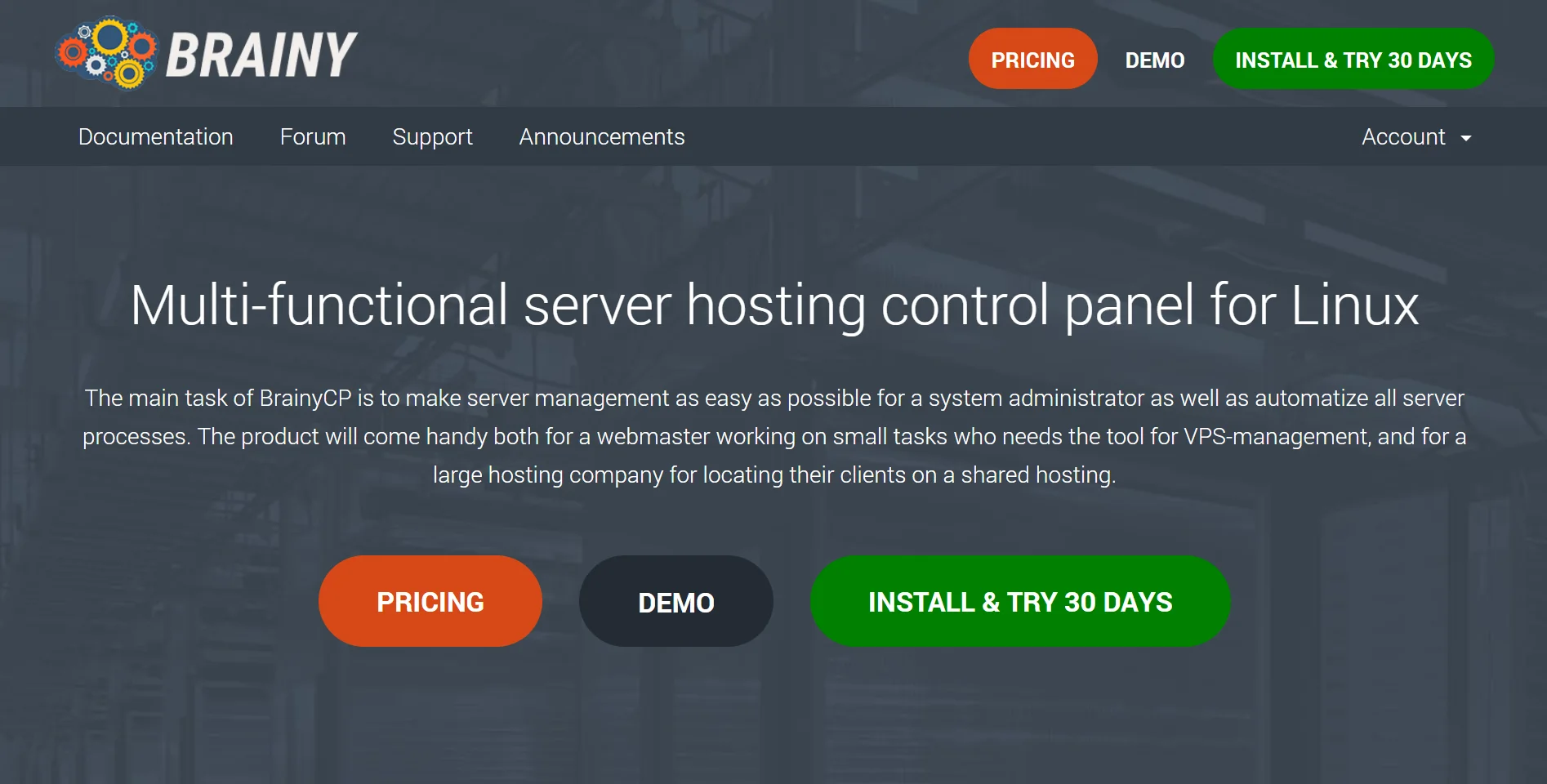
BrainyCP supports Apache, NGINX, or a combination of both, with PHP versions ranging from 5.2 up to 8.4.
That PHP range is unusually wide, which makes it a decent choice if you are stuck maintaining older applications alongside newer ones.
The feature list is long: CSF firewall, ClamAV antivirus, Let’s Encrypt integration, and DNS clustering are all included.
It also has a file manager, which ISPConfig lacks, and an application installer for CMS platforms.
The one thing to be clear about is the license. BrainyCP is free to use, but it is not open source. It uses a proprietary license.
The documentation is primarily in Russian, though the panel itself supports other languages.
If you are comfortable working with a panel that has a smaller English-language community, BrainyCP is worth a look, especially if you need that wide PHP version support.
How to Choose a Free Control Panel
a) Match panel to your stack
The fastest way to narrow the list is to start with what you are actually running. If your main job is hosting WordPress sites and you care about speed, CyberPanel is the natural fit.
The OpenLiteSpeed caching and one-click WordPress staging are built for exactly that use case.
If you are running a traditional hosting setup where email accounts and DNS zones are part of the package, HestiaCP makes more sense.
The email stack is complete and the DNS clustering support is there when you need it.
If you are managing multiple servers or reselling hosting to clients, ISPConfig is the one that was designed for that from the ground up.
The multiserver management and four-tier access control are not afterthoughts.
b) Check RAM budget
CyberPanel’s realistic requirement is higher than its minimum installer check might suggest. If you are on a VPS with 1GB or 2GB of RAM, do not try to run CyberPanel.
You will spend more time fighting memory issues than managing websites. The official recommendation leans toward 4GB minimum and 8GB for comfort.
HestiaCP is lighter in practice. It can idle around 350MB, which means a 2GB VPS has room to actually run websites instead of just running the panel.
FastPanel is even leaner, with a 1GB minimum that it actually respects. If you are working with low-spec hardware, start with FastPanel or HestiaCP and save CyberPanel for when you have more RAM to work with.
c) Decide on built-in email/DNS
Do you need to run mail on the same server as your websites? If so, your options narrow quickly. HestiaCP and CyberPanel both include full email stacks.
FastPanel is more focused on web hosting and application deployment. ISPConfig handles email well, but in a multi-server context.
If you need DNS clustering across multiple servers, HestiaCP and ISPConfig are the ones that support it properly.
If you are using an external email provider like Google Workspace or a third-party DNS service, you can pick a leaner panel and not worry about those features at all.
d) Know your Linux comfort level
HestiaCP and CyberPanel have interfaces beginners can navigate without much pain.
They aren’t cPanel, but they are close enough that someone who’s used shared hosting before can find their way around.
ISPConfig gives you granular control, but it expects you to understand what you are doing. There is no file manager in the panel.
You use FTP or SSH for file operations. If you are not comfortable with a command line, ISPConfig will slow you down significantly.
Pick based on how much time you can invest in learning the panel, not just on which one has the most features.
e) Accept the hidden cost
Free panels do not cost money, but they cost time; you are the support team, you handle OS patching, you handle backups, you handle security updates. The panel does not do that for you.
There is also a specific warning worth repeating: be cautious about installing major updates immediately, especially with CyberPanel.
Free panels do not have the same QA resources as paid ones, and a botched update can take your server down.
Wait a few days, check the community forums, and let someone else be the guinea pig.
Budget your time, not just your money. The license fee you saved by not buying cPanel is now time you will spend maintaining the server.
For some people, that trade is fine. For others, the paid panel is worth every cent.
Neither choice is wrong; just go in with your eyes open.
Launch With Truehost Cyberpanel
If CyberPanel sounds like the right fit for what you are building, we can make the setup part easy.
At Truehost, we offer CyberPanel hosting that comes pre-configured and ready to go, so you don’t spend your first afternoon troubleshooting an installer script.
Here is what you get:
| Feature | What You Get |
| Web server | OpenLiteSpeed for rapid page loads and efficiency |
| One-click install | Launch WordPress, Joomla, Drupal, and other apps fast |
| Built-in security | Free SSL, DDoS protection, and daily backups |
| Resource controls | Manage CPU, RAM, and storage with ease |
| Flexible upgrades | Grow your hosting as your business grows |
| Docker manager | Build and deploy containers effortlessly |
Beyond the panel itself, our plans include daily backups, DDoS protection, and full root access. If you need to run Python or Node.js alongside PHP, that works too.
If you are tired of cPanel fees eating into your hosting budget, or you just want a panel that feels fast instead of heavy, give CyberPanel on Truehost a try. You can have a server running in minutes, and you will not miss the license bill.
