If you’re building a Next.js app, you’ll eventually need to decide where it lives.
Managed platforms take care of deployment for you, so you push code and they handle the rest. With a self-managed option like a VPS, you have greater control over the hosting environment.
Choosing the best Nextjs hosting platform depends on your budget, technical skills, and the requirements of your application.
Before you pick one, it helps to check a few things:
- Does the platform support the Next.js features you use, such as server-side rendering, image optimization, and middleware?
- How does the price change once you grow past the free tier?
- How much setup does deployment take?
- How fast will pages load for visitors in Uganda?
- And if a deploy breaks at 2am, can you reach a person?
This guide compares eight of the best options for Next.js hosting to see how they stack up.
Best Next.js Hosting Comparison
| Platform | Best for | Pricing model | Setup effort |
|---|---|---|---|
| Truehost | Full control and predictable billing | Monthly VPS plan, USh 16,990.74/mo | Medium: You manage the server |
| Vercel | Fastest path to production | Free Hobby (non-commercial only); Pro includes a $20 usage credit | Low |
| Netlify | Teams and websites with forms | Free; Personal $9/month; Pro $20/month, credit-based | Low |
| Cloudflare Workers | High traffic on a budget | Workers Paid plan, $5/month minimum | Medium |
| Railway | Full-stack applications with databases | Hobby $5/month, including $5 of usage | Low |
| Render | Docker and full-stack applications | Web service or static site; free instances sleep after 15 minutes | Low |
| AWS Amplify | Teams already using AWS | Pay as you go, with no minimum fees | Medium |
| DigitalOcean | App Platform or your own Droplet | Usage-based; Droplets billed per second | Low to medium |
1) Truehost
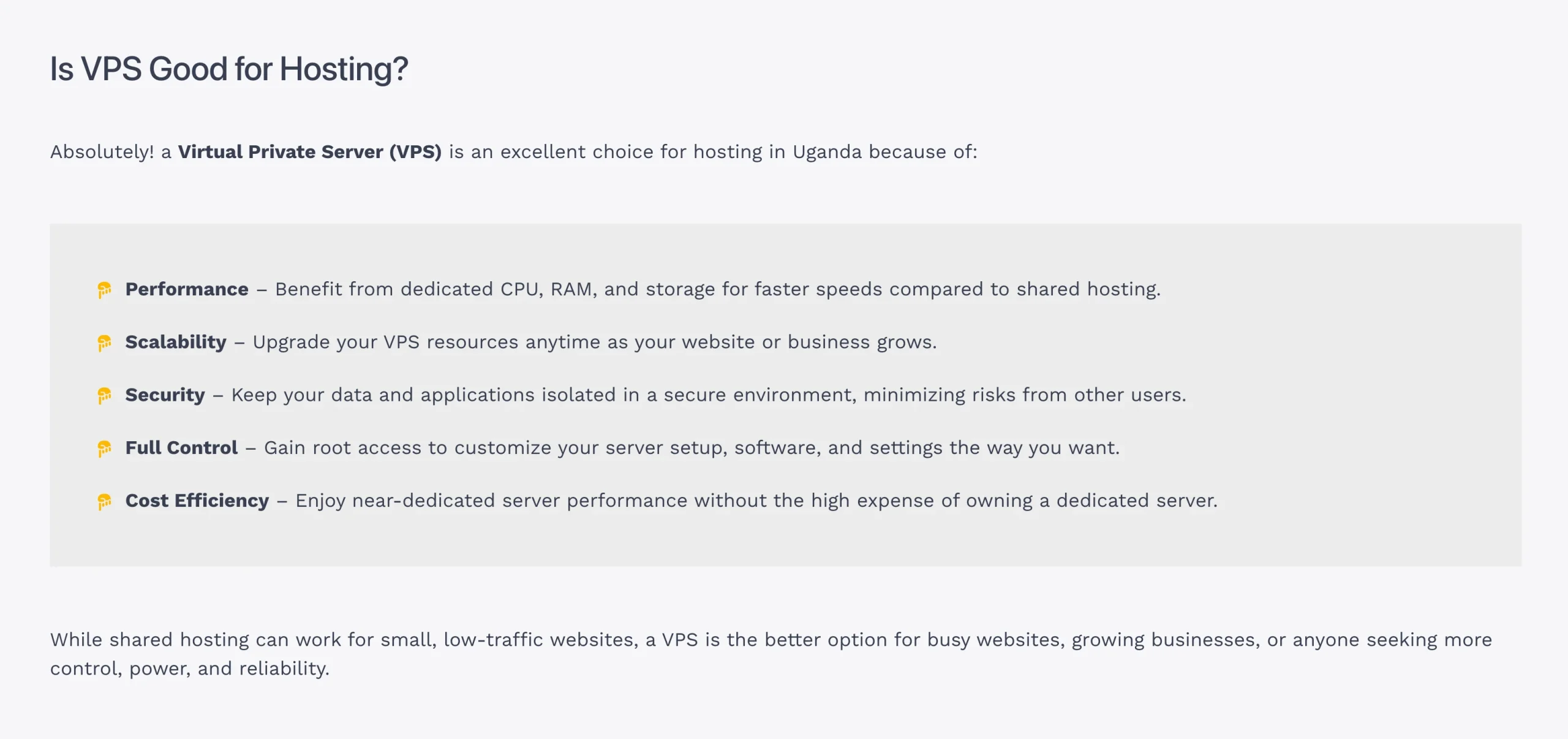
Our Truehost VPS hosting is a suitable option if you want control over your Next.js environment and predictable monthly hosting costs.
You rent a virtual server from us, install Node.js, and deploy your application. Unlike platforms that charge according to requests, usage, or team seats, our VPS plans have monthly hosting fees based on the server resources you select.
Next.js applications can run on our VPS through Node.js deployments. This allows you to use features such as server-side rendering and API routes, provided your server is configured correctly.
Our Cloud VPS plans come with different resource allocations to accommodate applications at different stages of development.
| Plan | vCPU | RAM | Storage | Transfer | Price |
|---|---|---|---|---|---|
| Cloud VPS Elite | 1 core | 1 GB | 25 GB SSD | 1 TB | USh 16,990.74/mo |
| Cloud VPS 1 | 1 core | 2 GB | 50 GB SSD | 1 TB | USh 24,114.74/mo |
| Cloud VPS 2 | 2 cores | 4 GB | 100 GB SSD | 10 TB | USh 45,486.74/mo |
| Cloud VPS 3 | 4 cores | 8 GB | 200 GB SSD | 25 TB | USh 88,230.74/mo |
With a VPS, you handle the server configuration, Node.js installation, application deployment, software updates, and security management. You can use tools such as PM2 or Docker to manage your application processes.
Your application’s performance depends on the server resources you select, caching configuration, and server location. You can also configure a CDN to serve static assets closer to your visitors.
Self-hosting gives you more control, but you also take responsibility for several technical tasks.
For example, you need to configure image optimization, manage environment variables, set up backups, and handle caching. If you run multiple application instances, you may also need shared caching to keep their content consistent.
A VPS is a good choice if you have the technical skills or developer support to manage your server and prefer a predictable monthly hosting fee.
2) Vercel
Vercel is developed by the team behind Next.js, making it a popular hosting choice for developers working with the framework.
Its deployment process is simple and direct. Connect your Git repository, and Vercel automatically builds and deploys your application whenever you push new changes.
It also provides strong support for Next.js features and handles much of the deployment configuration for you.
Vercel has a free Hobby plan for non-commercial personal projects. Its Pro plan starts at $20 per month and includes a $20 usage credit. Additional usage and paid team seats can increase your monthly bill.
The platform uses a global delivery infrastructure to serve application content to visitors in different regions, helping deliver static assets closer to your audience.
One limitation is that the Hobby plan is not intended for commercial projects. Businesses need an eligible paid plan, and usage-based billing can make costs less predictable as application traffic grows.
Vercel is a good choice if you want convenient deployment, strong Next.js integration, and minimal server management.
3) Netlify
Netlify combines Git-based deployments with additional tools for building and managing websites. Its built-in form handling is particularly useful for business websites that collect enquiries or customer information.
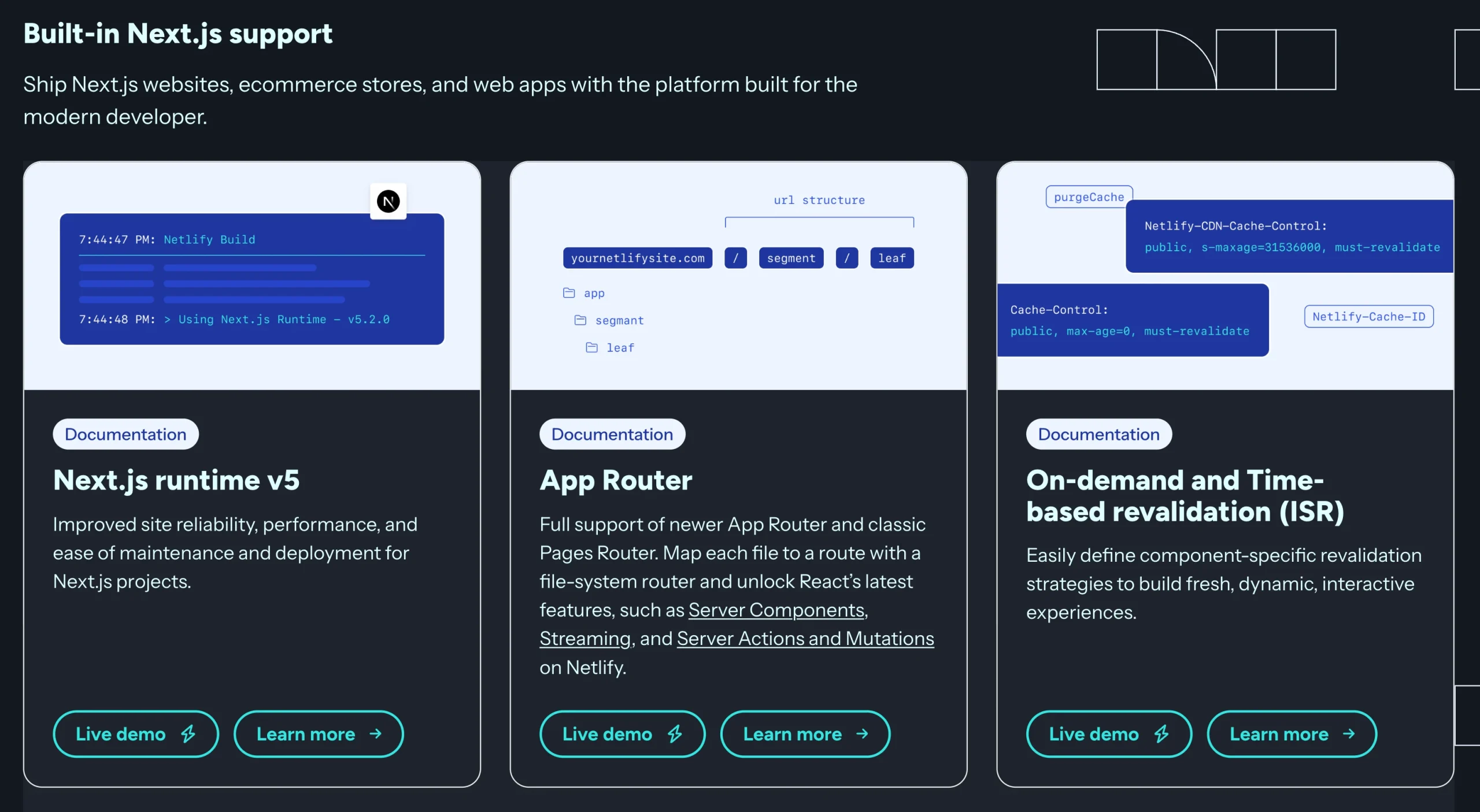
Netlify supports Next.js applications, although feature compatibility depends on the deployment configuration and supported runtime features.
You can connect your Git repository and let the platform automatically build and deploy your application whenever you update your code.
Netlify offers a free plan with usage limits. Its Personal plan costs $9 per month, while the Pro plan costs $20 per month. Paid plans use a credit-based billing system, so additional usage can increase your costs.
The platform also provides managed hosting and content delivery infrastructure to serve your website’s content.
The free plan has hard limits, while paid plans use credits for different services. Additional credits may be purchased through automatic recharge settings, so check your expected usage before choosing a plan.
Netlify is a good option for small teams, agencies, and developers who want managed deployments alongside tools such as built-in form handling.
4) Cloudflare Workers
Cloudflare Workers provides an alternative for hosting full-stack Next.js applications through compatible deployment tools.
Instead of managing a traditional server, you deploy your application to Cloudflare’s global network, where it runs on its distributed infrastructure. Cloudflare recommends vinext for new Next.js projects, while OpenNext provides a supported route for existing deployments.
The Workers Paid plan has a minimum charge of $5 per month per account. It includes 10 million requests and 30 million CPU milliseconds monthly. Additional usage costs $0.30 per million requests and $0.02 per million CPU milliseconds.
You need to configure a compatible deployment adapter and prepare your application for the Workers runtime. This requires more technical knowledge than connecting a repository to Vercel or Netlify.
Cloudflare’s global network helps deliver application responses closer to users in different regions.
Before migrating an existing application, check feature compatibility and deployment requirements. Some features may require additional configuration or adjustments to work with the platform’s runtime.
Cloudflare Workers is a good option for developers looking for cost-conscious hosting and global delivery, provided they are comfortable with the additional configuration.
5) Railway
Railway makes it easier to deploy applications alongside the services they depend on. For example, you can run your Next.js application and a database within the same project.
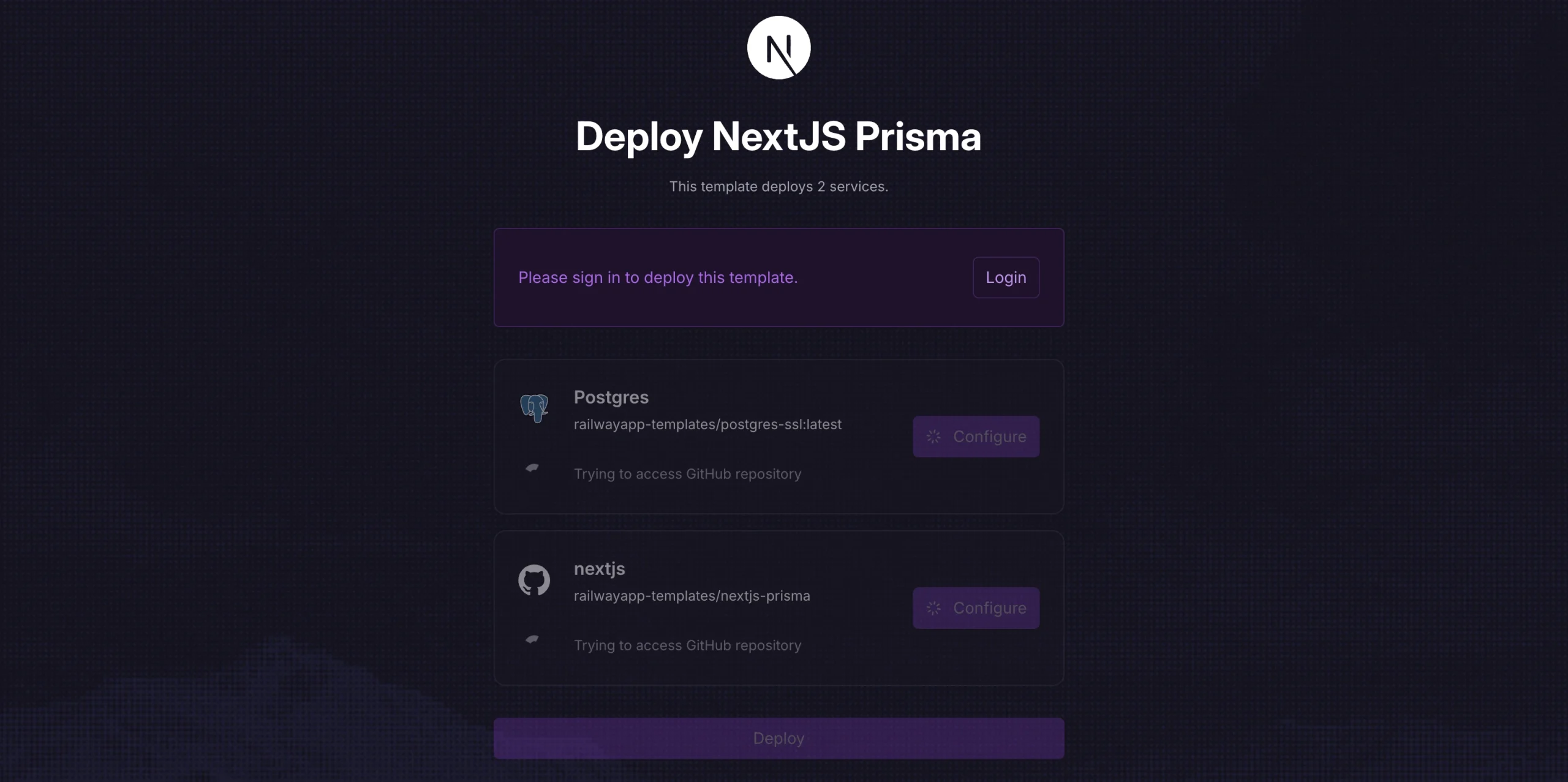
Railway supports full-stack applications running in compatible environments, making it suitable for projects that need both frontend and backend functionality.
You can deploy directly from a Git repository, while Railway provisions the required infrastructure and handles much of the deployment process.
The Hobby plan costs $5 per month and includes $5 in resource usage credits. The Pro plan costs $20 per month and includes $20 in usage credits. There is also a free plan with $1 in monthly usage credits.
Application performance depends on the resources allocated to your project, including CPU and memory, as well as your application’s configuration.
Railway uses usage-based billing.
Resource consumption beyond your included credits increases the monthly cost, so monitor your application’s usage as traffic grows.
Railway is a good choice for developers building small full-stack applications that need a database or other supporting services alongside Next.js.
6) Render
Render supports both full Next.js applications and static exports. You can choose the deployment type according to the features your application uses.
For applications that require server-side rendering and other server-dependent features, you can deploy a Node.js web service. If your application uses static exports, you can deploy it as a static site.
Pricing comes in two parts: a workspace plan, with compute billed on top per service and prorated by the second.
| Item | Price | What you get |
|---|---|---|
| Workspace: Hobby | $0/month | 1 team seat, 5 GB bandwidth |
| Workspace: Pro | $25/month | Unlimited seats, 25 GB bandwidth |
| Compute: under 1 CPU, 512 MB RAM | $7/month | Per service |
| Compute: 1 CPU, 2 GB RAM | $25/month | Per service |
| Extra bandwidth | $0.15 per GB | Beyond your plan’s allowance |
You can connect a Git repository and let Render build and deploy your application. It also supports Docker-based deployments for developers who prefer containerized environments.
Paid web services remain available without the inactivity-related sleep associated with free web services. Free web services, however, spin down after 15 minutes of inactivity. The next request triggers a restart, which can take about a minute.
This delay makes free instances less suitable for business-critical applications.
Render is a good choice for teams that want managed application deployment and database services without having to maintain their own server.
7) AWS Amplify
AWS Amplify provides managed hosting for web applications within the Amazon Web Services ecosystem.
It supports several frameworks, including Next.js, and allows developers to deploy applications without managing the underlying server infrastructure. You can connect your source code repository and use Amplify’s managed deployment process to build and host your application.
AWS Amplify supports server-rendered Next.js applications, subject to its documented framework and feature limitations.
The platform uses a pay-as-you-go pricing model, with no minimum fees or mandatory service usage. You pay for the resources your application consumes, including builds, data transfer and server-side rendering.
Applications run on AWS infrastructure and use its content delivery network to serve content to visitors.
Your total bill depends on several usage-based components. Build time, data served and server-side rendering can all contribute to your monthly costs, so estimate your expected usage before deploying a production application.
AWS Amplify is a good choice for development teams already using AWS services who want to host their Next.js applications within the same ecosystem.
8) DigitalOcean
DigitalOcean offers two main options for hosting Next.js applications: its managed App Platform and self-managed Droplets.
This gives developers a choice between managed application deployment and a virtual server they configure themselves.
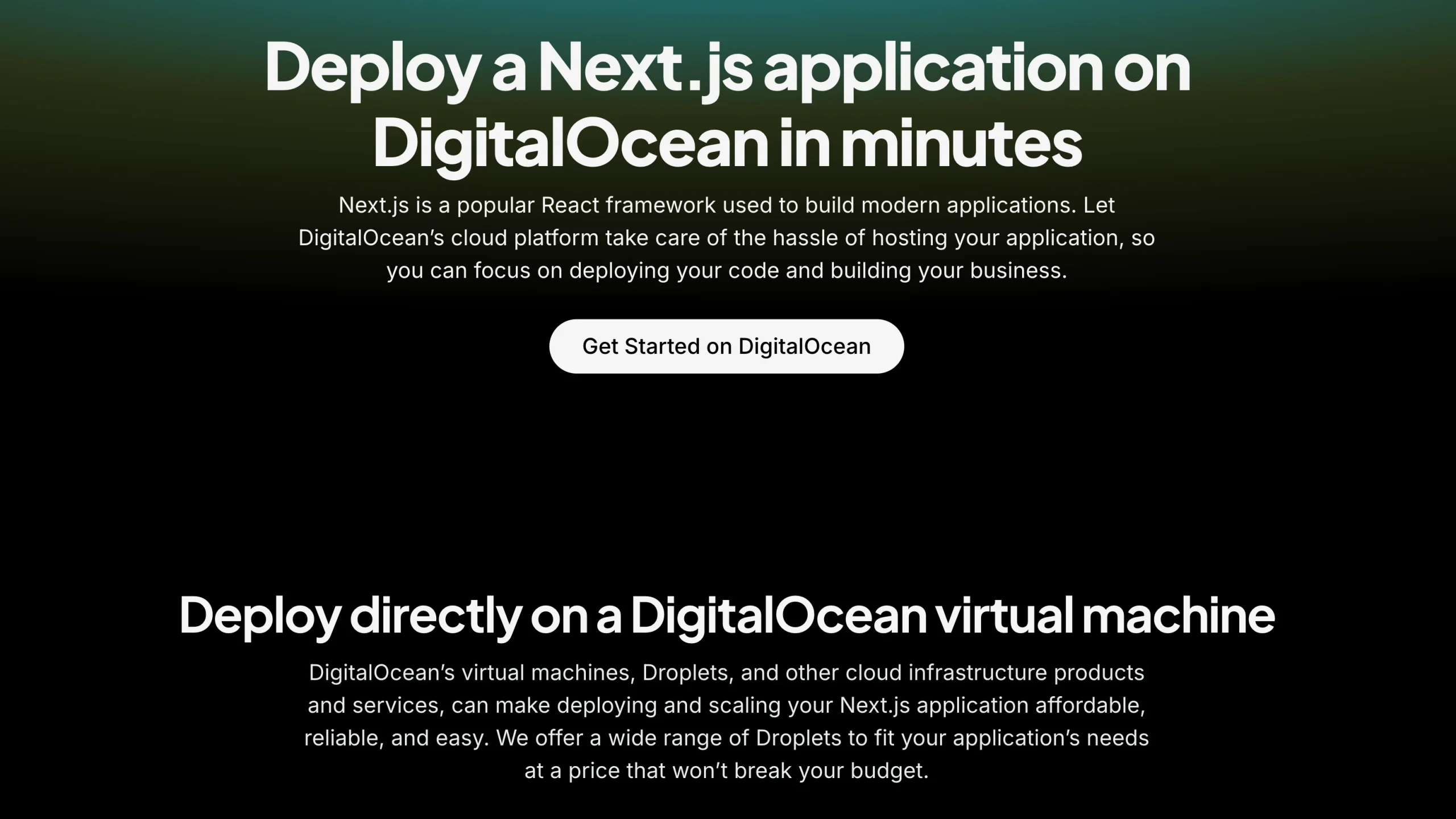
App Platform simplifies Next.js deployment, while Droplets provide a configurable server environment where you can install Node.js and manage your application.
App Platform web services start at $5 per month under its listed pricing, while Droplets start at $4 per month. Droplets use per-second billing, with a minimum charge of 60 seconds or $0.01.
With App Platform, you can connect your Git repository and deploy your application without handling the underlying server configuration. Droplets require manual setup, including installing the necessary software and configuring your application.
Performance depends on your selected server resources, deployment region and caching configuration.
Additional application components, bandwidth and outbound data transfer can increase your hosting costs. With Droplets, you also need to handle server maintenance and security.
DigitalOcean is a good choice if you want to choose between managed application hosting and a virtual server that gives you greater control.
How to Choose the Best Next.js Hosting
The best hosting platform depends on how you plan to run your application, your budget and the amount of server management you can handle.
Here is a quick guide:
- Choose Truehost VPS if you want server control, predictable monthly hosting costs and the freedom to configure your Next.js environment.
- Choose Vercel if you want convenient deployments, strong Next.js integration and a simple and direct path from development to production.
- Choose Netlify if you need managed deployments, built-in form handling and tools for working with a team.
- Choose Cloudflare Workers if you want to use a global delivery network and keep hosting costs low while handling additional deployment configuration.
- Choose Railway or Render if you are building full-stack applications that need managed infrastructure and database services.
- Choose AWS Amplify if your development team already uses AWS and wants to host Next.js applications within the same environment.
- Choose DigitalOcean if you want the option of managed hosting through App Platform or greater server control through Droplets.
Before making your choice, calculate the full monthly hosting cost, check Next.js feature compatibility, consider server location and scaling requirements, and review the technical support available.
Best Next.js Hosting FAQs
Which host is best for Next.js?
It depends on your budget and technical needs. Vercel offers convenient deployment and native Next.js integration, while a VPS such as Truehost VPS gives you greater control over your server and hosting costs.
Is Vercel best for Next.js?
Vercel is a convenient choice because it is built by the Next.js team. However, commercial projects require a paid plan, and additional seats and usage can increase costs. A VPS such as we have at Truehost is worth considering if you prefer server control and a predictable monthly hosting fee.
Where can I host Next.js for free?
Vercel offers free hosting for non-commercial personal projects, while Netlify has a free plan with usage limits. Railway and Render also offer free options with restrictions. For a business application, check the limits carefully before choosing a free tier.
Can I host Next.js on GitHub?
Yes, for static exports using GitHub Pages. Applications requiring server-side rendering, API routes, or other server-dependent features need a compatible hosting platform.
Can Next.js be self-hosted?
Yes. You can run Next.js on a Node.js server or Docker, or deploy a static export. A VPS provides control over the server but requires you to manage deployment, updates, security, caching, and backups.
Host Your Next.js App With Truehost
A managed platform saves setup time. A VPS hands you control and a bill that doesn’t move around.
If you want to run your Next.js application on a server you manage, our Truehost VPS hosting provides the resources and flexibility to configure your environment around your project’s requirements.
You can choose from different plans based on your application’s CPU, RAM and storage needs, then upgrade as your project grows.
Visit our Cloud VPS store, select a suitable plan and get started with hosting your Next.js application.
