When you’re managing a single website hosting account, it’s quicker to set up, but every client’s files, email, and logins sit in the same place.
With multiple websites, it means multiple hosting accounts, and you’ll need to keep those clients apart and everything organized. You’ll also need a way to manage them without logging in to a new dashboard each time. That “way” is WHM.
So, what is WHM?
WHM stands for WebHost Manager. It is the server-management interface in cPanel & WHM, allowing you to manage the server itself, its services, and every user account sitting on it.
You don’t use WHM to run a single website. You use it to create and look after the accounts that each run one.
Who Uses WHM?
WHM is designed for people who manage multiple hosting accounts or administer a server.
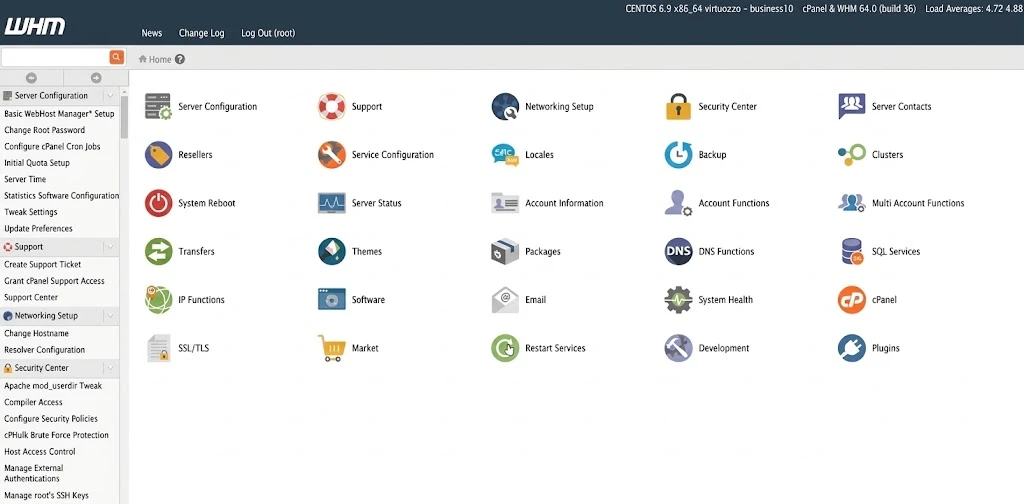
Three groups commonly benefit from it.
- Hosting resellers: If you want to sell hosting to customers under your own business, WHM lets you create individual hosting accounts and allocate resources according to the packages you offer.
- Web agencies: If you build and maintain websites for clients, you can keep each client’s website in a separate account and manage those accounts from one dashboard.
- Server administrators: If you operate a virtual private server (VPS) or dedicated server with a suitable cPanel license, WHM provides tools for managing accounts, services, and server settings.
WHM also supports different access levels. Server administrators with root access have broad control over the server, while resellers can manage accounts within the permissions granted to them.
If you own just one website, you generally don’t need WHM. Your cPanel dashboard already provides the tools you need to manage your website, email, and files.
What Can You Do With WHM?
WHM brings several hosting-management tasks into one dashboard.
1) Managing accounts and packages
WHM lets you create new accounts, modify existing ones, suspend them when necessary, and remove the ones that are no longer needed.
Hosting packages help you organize the services you offer. You can create packages with specified limits for disk space, monthly bandwidth, email accounts, and other supported resources. You then assign a suitable package to each customer.
For example, you could offer a smaller package for a personal blog and a larger one for a business website that needs more storage.
WHM also lets authorized administrators grant or remove reseller privileges and control which packages resellers can use.
If you are moving customers from another compatible server, the Transfer Tool can help move their hosting accounts. WHM also provides tools for managing DNS zones, which contain the records that direct domain names to the appropriate services.
2) Branding and managing customer services
Running a hosting business under your own name is easier when the customer-facing interface reflects your brand.
WHM includes cPanel customization options that let you change supported elements such as the logo, colors, favicon, and help links displayed in the customer’s cPanel interface.
You can also manage supported third-party products offered through cPanel using Market Provider Manager. The options available depend on which providers and services are configured on your server.
3) Monitoring, securing, and backing up the server
Managing multiple hosting accounts also means keeping an eye on the server that runs them.
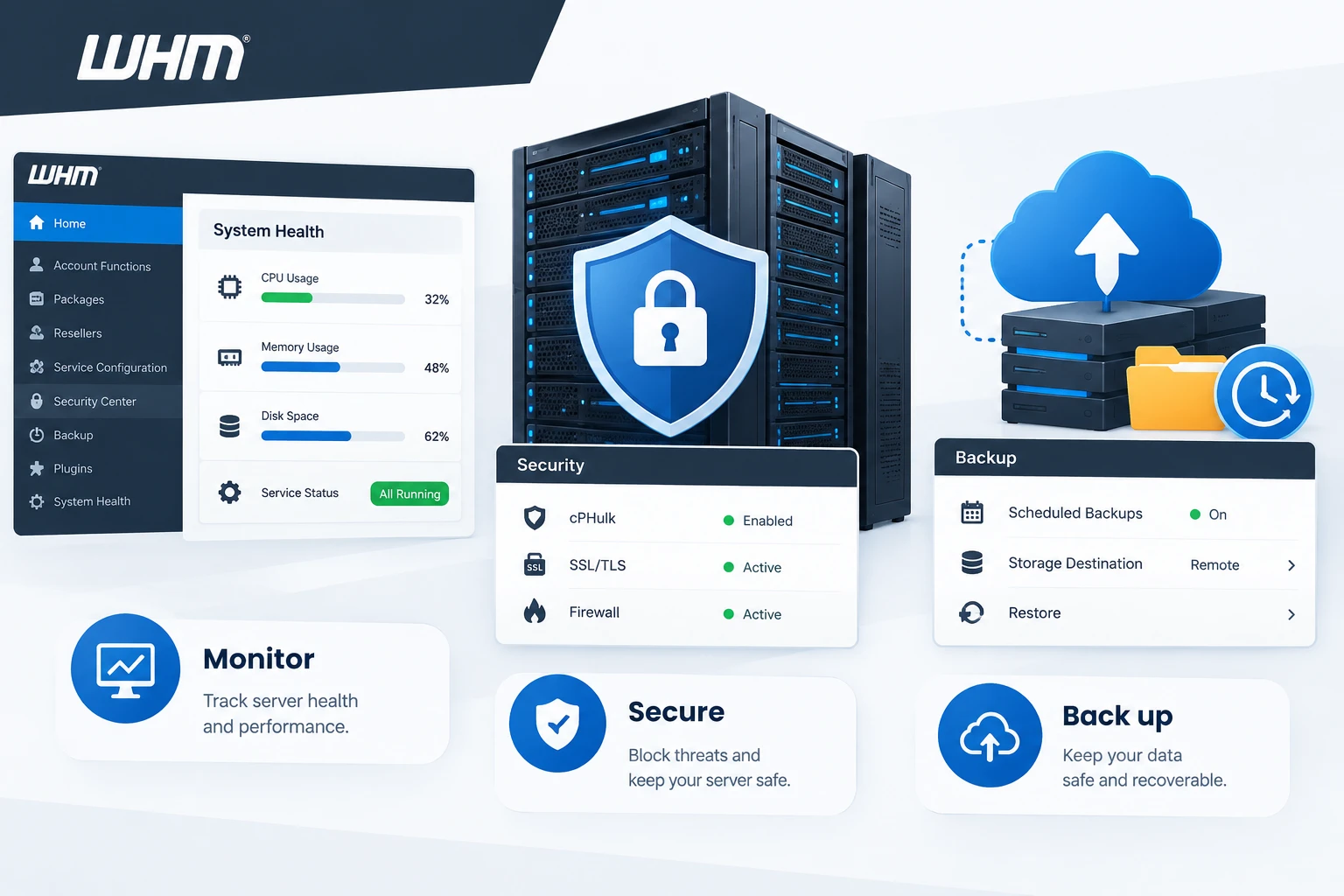
WHM provides tools for checking active processes, CPU and memory usage, disk space, and service status. These checks help you identify resource pressure or services that are not running as expected.
You can also manage SSL certificates and configure AutoSSL for eligible domains. AutoSSL helps issue and renew certificates automatically when the domain and server meet the relevant requirements.
For login protection, WHM includes cPHulk Brute Force Protection. It helps block repeated failed login attempts against supported services, including cPanel, WHM, email, FTP, and SSH.
It does not protect a website against every type of attack, so other security measures and regular updates remain necessary.
Backups are another important part of hosting management. WHM lets you configure backup schedules, retention periods, and storage destinations, depending on your setup. You can also restore accounts from available backups.
These tools help you maintain your hosting environment, but they do not replace regular updates, security checks, and a well-planned backup strategy.
4) Configuring server applications and settings
WHM also gives authorized users access to server-level configuration tools.
Where WP Toolkit is available, you can use it to install and manage WordPress installations. Other settings let you adjust supported server behavior relating to PHP, email, security, and logging.
You can also install or remove supported plugins through the relevant management tools, depending on the server configuration and your permissions.
Be careful when changing server-wide settings. A change that seems minor can affect several hosting accounts if it alters how a server service operates.
For web agencies and resellers, creating separate customer accounts and assigning suitable hosting packages are among WHM’s most useful functions. They give you a practical way to manage several client websites from one place.
Benefits of WHM
WHM offers several advantages if you manage multiple websites or sell hosting services.
- Manage multiple accounts from one dashboard. You can create, modify, and suspend hosting accounts without logging in to each customer’s cPanel separately.
- Allocate resources through packages. Disk space, bandwidth, and other supported limits can be assigned according to the hosting package a customer purchases.
- Keep customer accounts separate. Each client can have their own cPanel login, files, and account settings. This improves organization and can reduce the impact of certain account-level problems, although it does not guarantee complete security isolation.
- Present a branded customer interface. Supported cPanel customization options let you add your logo and other branding elements.
- Simplify routine administration. Account transfers, backup management, certificate administration, and server monitoring can all be handled through the available WHM tools.
However, separate accounts do not guarantee complete security isolation. You still need to maintain the server, apply updates, and configure appropriate security measures. Server-level mistakes can also affect multiple customers.
Is WHM Included With All Hosting Plans?
No. WHM is generally available with reseller hosting or a VPS or dedicated server running a suitable cPanel & WHM license. Standard shared hosting typically provides cPanel without WHM.
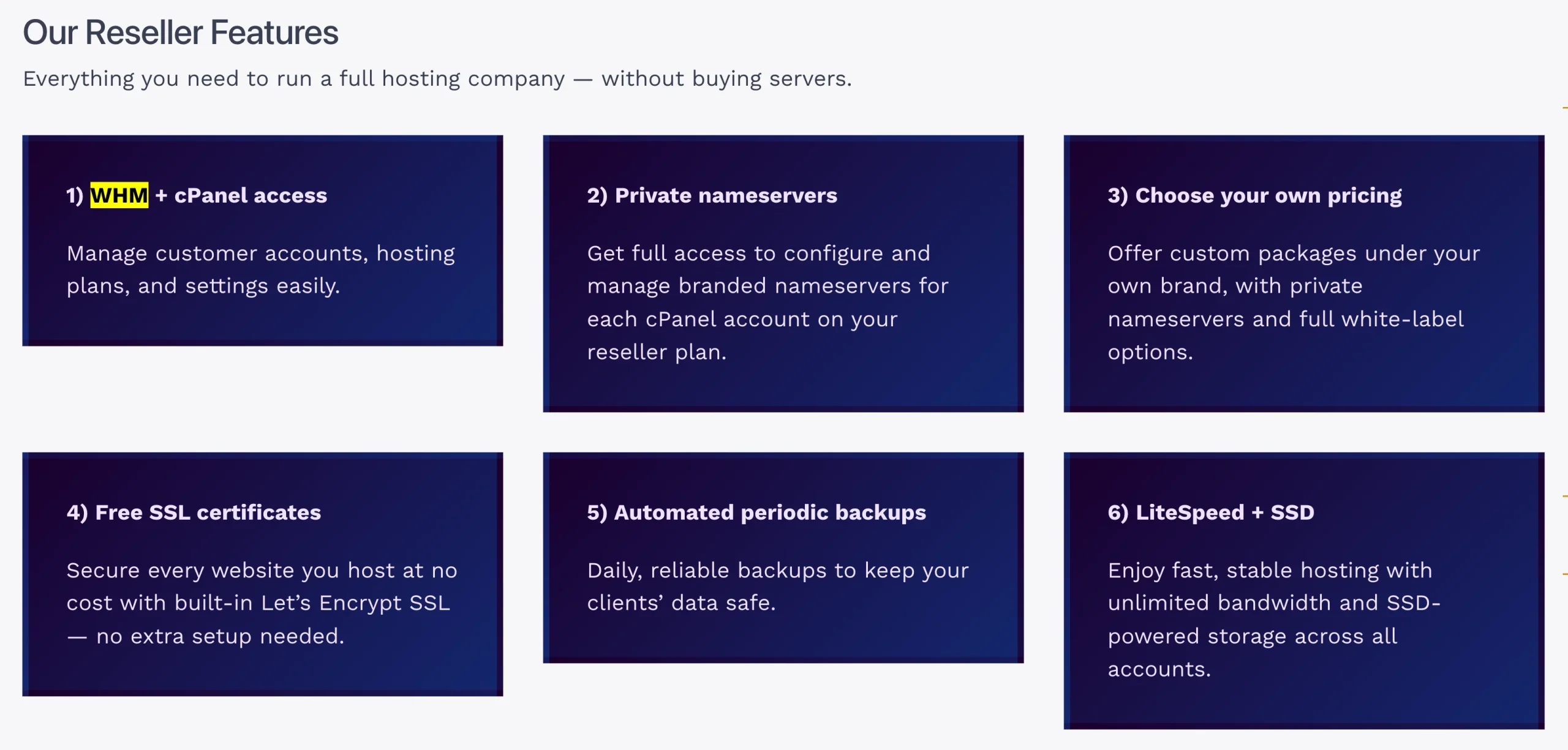
If you plan to manage multiple customer accounts, check that your hosting plan specifically includes WHM or reseller hosting features.
At Truehost, our shared hosting provides cPanel for managing an individual hosting account, while our reseller hosting plans include WHM for managing multiple customer accounts.
The Silver reseller plan costs USh 89,014.38 per month plus some extra fee for setup.
If you rent a VPS or dedicated server and install cPanel & WHM yourself, you will generally need a separate software license. According to cPanel’s published pricing, the monthly fee depends on the license tier and the number of accounts supported.
How to Log In to WHM
WHM has its own login address, separate from cPanel. Its secure connection uses port 2087.
To access WHM, follow these steps:
- Open your browser and enter
https://your-server-ip:2087, replacingyour-server-ipwith your server’s IP address. You can also use your server hostname. - Enter your WHM username and password. Server administrators typically use root credentials, while resellers use the credentials supplied by their hosting provider.
- Check any browser certificate warning before proceeding. Confirm that the address is correct and that the connection is to the expected server.
- Complete two-factor authentication if it is enabled on your account.
- Once logged in, use the WHM dashboard to manage hosting accounts, packages, and the server settings available to your account.
If the page does not load, check your server address and connection. You should also confirm with your hosting provider that your plan includes WHM and that your account has permission to access it.
Manage Multiple Websites Easily With Truehost
If you build websites for clients or want to start a hosting business, managing every website under one shared account can become difficult as your customer list grows.
Truehost’s reseller hosting plans include WHM, allowing you to create separate customer accounts, assign hosting resources, and manage them from one dashboard.
Your customers can use their own cPanel accounts to manage their websites, while you handle hosting administration through WHM.
This gives you a practical starting point for offering hosting alongside website design and maintenance services without setting up your own hosting server from scratch.
Go to our website to compare the available reseller hosting plans, review the features, and choose an option that suits your business.
