Do you need WHOIS privacy? For most website owners, yes.
You can skip it only if your registrar or domain extension already hides your details, or a registered company wants them public. Check your own record first.
WHOIS is a public record of who registered a domain, like a phone book for websites.
It shows your name, email, phone, address, registration and expiry dates, and nameservers.
Anyone can look it up: marketers, scammers, competitors, domain buyers and law enforcement.
WHOIS privacy replaces your details with the registrar’s proxy details.
You stay the legal owner, and emails sent to the proxy address are forwarded to you.
Next: seven reasons to turn it on, how to add it, and mistakes to avoid.
7 Reasons You Need WHOIS Privacy
Each reason below is a risk that public contact details make easier. Start with the one you will notice first: spam.
1) Stop spam and cold outreach
Scrapers pull WHOIS data into mailing lists. Those lists get sold on and on.
The messages follow a pattern:
- Web design offers
- SEO “audits”
- Hosting deals
- Marketing pitches
Take an example of a new site owner. Within a week of registering, dozens of “your website needs redesigning” emails arrive.
The result is a flooded inbox. Genuine messages get buried.
Spam is annoying. The next risk can cost you money.
2) Avoid fake renewal and domain scams
Scammers send fake “your domain is expiring” invoices. They look official.
Your registrant details make them believable. A notice with your real name and domain feels legitimate.
Online store owners are especially targeted. A lost domain means lost sales.
The risks:
- Paying a fraudulent invoice
- Being tricked into a transfer
- Typing card or login details into a fake page
ICANN has warned about these scams. It states that it does not process domain registrations or collect fees from registrants directly.
If you have doubts about your domain’s status, ICANN advises contacting your registrar directly. Not the sender of the email.
Privacy removes the data these scams rely on.
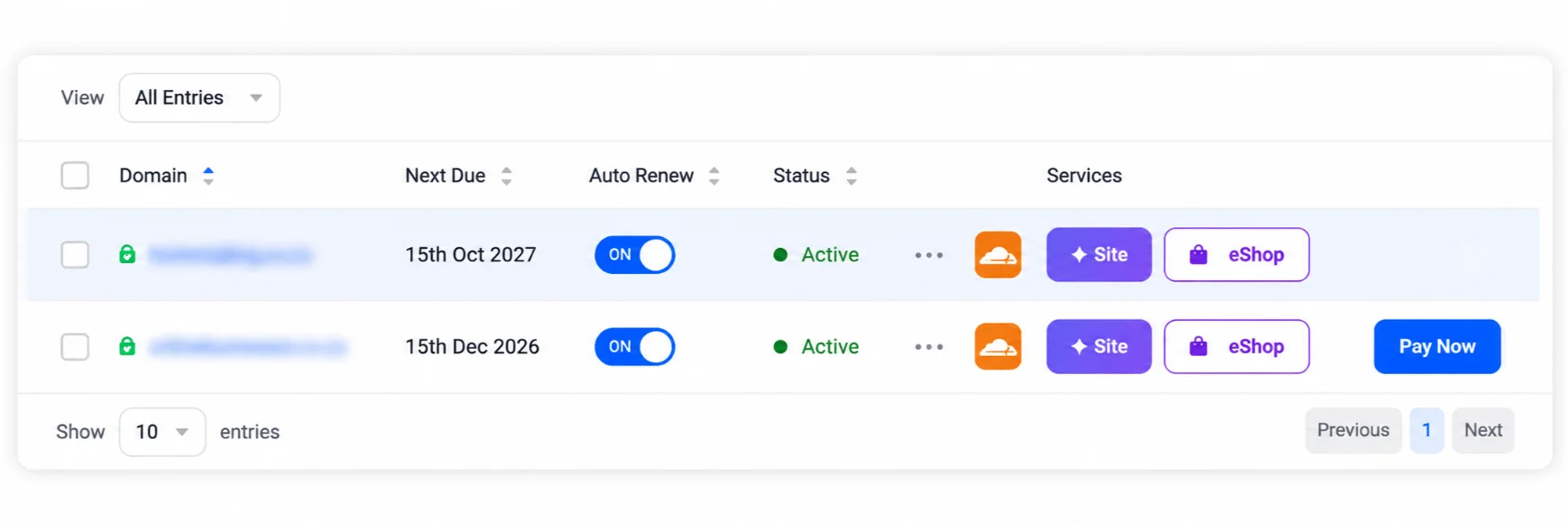
Quick check: log in to your registrar account and look at the expiry date there. Never pay from an email link.
Want that data off the public record? Get WHOIS privacy with Truehost when you register or renew.
3) Reduce identity theft and phishing
Public details can be used to impersonate you. An attacker can contact your registrar or host while pretending to be you.
They use your name, email and phone number for social engineering and targeted phishing.
The risk is higher if you registered with a personal email or phone number.
Phishing is the most reported internet crime in the United States. The FBI’s Internet Crime Complaint Center logged 859,532 complaints in 2024. Phishing and spoofing led the list with 193,407 complaints, and reported losses reached a record $16.6 billion.
The risks to you:
- Account takeover attempts
- Loss of the domain
Privacy is one layer, not a full shield. Pair it with strong passwords and 2FA.
If you run your site, N8n hosting or AI Workers with us at Truehost, your domain is the front door to all of it. Protect it.
4) Hide your home address
Home-based businesses, freelancers, bloggers and online store owners often register with their home address.
Without privacy, anyone can see where you live.
Picture a popular blog or home-run online store. A growing audience can bring unwanted visitors or mail to your door.
Privacy replaces your address with the registrar’s.
Your readers and customers don’t need your street name. They need your contact form.
5) Keep your personal and professional life separate
Without privacy, your site can be linked to your personal name.
Controversial posts or opinions can then be traced back to you.
Disagreements over content can also push people to dig up your personal details.
Privacy keeps your identity apart from the site.
That separation is most useful for:
- Bloggers writing on sensitive topics
- Freelancers running side projects
- Owners who manage several sites
6) Control how people contact you
Visitors should use the contact details you choose. Not your personal phone or email.
That avoids calls and messages at odd hours about your business.
It also keeps enquiries going through proper channels, such as:
- Your contact form
- Your support email
You reply when you are ready, from the inbox built for it.
7) Hide who built or registered the site
Agencies and designers often register domains on behalf of clients.
Clients may not want the designer’s details tied to the site. Or their own.
Privacy keeps ownership details out of public view.
One reminder: make sure the client is the actual registrant on record. If the designer is the registrant, the designer owns the domain, and that can cause trouble if the relationship ends.
If you manage client sites on a Truehost VPS or dedicated server, keep domain ownership in your client’s name from day one.
That covers the why. Now for the how.
How to Add WHOIS Privacy to Your Domain
Setup takes a few minutes. The steps depend on whether your domain is new or already registered.
When registering a new domain
- Search for your domain name
- Select the privacy option at checkout
- Complete the order
That’s it. Your details are masked from the start.
For an existing domain
- Log in to the client area
- Open the domain you want to protect
- Enable the privacy add-on
How to confirm it’s working
- Run a lookup on a tool such as ICANN’s lookup
- Check that your name, email, phone and address are masked
- If you still see your details, wait a short while and check again, then contact support
Tip: keep your registrant email valid. Verification and renewal notices go there.
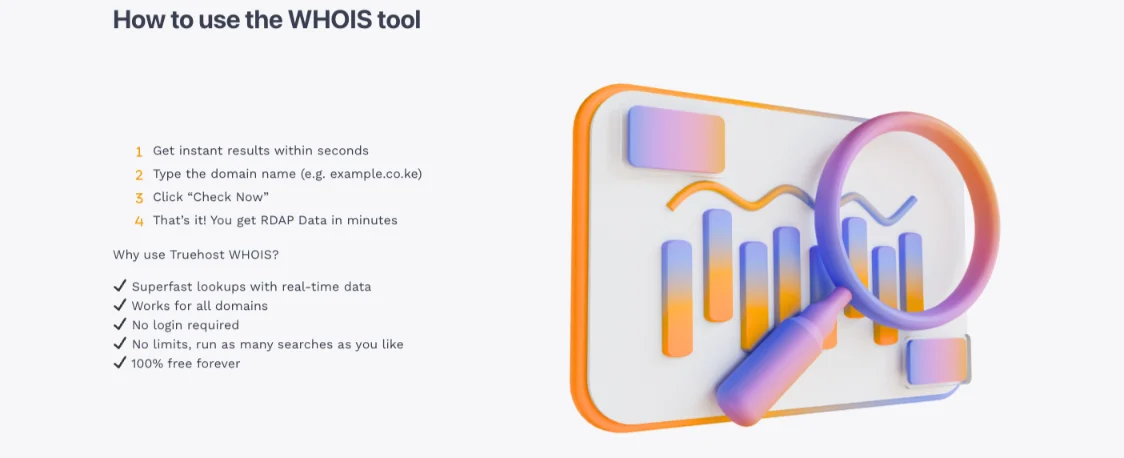
Ready to switch it on? Add WHOIS privacy with Truehost at checkout or from your client area.
Common Mistakes to Avoid
Privacy works well, but a few slips can undo it.
- Forgetting to renew privacy. It is an add-on with its own term. If it lapses, your details can become public again.
- Entering fake contact details. Privacy hides your real data. It does not replace it. Registrars must collect accurate details, and false data can put your domain at risk.
- Not verifying the registrant email. Registrars must ask you to verify it. If you ignore the request, your domain can be suspended.
- Skipping domain lock and 2FA. Privacy hides your data. Domain lock and 2FA block unauthorised transfers and logins.
Fix these four and you close most of the gaps.
Get WHOIS Privacy for Your Domain
Even a new, small site gets scraped by bots. Protect the domain from day one.
To recap, privacy helps you:
- Cut spam and cold outreach
- Avoid fake renewal scams
- Reduce phishing and impersonation risk
- Keep your home address private
- Separate your identity from your site
- Control how people contact you
- Keep builder and owner details out of public view
The action is simple. Get WHOIS privacy with Truehost:
- New domain: add WHOIS privacy at checkout when registering with Truehost
- Existing domain: enable WHOIS privacy from your Truehost client area
Then add domain lock and 2FA. Once your domain is safe, build on it with our VPS, dedicated servers or OpenClaw hosting.
Do You Need WHOIS Privacy FAQs
Is WHOIS privacy free?
It depends on the registrar and the extension. Some include it, others charge a yearly fee.
Check the checkout page for your domain at Truehost to see what applies to you.
Can someone still find me if I use WHOIS privacy?
Not through the public record. But your registrar still holds your real details.
Law enforcement and legal requests can reach them. ICANN also runs the Registration Data Request Service (RDRS), where people can request non-public gTLD data for reasons such as abuse reports or trademark enforcement.
Older records or your own website may also point to you.
Do I need WHOIS privacy for a business website?
In most cases, yes. Staff phone numbers and owners’ addresses are still targets for spam and scams.
A registered company may choose to keep its details public. Either way, put your business information on your site’s contact page.
Can I remove WHOIS privacy later?
Yes. You can switch it off from your client area.
Your details may then become visible again. Update them first.
Is it legal to hide my WHOIS information?
Yes. Privacy services are a standard, legal option.
You must still give your registrar accurate details. They can be disclosed through proper legal channels.
Does WHOIS privacy stop hackers?
No. It makes you harder to target with social engineering. It does not fix weak passwords, outdated plugins or an unsecured server.
Use 2FA, domain lock and regular updates alongside it.
What’s the difference between WHOIS privacy and domain privacy?
Usually, nothing. Registrars use different names: domain privacy, privacy protection or ID protection.
Check what your add-on covers before you buy.
Does WHOIS privacy affect SEO or domain ownership?
No. You remain the owner of the domain.
There is no confirmed ranking penalty for using privacy, and search engines don’t need your WHOIS details to rank your pages. Just make sure you are the registrant on record.
