People buy expired domains for a few different reasons. Some are casual buyers; others are SEO professionals hunting for domains with existing backlink profiles they can use for redirects or to build a new site faster.
An expired domain already has a history, sometimes a good one, and that history can save time and money if you know what you’re looking at.
Expired domains get used for investment and resale, for redirecting traffic to a new project, or for building a site on a name that already has some authority.
You can tell a domain is expired when it’s no longer registered by its previous owner and has either dropped back into the open market or is sitting in an auction or closeout listing.
You’ll find them at GoDaddy Auctions, NameJet, ExpiredDomains.net, DomCop, and Domain Hunter Gatherer. Each one works a little differently, but they all list domains that someone else let go.
However, not every expired domain is worth having. Some carry toxic histories, spammy backlinks, or legal risks that will cost you more than the registration fee. That’s why you need a checklist.
Your Checklist Before Buying an Expired Domain
1) Check the Domain History
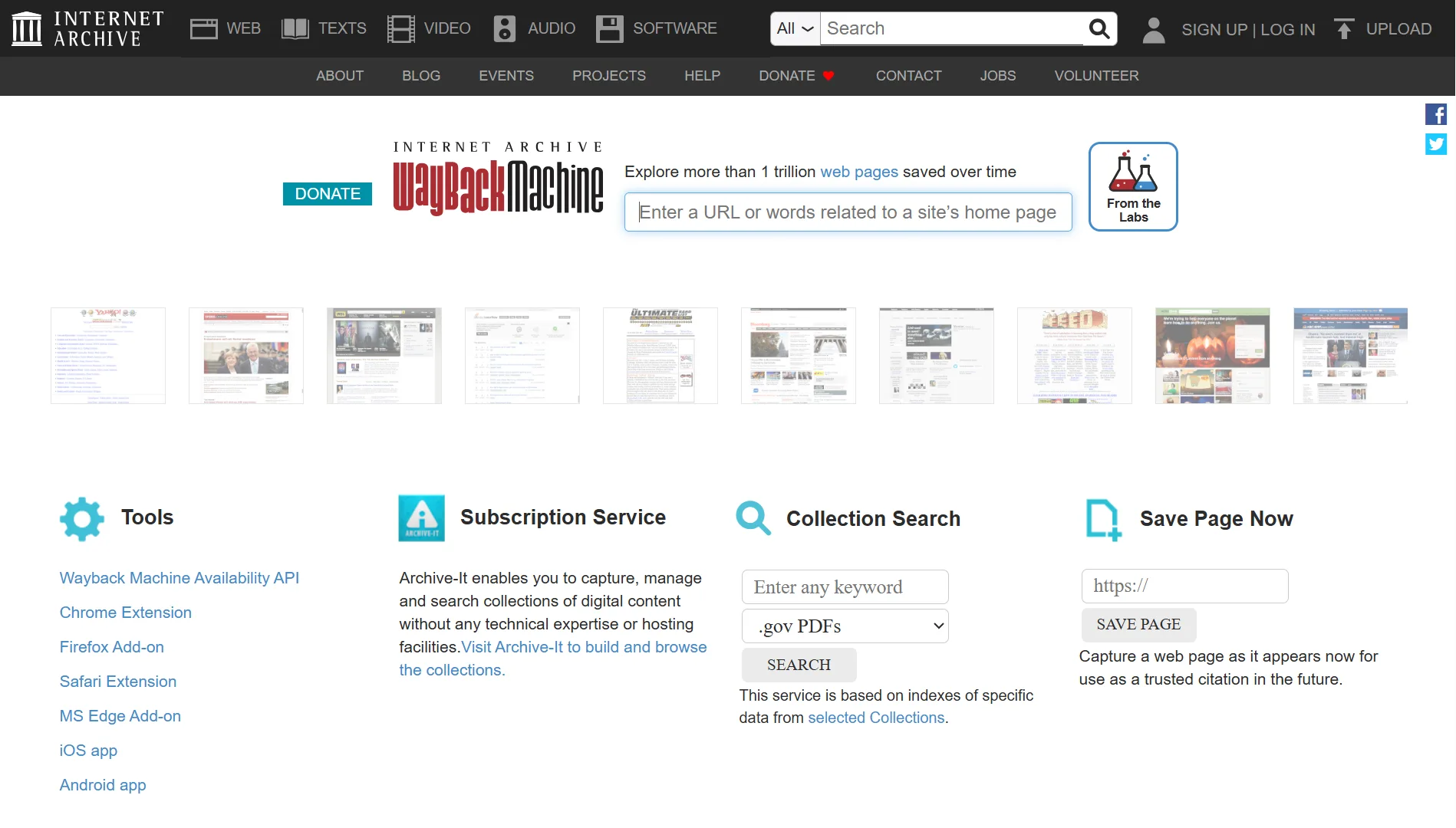
Start with the Wayback Machine at archive.org. Type in the domain and look at what the site used to be.
Here, you’re not just checking whether it existed; you’re checking what it was used for. Scroll through snapshots from different years. Look at the headlines, the content, the overall vibe of the place.
What you’re hunting for is any sign that the domain was used for adult content, gambling, or pharmaceutical spam.
Those three categories are classic red flags in expired domain circles because they often leave behind a mess of low-quality links and sometimes manual penalties.
If the site was previously used for spam, phishing, or anything illegal, that’s a red flag.
Google has gotten better at recognizing when a domain’s history doesn’t match its new content, and the cleanup process is rarely worth the effort.
2) Check the Backlink Profile
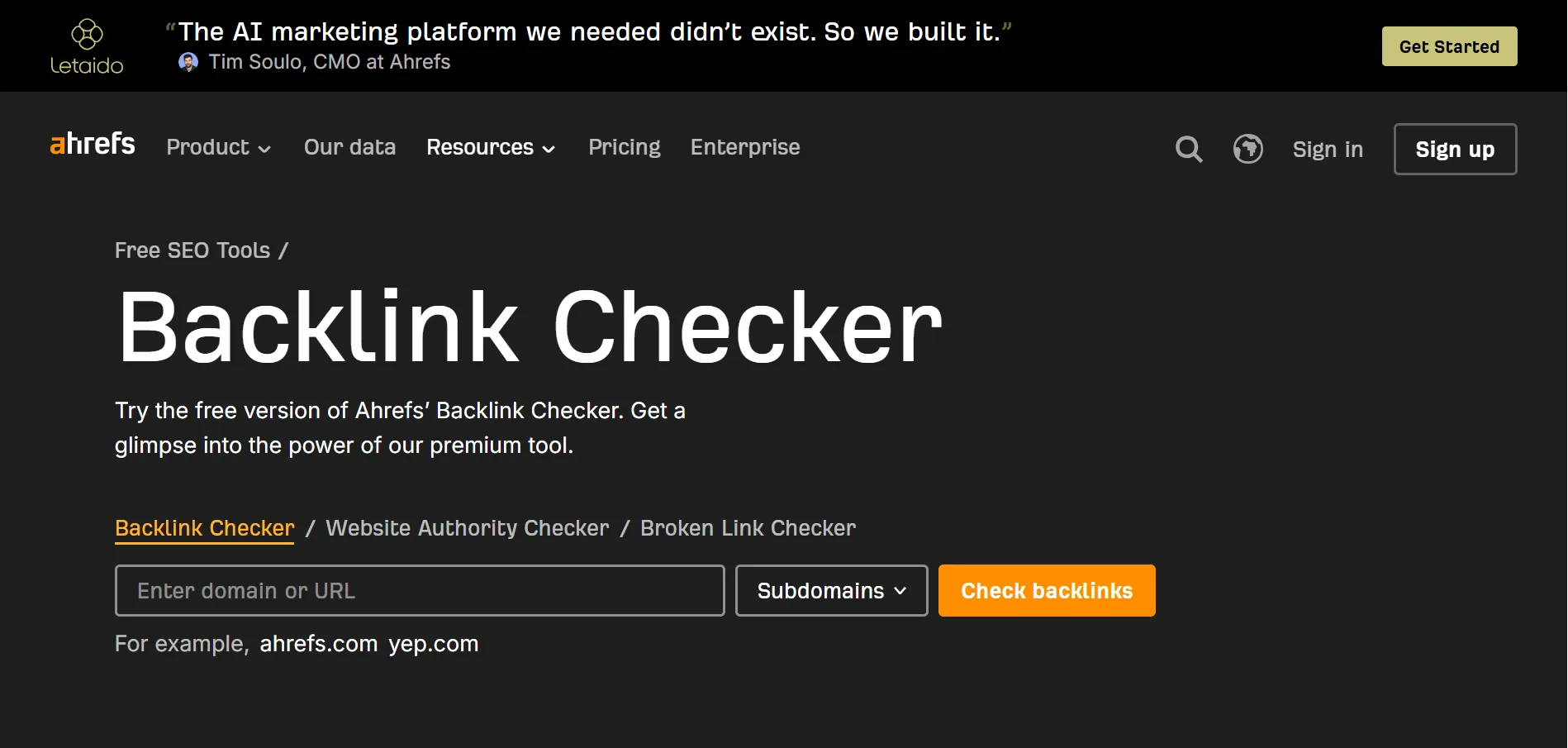
Run the domain through Ahrefs or Moz. You’re looking at who links to this domain and whether those links are any good.
A healthy backlink profile has links from real sites, things like news outlets, blogs, or industry publications.
Those are links someone earned because they had something worth linking to.
What you don’t want is a profile full of toxic or spammy links. These come from shady sites, link farms, or networks set up purely to manipulate search rankings.
If a domain has thousands of spammy links, fixing that profile is difficult and sometimes impossible.
You can disavow links, but you’re fighting an uphill battle, and the domain may never recover.
Look at the ratio of quality to quantity. A domain with a hundred good links from relevant sites is worth more than one with ten thousand links from garbage domains.
Dig into the actual referring domains, not just the total backlink count. A big number can be misleading when most of it comes from one spam network
3) Check the Domain Age
The registration date itself doesn’t give you a ranking boost; it is what the domain did with those years.
Still, age is a useful signal when you combine it with other checks. An older domain that has relevant, high-quality backlinks from real news sites or respected blogs is worth considering.
The age tells you it’s had time to build those connections. A domain that’s ten years old but has nothing behind it is no better than a new registration.
So check the age, but don’t stop there. Verify that the domain still has links pointing to it that make sense for your intended use.
If you’re building a site about finance and the domain’s old links come from gardening blogs, the age doesn’t help you.
You want a clean, aged domain with links that align with what you plan to do.
4) Check the Brandability
Say the domain out loud. Would you put it on a business card? Would you feel comfortable telling someone your website address over the phone?
If it’s hard to spell, easy to mishear, or looks like a string of keywords jammed together, skip it.
Domains with hyphens or numbers, like best-cheap-shoes-4u.com, are a hard pass. They look spammy, and they don’t build trust.
You want something that sounds like a real brand. Short, memorable, and natural. A domain doesn’t have to be a single dictionary word to be brandable, but it should feel like a name a person would choose, not something a script generated to match a search query.
5) Check for Trademark Issues
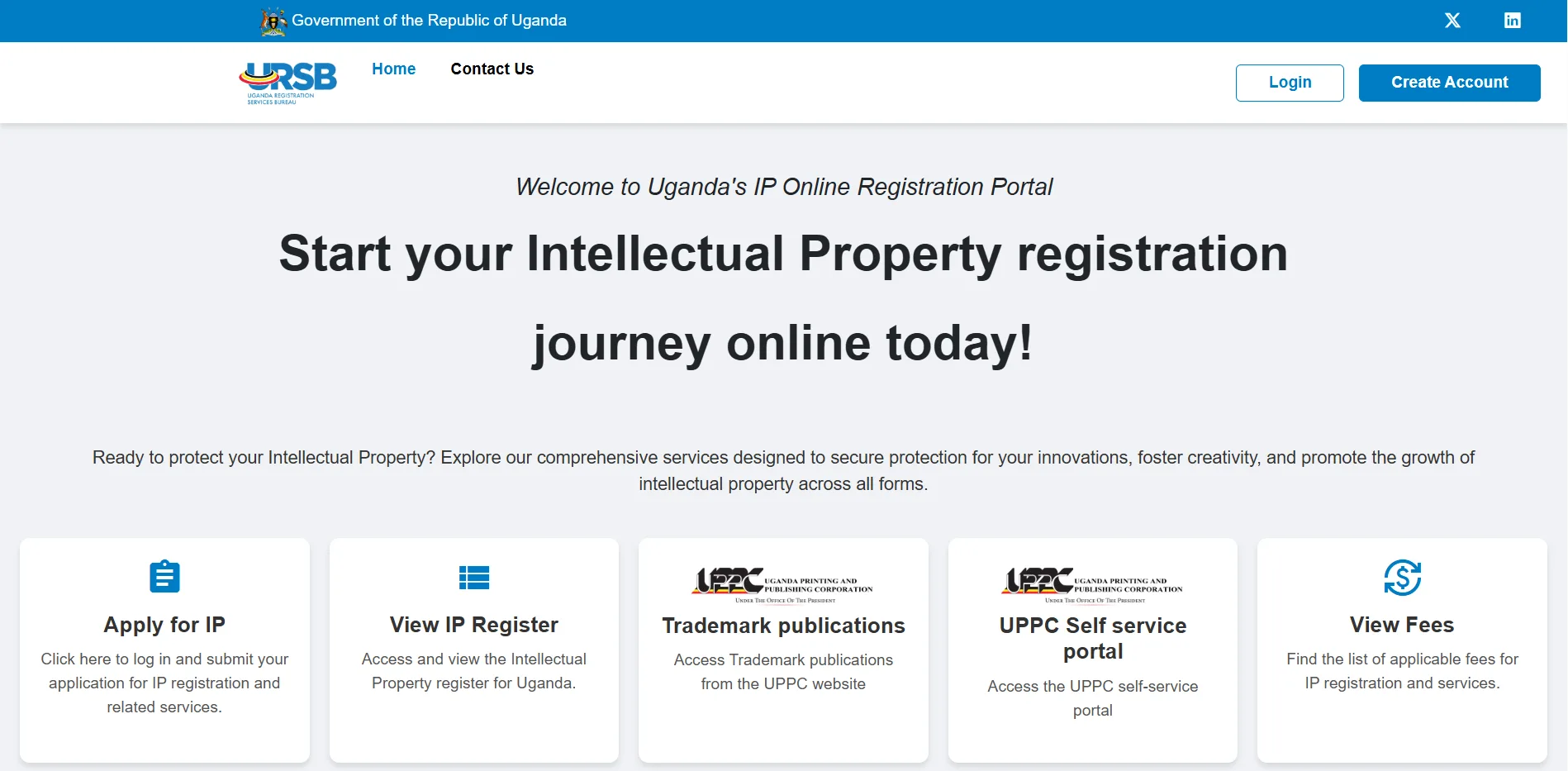
Before you buy, search the name in your country’s trademark database. In Uganda, that’s the URSB IP Online portal. If you’re in another country, use whatever equivalent exists there.
Also Google the name. See if it’s a famous company, a well-known product, or a brand that actively protects its intellectual property.
If the domain infringes on a trademark, you could get sued or lose the domain through a dispute process. Neither outcome is worth the registration fee you saved.
Even if you plan to use the domain for something completely unrelated to the trademark holder’s industry, famous marks get broad protection.
A domain that matches a recognizable brand name is a liability, not an asset.
6) Check the Current Indexing
Open Google and type site:yourdomain.com. If pages from that domain show up in the results, it’s still indexed. It means Google hasn’t completely removed the domain from its search results.
If Google shows “No results,” that’s a red flag. The domain might be penalized, de-indexed, or stuck in a state that Google hasn’t cleared yet.
John Mueller has said it can take time for a domain to shake off its old state, especially if it was parked or unregistered for a while. A de-indexed domain might recover eventually, but you’re taking a gamble.
You can also check for manual actions if you have access to Search Console, but since you’re buying an expired domain, you probably don’t.
The site: search is your quickest free check. If nothing shows up, be very cautious.
7) Check the Price vs. Value
Compare what the seller is asking to what the domain is actually worth to you. Some expired domains are available at a standard registration fee through a registrar like GoDaddy or Namecheap.
Others are in premium auctions with bids that climb into the hundreds or thousands.
Don’t overpay just because a domain is old. Age by itself means nothing without quality links and a clean history.
A ten-year-old domain with a spammy backlink profile and a de-indexed status isn’t worth more than a fresh registration.
A domain with strong, relevant links and a clean past might be worth a premium, but only if you’ve done the checks above and confirmed the value is real.
Set a budget before you start bidding. Auction fever is real, and it’s easy to talk yourself into paying more than you planned.
Decide what the domain is worth to you based on what you’ve found, and stick to it.
Expired Domain Toolbox
| Tool | What It’s For |
| Wayback Machine | Checking the domain’s past content for spam, adult, or illegal use |
| Ahrefs | Analyzing backlink quality and finding expired domains |
| Moz Link Explorer | Checking Domain Authority and Spam Score |
| Whois / WHOIS History | Confirming availability and reviewing past ownership |
| URLHaus / ThreatFox | Checking for malware, phishing, or threat intel flags |
| DNS Blacklist Checkers | Confirming the domain isn’t blacklisted |
| Trademark Search (URSB, etc.) | Screening for trademark conflicts before you buy |
Things to Check Before Buying an Expired Domain FAQs
How can I buy a domain that just expired?
It depends on where the domain is in the expiration process. There’s usually a grace period where the original owner can still renew, then a redemption period, then a pending delete phase. Once it’s fully released, you can register it at a standard fee if no one else grabs it first. For popular domains, you’ll often need to use a backorder service or participate in an auction through a platform like GoDaddy or NameJet.
How to check for expired domains?
You can browse marketplaces like ExpiredDomains.net, DomCop, or Domain Hunter Gatherer. These list domains that are expiring or have recently expired, often with filters for age, backlinks, and other metrics. You can also watch specific domains you’re interested in and see if they drop.
How long after expiry can I buy a domain?
Most registrars hold a domain for about 30 to 45 days after expiration before it enters a redemption period, which can last another 30 days. After that, it goes into pending delete for about five days before being released. So you’re typically looking at around 70 to 80 days from the expiration date before a domain becomes available to the general public, though some registrars move faster.
Where can I find free expired domains?
ExpiredDomains.net offers a free tier with daily lists. You can filter by criteria like domain age, backlinks, and whether the domain is still indexed. It’s not as polished as paid tools, but it’s a legitimate starting point if you’re willing to do the manual checking yourself.
Ready to Buy An Expired Domain?
Once you’ve run through the checklist and found a domain that passes, the next step is registering it. That’s where we come in.
At Truehost, we make domain registration so easy.
Check domain availability, lock in your perfect name, and take control of your digital future. We support .ug, .com, .org, .co.ug, .net, .africa, .store, .shop, and over 300 other extensions.
Why Ugandans trust Truehost domains:
- Local-first domain selection: Find your ideal domain, whether it’s a .ug for a Ugandan identity or a global .com for wider reach.
- Affordable pricing: Enjoy some of the cheapest domain rates in Uganda, plus regular deals on new domain names and renewals.
- Fast and secure: Lock your domain instantly, get automatic renewals, and keep your brand safe with solid security.
- Professional support: Our team is ready to help, whether you’re a first-time buyer or managing a large portfolio.
- Business-ready add-ons: Connect your domain to hosting, email, a website builder, or other tools with one-click integration.
