When you’re managing a single website hosting account, it’s quicker to set up, but every client’s files, email, and logins sit in the same place. With multiple websites, it means multiple hosting accounts, and you’ll need to keep those clients apart and everything organized. You’ll also need a way to manage them without logging in …
Author Archives: Teresa M
8 Offsite Backup Options for Your Website
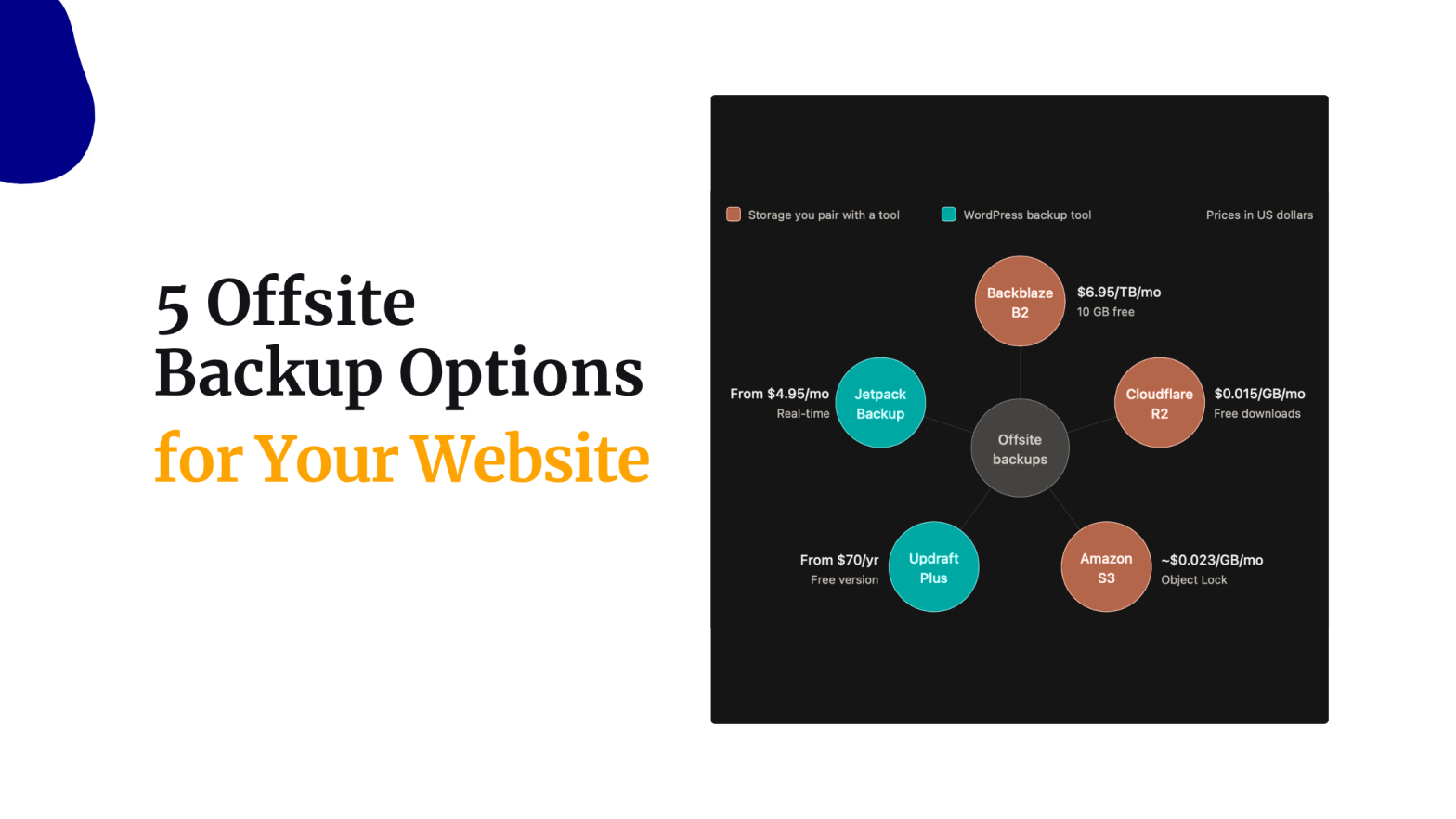
A backup kept on the same server as your site shares its fate. If your hosting account is compromised, your provider experiences an outage, or someone accidentally deletes important files, you could lose both your website and its backup. That is why website backups should also live somewhere separate from your hosting account. An offsite …
Continue reading “8 Offsite Backup Options for Your Website”
How to Move from Wix to WordPress
Moving from Wix to WordPress requires rebuilding your website because Wix has no full-site export option. Wix sites must operate on Wix’s own servers, so you transfer supported content manually or through available import tools. You can import some blog posts and export eligible store products, but pages, designs, menus, and Wix app features need …
How to Move from Squarespace to WordPress
Nobody moves a working site for fun. In practice, it comes down to four things: the bill, limits on custom code, the freedom to pick your own hosting, or access to plugins Squarespace doesn’t offer. WordPress software is free, but you still pay for hosting, a domain, and any premium tools you choose. Its large …
Continue reading “How to Move from Squarespace to WordPress”
How to Back Up and Restore a WordPress Website
A WordPress site can break after a plugin update, a failed migration, a hacked login, or a simple mistake in the dashboard. A recent backup turns that moment from a disaster into an inconvenience, because you can put the site back the way it was. So, a WordPress website backup decides if a bad plugin …
Continue reading “How to Back Up and Restore a WordPress Website”