Looking to get your website online without spending too much on hosting? Shared hosting is one of the most affordable ways to start. It allows multiple websites to run on the same physical server, sharing resources such as CPU, RAM, storage, and bandwidth. This keeps costs low while providing the basic tools needed to run personal websites, blogs, and small business sites.
In this guide, you’ll learn more about shared hosting.
How Shared Hosting Works
Shared hosting allows multiple websites to run on one physical server. The hosting provider manages the server, while each customer gets a separate hosting account to manage their website.
Here is how it works:
- Server setup: The hosting provider installs the software needed to run websites, including the operating system, web server, database software, and PHP.
- Separate hosting accounts: Each customer receives an account with separate website files, databases, and login details. This keeps customer accounts separate.
- Shared resources: All websites use the same server resources, including CPU, RAM, storage, and bandwidth. Each hosting plan has limits on how much of these resources a website can use.
- Visitor access: When someone visits your website, the server receives the request and uses the domain name to identify the correct website and deliver its content.
- Website management: You manage your website through a control panel such as cPanel. You can upload files, create email accounts, manage databases, install WordPress, and manage SSL certificates.
- Server maintenance: The hosting provider handles server updates, hardware maintenance, security, and monitoring. Depending on the plan, the provider may also offer automatic backups and malware scanning.
What Features Come With Shared Hosting?
Shared hosting plans come with tools and services that make it easier to set up, manage, and maintain a website. The exact features depend on the hosting provider and the package you purchase, but most plans include the following:
1) Control Panel
A control panel such as cPanel provides a central dashboard for managing your hosting account. You can upload website files, create databases, manage email accounts, add domains, and monitor your hosting usage without working directly with server commands.
2) Free SSL Certificate
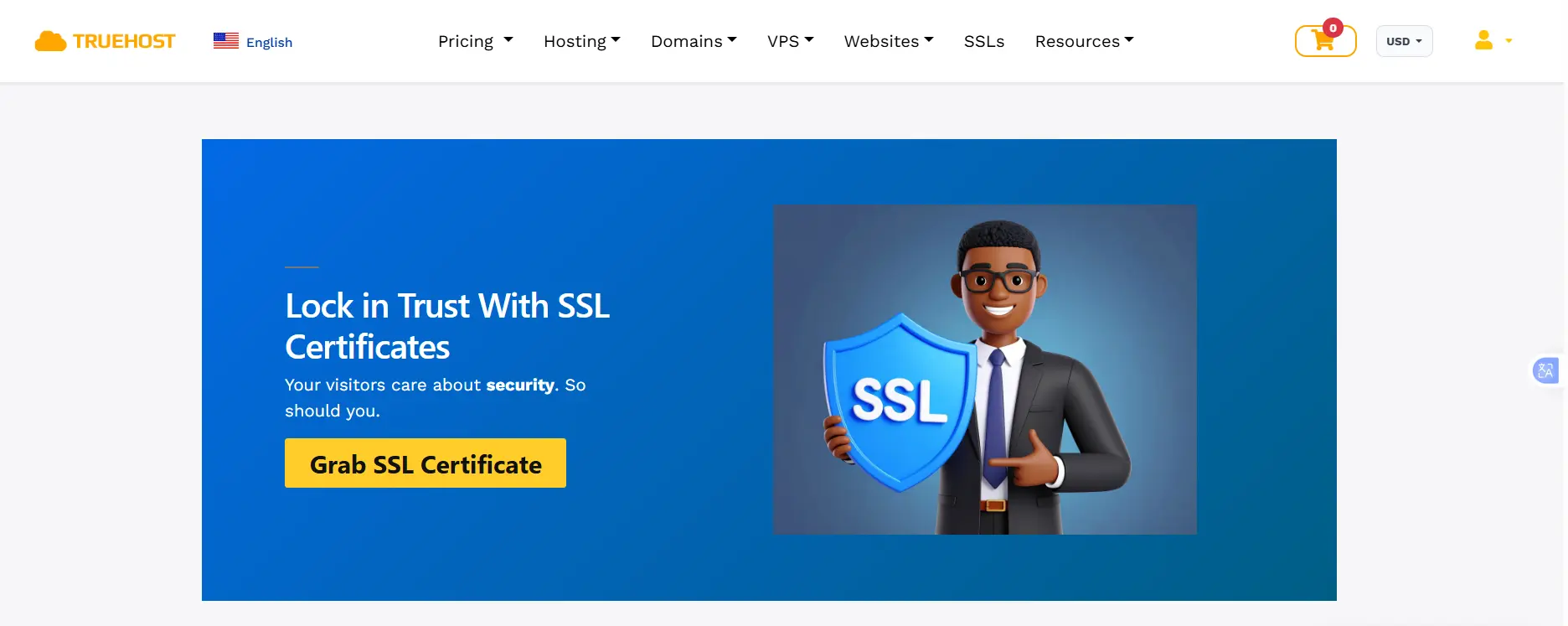
An SSL certificate secures the connection between your website and its visitors. It enables HTTPS, helping protect information such as login details and contact form submissions. Many hosting providers include free SSL certificates, although some offer them as paid add-ons.
3) Email Hosting
Email hosting allows you to create professional email addresses using your domain name, such as [email protected]. You can use these addresses to communicate with customers, handle enquiries, and manage business correspondence.
4) One-Click Application Installation
Most shared hosting providers offer application installers that simplify software installation. You can install WordPress and other supported applications without manually uploading files or creating databases.
5) Website Backups
Backups create copies of your website files and databases so you can restore them if your website is damaged, hacked, or accidentally modified. Some providers offer automatic daily backups, while others charge extra or require you to create backups manually.
6) Domain Management
Shared hosting allows you to connect and manage domain names through your hosting account. Depending on your plan, you can add multiple domains, create subdomains, and manage DNS records to point your domain to the correct server.
7) Customer Support
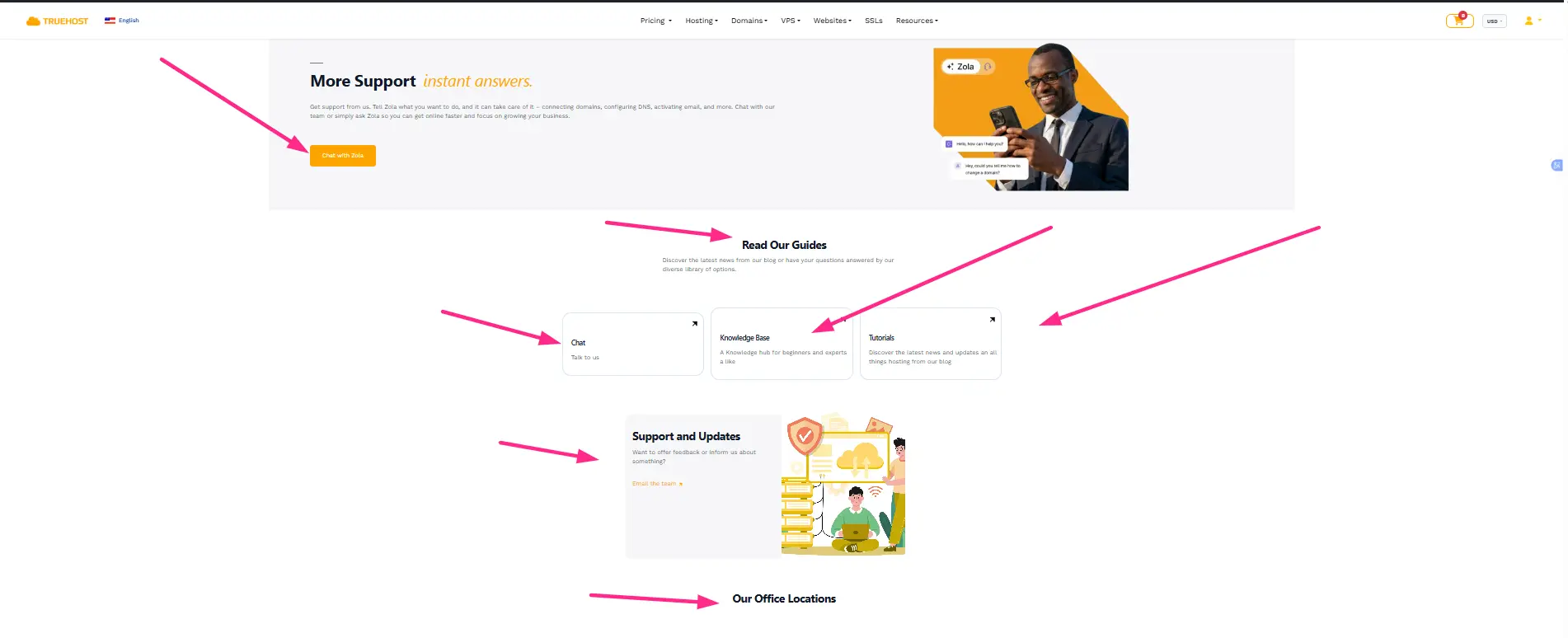
Hosting providers offer customer support to help resolve technical problems related to your hosting account. Support may cover website downtime, email configuration, database errors, SSL installation, and other hosting issues. Assistance is usually available through live chat, email, or support tickets.
Advantages of Shared Hosting
Shared hosting has several benefits, particularly for people starting their first website.
1) Affordable Pricing
Multiple customers share the cost of maintaining one server. This makes shared hosting cheaper than VPS and dedicated hosting. It is a practical option for individuals and small businesses working with limited budgets.
2) Easy to Use
You do not need advanced technical skills to manage a shared hosting account. Most providers offer control panels such as cPanel, where you can manage your website, email accounts, databases, and other hosting features.
3) No Server Maintenance
The hosting provider handles server maintenance, hardware updates, software updates, and monitoring. You can focus on managing your website instead of maintaining the server.
4) Quick Website Setup
Most shared hosting providers offer one-click application installers, website builders, and other setup tools. You can install WordPress, create email accounts, and publish your website without complicated server configurations.
5) Suitable for Small Websites
Shared hosting provides enough resources for many personal blogs, portfolios, small business websites, and other sites with modest traffic.
6) Useful Hosting Features
Many shared hosting plans include SSL certificates, email accounts, databases, website backups, and application installers. These features help you manage your website without purchasing several separate services.
Disadvantages of Shared Hosting
Despite its affordability and simplicity, shared hosting has some limitations.
1) Limited Server Resources
Your website shares CPU, RAM, storage, and other resources with websites hosted on the same server. If your website uses more resources than your plan allows, the provider may limit its performance or require you to upgrade.
2) Performance Can Fluctuate
Server performance can change depending on overall resource usage. Heavy traffic or high resource consumption from other accounts may affect server performance, particularly when the hosting provider does not manage resources effectively.
3) Limited Server Control
You generally do not get root access to the server. This means you cannot freely install custom server software, change major server configurations, or control the underlying hosting environment.
4) Security Limitations
Hosting accounts are separated, but they still share the same physical server and underlying infrastructure. A server vulnerability or poor security practices can create risks for other accounts. A reliable hosting provider should use account isolation, regular updates, firewalls, and security monitoring.
5) Limited Room for Growth
Shared hosting may not provide enough resources for websites with increasing traffic, large databases, or demanding applications. As your website grows, you may need to upgrade to VPS or dedicated hosting.
How Much Does Shared Hosting Cost?
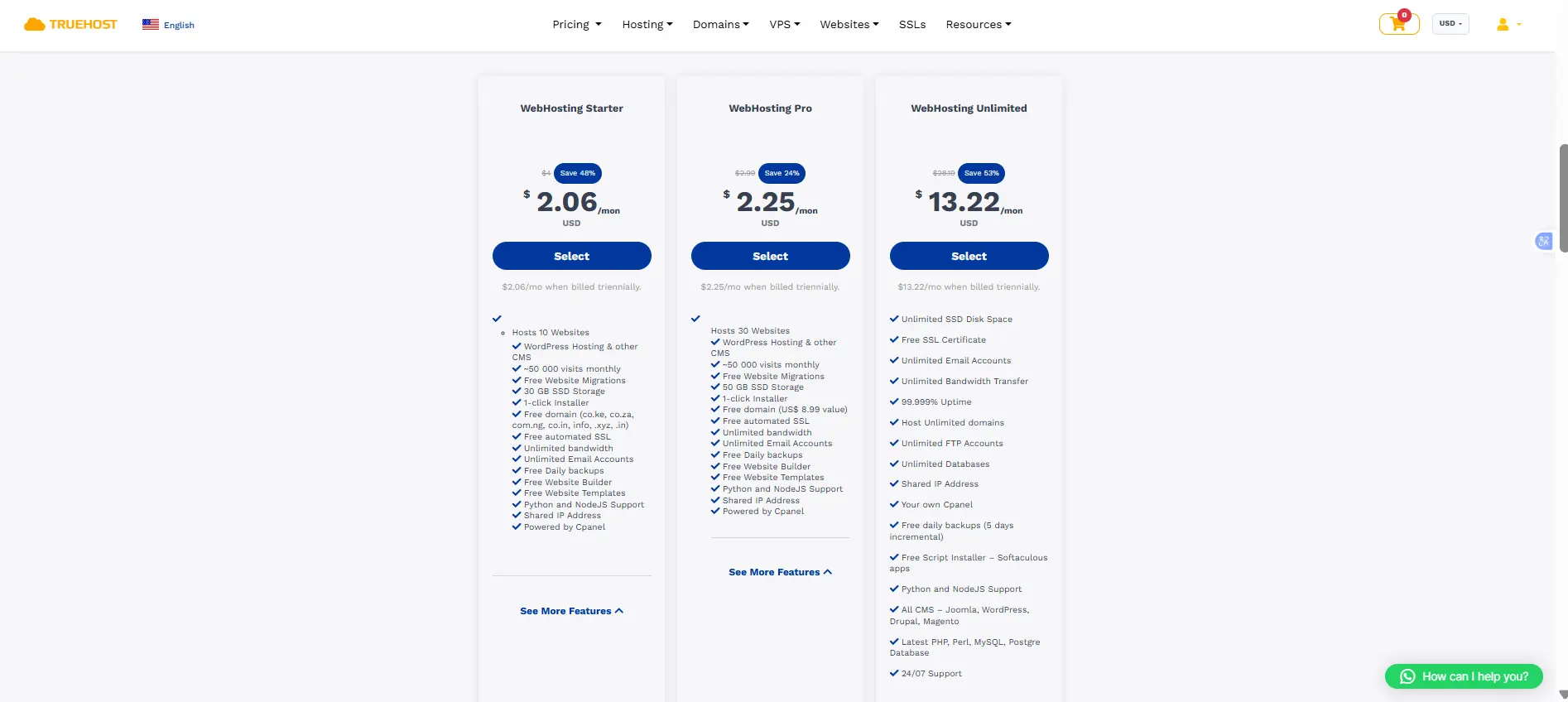
Shared hosting prices vary depending on the provider, available resources, features, and subscription period. Some providers offer lower introductory prices for longer billing periods, while renewal prices may be higher.
Here are some starting prices to compare:
| Hosting provider | Starting price |
| Truehost | Starter: USh 8,905.00 |
| Nindohost | UGX 12,700/month |
| Bluehost | $3.99/month |
Prices and promotional offers can change. Check each provider’s website for current rates, renewal costs, and the features included in each package.
Who Is Shared Hosting Best For?
Shared hosting is suitable for:
- Personal blogs and portfolios: Websites that publish articles, showcase work, or share personal information.
- Small businesses: Business websites that display services, contact information, and company details.
- New WordPress websites: Websites with low to moderate traffic and basic hosting requirements.
- Students and freelancers: People creating their first websites or building an online portfolio.
- Startups: Small businesses testing website ideas before investing in more advanced hosting.
- Websites with modest traffic: Sites with predictable visitor numbers that do not require extensive server resources.
As a rough starting point, websites receiving fewer than 10,000–50,000 monthly visits may work well on shared hosting. However, actual capacity depends on website optimization, page size, hosting resources, and server quality.
Shared hosting is best for users who prioritize affordability and simplicity over extensive server control and high performance.
Is Shared Hosting Worth It?
Yes, shared hosting is worth it if you need affordable hosting for a personal website, blog, portfolio, or small business website. It provides the basic resources and tools needed to get a website online without managing a server.
However, if your website requires more resources, handles heavy traffic, or runs demanding applications, VPS hosting may be a better option.
If you are starting a website, check out Truehost’s shared hosting plans to find a package that fits your needs and budget.
