Getting visitors to your website is only half the job. If they can’t pay using MTN Mobile Money or Airtel Money, two familiar payment options in Uganda, you could lose the sale right at checkout.
Fortunately, you don’t need to build an entire payment system from scratch. Payment gateways, ecommerce plugins, and payment links make it easier to connect your website to mobile money services and start receiving payments online.
This article covers how to accept mobile money on a website in Uganda, from choosing a payment provider and registering a merchant account to integrating payments, testing transactions, and handling failed payments securely.
In practice, the customer chooses mobile money at checkout, receives a payment request on their phone, approves it, and your website is told whether the payment succeeded. The steps below are built around that flow.
Ready to set up your store’s foundation? Get Reliable Web Hosting from Truehost Uganda
What You Need to Accept Mobile Money Online
- An ecommerce website or business website with a payment option
- A registered domain and reliable web hosting
- A payment provider that supports mobile money in Uganda
- An eligible merchant account with the required verification documents
- A compatible payment plugin, hosted checkout page, or API integration
- A secure website with HTTPS enabled
- A bank account, mobile money wallet, or other approved settlement method, depending on the provider
A payment gateway is the service that connects your website to the mobile money networks and passes payment information between them. A merchant account is your business’s account with that provider, where your payments are recorded before they are settled to you. HTTPS is the secure version of a website address, shown by a padlock in the browser. An SSL certificate is what enables HTTPS.
Your domain and hosting matter because customers must be able to reach your checkout at any hour. A slow or unavailable website can interrupt a payment halfway through. Settlement means the provider pays the collected money out to you, and the options and timing depend on the provider.
Mobile Money Services You Can Accept on Your Website in Uganda
1) MTN Mobile Money (MoMo)
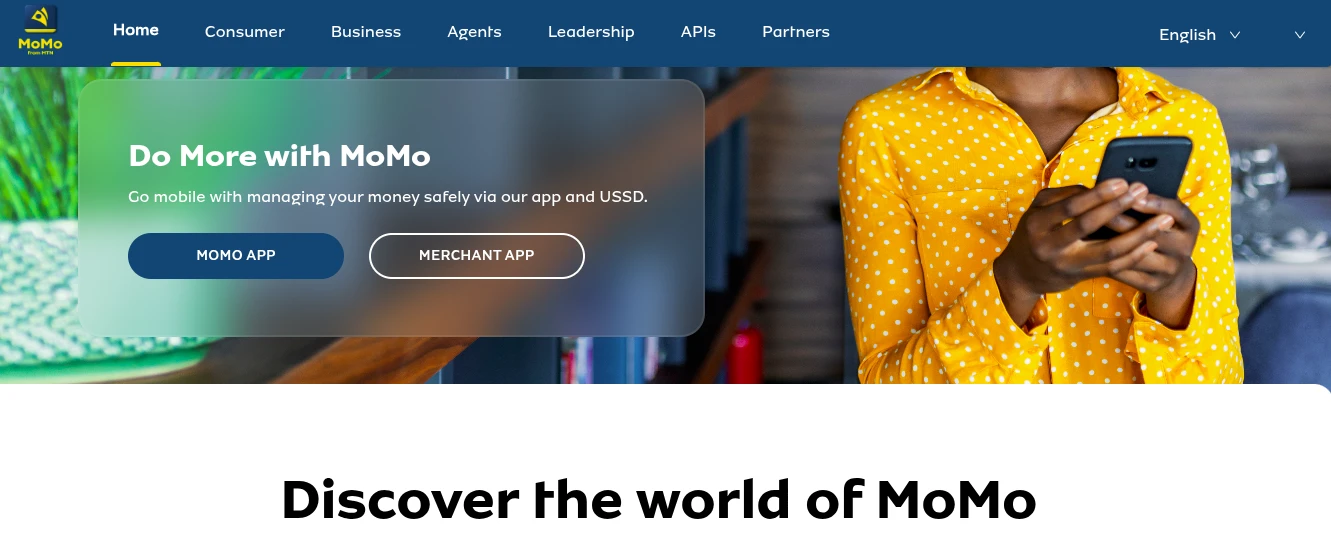
MTN Mobile Money allows customers to send and receive money using their mobile money accounts. Businesses can explore supported merchant payment solutions and online integrations to collect payments directly through their websites.
MTN and Airtel are separate networks, and a customer usually holds a wallet on one or both. Merchants can sometimes work with a network directly and can also collect payments through a payment gateway. The arrangements, requirements, and charges differ, so review MTN’s current merchant documentation. MTN also runs a developer portal where businesses can sign up for its collection API, called RequestToPay.
2) Airtel Money
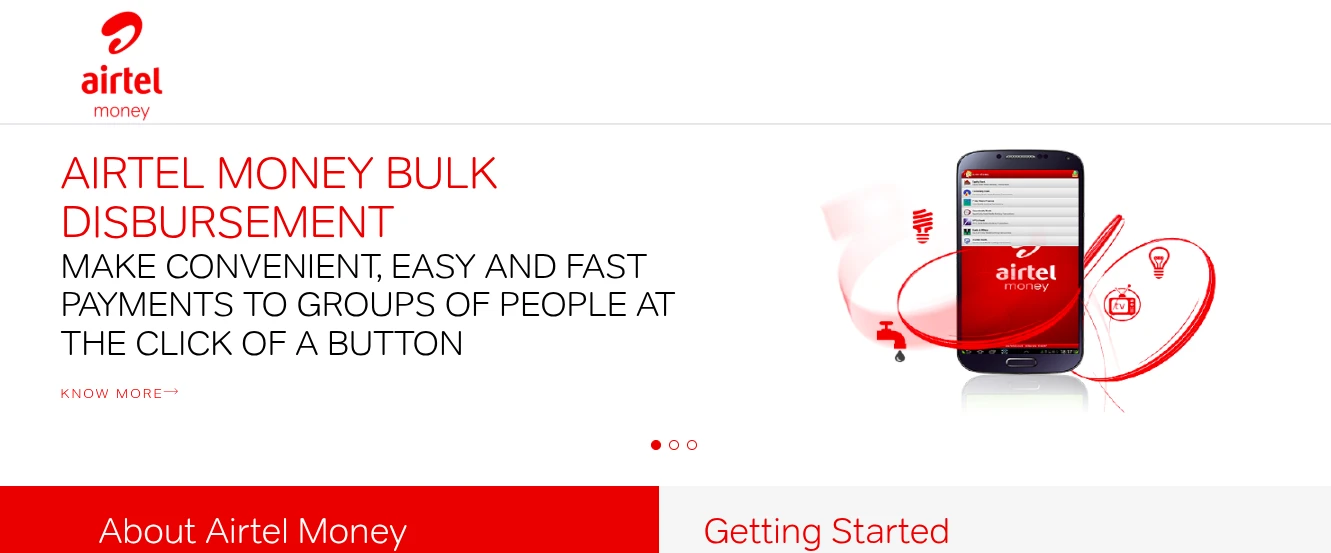
Airtel Money provides another way for customers to pay using their mobile money accounts. Businesses can check available merchant services and compatible payment gateways to determine how to accept Airtel Money payments online.
As with MTN, confirm what Airtel currently offers to online merchants, including eligibility and fees.
3) Multiple Mobile Money Payment Options
Customers don’t all use the same mobile network. Integrating a payment gateway that supports multiple mobile money services can make checkout more convenient by allowing customers to pay using their preferred network.
Imagine a store that accepts only one network. A customer whose money sits in a different wallet may abandon the order or have to transfer funds first. Offering both networks removes that barrier.
Before choosing a provider, confirm which networks it supports in Uganda, the applicable transaction fees, and how collected funds are settled.
Payment Gateways You Can Use
Compare the available providers based on their supported mobile money networks, website integrations, transaction fees, and settlement arrangements.
| Provider | Networks Supported | Website Integration | Fees | Settlement |
|---|---|---|---|---|
| Flutterwave | MTN Mobile Money and Airtel Money | Hosted checkout and API; confirm plugin compatibility | 3% per local mobile money collection | Local settlements generally within 24 hours |
| Pesapal | MTN MoMo and Airtel Money | WooCommerce and Shopify plugins, API, and hosted payment pages | Per-transaction fee; request current rates | Withdraw to a local bank account; typically 2 business days, with processing potentially taking up to 3 working days |
| Yo! Uganda | Mobile money across Ugandan networks, including MTN and Airtel | API integration through Yo! Payments | 3% per incoming mobile money transaction; network charges may also apply | Withdraw to mobile money accounts or bank accounts; confirm processing times and additional charges |
1) Flutterwave
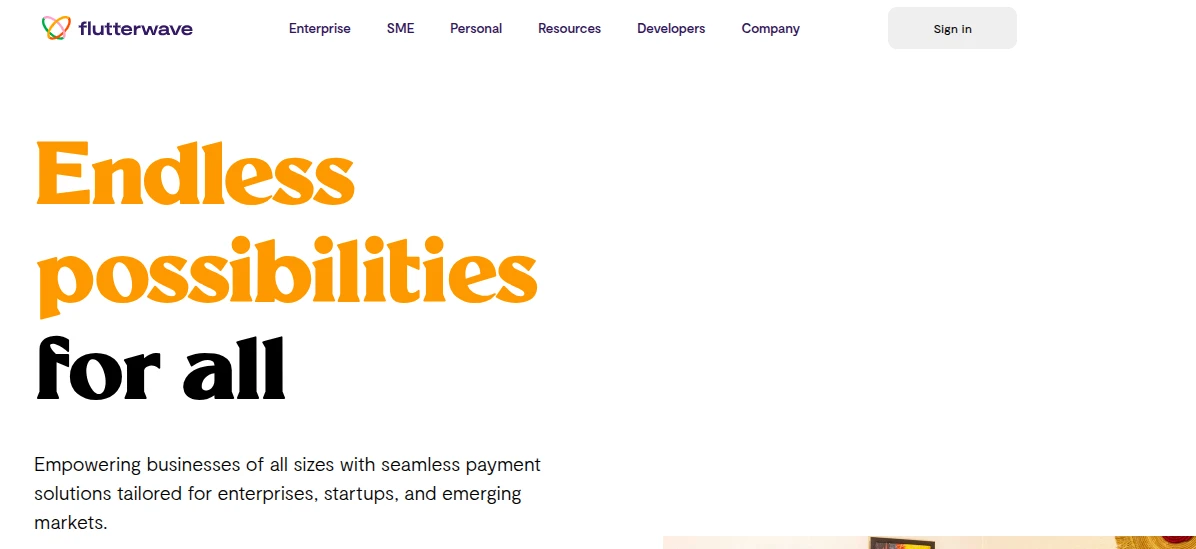
Flutterwave offers payment solutions for businesses that want to accept online payments. Check its current merchant eligibility requirements, supported Ugandan payment methods, and available website integrations before signing up.
Look at its documentation for the integration route that matches your website, whether that is a plugin, a hosted checkout, or its API, and check whether a test mode is available.
2) Pesapal
Pesapal provides payment processing solutions for businesses. Its available payment methods and integration options can help businesses explore ways to accept mobile money through a website.
Confirm which mobile money options it currently offers in Uganda. Its older API 2.0 has been deprecated, so follow the newer API 3.0 for new integrations.
3) Yo! Uganda
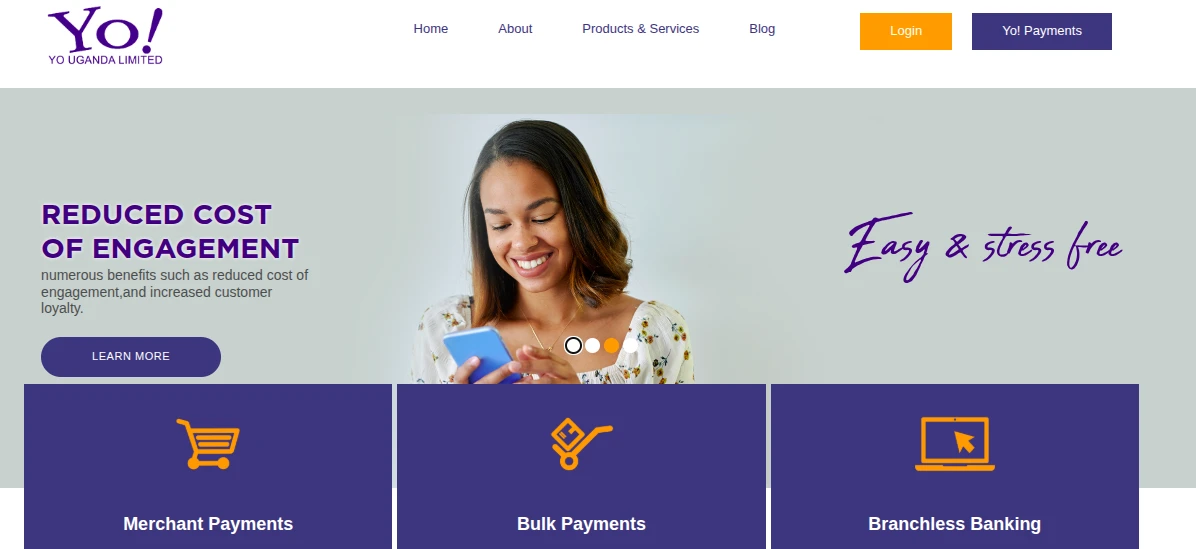
Yo! Uganda provides payment technology and integration solutions that businesses can investigate when setting up mobile money collections and online payments.
Request current pricing and technical documentation directly, and ask what support is available while you integrate.
How to Accept Mobile Money on a Website in Uganda
1) Choose Your Payment Integration Method
The best integration method depends on how your website is built, your budget, and how much control you need over the payment process.
- Payment gateway plugins: Connect a compatible provider to WordPress and WooCommerce without building the entire payment system yourself.
- Payment links and invoices: Generate a payment link and share it through your website, WhatsApp, or email.
- Hosted checkout pages: Send customers to a payment provider’s secure checkout page to complete their transactions.
- Direct API integration: Connect your website to a payment provider using its API for a more customised payment experience.
For beginners, a compatible plugin or hosted checkout page is often the simplest place to start. Businesses with specialised requirements may prefer a custom API integration.
An API is a set of rules that lets your website and the provider’s system exchange information. A hosted checkout keeps sensitive payment steps on the provider’s page, which reduces what your own website has to handle. A custom API integration offers the most control but needs developer skills and more testing.
2) Register and Verify Your Merchant Account
Before accepting payments, you will typically need to register with your chosen provider and complete its merchant verification process. Depending on the provider and account type, you may need:
- Business registration documents, where required
- Identification documents for the owner or directors
- Business contact information
- Your website address and a description of your products or services
- Bank account, mobile money wallet, or other approved settlement details
- Additional Know Your Customer (KYC) documents
Requirements vary between providers. Confirm what you’ll need before applying so you can avoid unnecessary delays.
KYC is the identity and business checks that providers carry out to confirm who you are. Names and details should match across your documents and your application, since mismatches commonly slow approvals. Approval times differ, so apply before your planned launch date. If you still need a website to show the provider, you can compare hosting plans.
3) Connect Mobile Money to Your Website
Before connecting your payment provider, make sure your website is secure and can handle payment requests and notifications reliably.
Reliable web hosting helps keep your website accessible during checkout, while HTTPS protects information exchanged between your website and its visitors. Your server must also be able to receive and process payment callbacks or webhooks. If your website is unavailable when a payment notification arrives, an order may remain marked as pending even when the customer has completed the transaction.
- For WordPress and WooCommerce: Install a compatible payment gateway plugin, open your WooCommerce payment settings, and configure the provider according to its documentation.
- For Shopify and other ecommerce platforms: Check whether your chosen provider offers a supported integration or external checkout option for your market.
- For custom-built websites: Use the payment provider’s API documentation or work with a developer to connect the website to its payment system.
- For websites without ecommerce functionality: Start with payment links or hosted checkout pages if your provider supports them.
A webhook, also called a callback, is a message the provider sends to your website to report a payment’s result. Install plugins from the provider or from a reputable source, and check that the plugin version works with your platform version before going live.
4) Configure API Keys and Payment Notifications
A payment integration needs to communicate with the payment provider so your website can identify successful transactions and update customer orders correctly. Most API-based integrations require:
- Public key: An identifier used by certain payment integrations.
- Secret key: A confidential credential used for authorised server-side requests.
- API credentials: Details that allow your website to communicate with the provider.
- Webhook or callback URL: An endpoint through which the provider sends payment status updates to your website.
Enter the required credentials in the appropriate plugin or website settings. Keep secret keys private, use test credentials during development, and switch to live credentials only when you’re ready to accept real payments.
Configure payment notifications so your website can update an order after the transaction has been verified. Never mark an order as paid based only on a customer’s screenshot or an unverified browser redirect.
Treat API keys like passwords, and never share them in emails or chats. Webhook validation means checking that a notification really came from your provider, for example by verifying a signature, before updating an order. Also guard against duplicates, since providers can send the same notification more than once. Record each transaction reference so a repeated notification does not create a second order or payment.
5) Test Your Mobile Money Integration Before Going Live
A payment option appearing at checkout doesn’t necessarily mean the entire process works correctly. Check that:
- Mobile money appears as a payment option at checkout.
- Customers receive the correct payment instructions or payment prompt.
- Successful transactions are recorded correctly.
- Failed, cancelled, and pending payments are handled properly.
- Webhooks or callback notifications update order statuses accurately.
- The website displays clear confirmation messages.
- The checkout works correctly on mobile phones.
- Duplicate payment notifications do not create duplicate orders or payments.
Use the provider’s sandbox or test mode where available. Once the integration works as expected, switch to live mode using the correct production credentials and complete any required live-payment checks.
A sandbox is a practice environment where no real money moves. After switching to live mode, consider making one small real payment yourself to confirm that the money is recorded and settled as expected.
Common Mobile Money Integration Mistakes You Should Avoid
1) Choosing a Provider Without Checking Network Support
Confirm that your chosen provider supports the mobile money networks your customers use in Uganda before integrating it into your website.
2) Ignoring Transaction and Settlement Fees
Compare transaction charges, settlement fees, possible withdrawal charges, and other applicable costs before choosing a payment gateway. Small charges per payment add up as sales grow, so build them into your pricing.
3) Entering API Credentials Incorrectly
Check that API keys and other credentials are entered correctly, and ensure that test credentials are not confused with live credentials. A stray space or a test key in live mode is a common reason payments fail.
4) Failing to Configure Webhooks and Payment Notifications
Configure and test payment notifications so your website can update order statuses correctly. Without them, paid orders may sit as pending and customers may be charged without a confirmation.
5) Relying on Payment Screenshots Instead of Verification
Always verify transactions through the payment provider’s records or authenticated notifications before fulfilling an order. Screenshots can be edited, so they should never be your proof of payment.
6) Skipping Tests Before Accepting Real Payments
Test successful, failed, cancelled, pending, and delayed transactions before making the payment integration available to customers.
7) Ignoring Website Security
Enable HTTPS, protect API credentials, keep your website software updated, and use reliable hosting to help ensure payment requests and notifications are processed securely. Outdated plugins are a common way for attackers to reach a site, so update them regularly.
How to Troubleshoot Failed Mobile Money Payments
1) Insufficient Account Balance
A customer may not have enough money in their mobile wallet to cover the payment and any applicable transaction charges. Ask the customer to check their balance before attempting the transaction again.
2) Transaction Limits
Mobile money providers may impose transaction or account limits. A payment may fail if it exceeds the applicable limit. For higher-value orders, consider offering another payment method or splitting the payment if your provider allows it.
3) Incorrect PIN or Failed Authorisation
An incorrect mobile money PIN or an unsuccessful authorisation can prevent a transaction from being completed. The customer should follow the payment provider’s instructions and avoid repeatedly submitting incorrect PINs.
4) Network Problems and Payment Timeouts
Mobile network interruptions, delayed provider responses, or connectivity problems can cause a payment to time out or remain pending. Check the transaction status before asking the customer to try again to avoid possible duplicate charges.
A timeout does not always mean the payment has failed. The customer may have authorised the transaction while your website was waiting for a response from the payment provider. Check the provider’s transaction dashboard and payment notification logs before taking further action.
5) Payment Successful but Order Still Unpaid
A payment may have succeeded even when the website has not updated the order status. This can happen when a callback is delayed, a webhook fails, or the website is temporarily unavailable.
Check the transaction in the payment provider’s dashboard and verify the payment before manually updating the order status. If the payment is confirmed, compare the transaction reference, amount, currency, and order number with the information recorded on your website. If the problem happens frequently, ask your developer or hosting provider to investigate server errors, webhook configuration, and connectivity issues.
6) Duplicate or Repeated Payment Attempts
Customers may attempt to pay again when they do not receive immediate confirmation. Check the status of the first transaction before initiating another payment.
To reduce this risk, display a clear message explaining that the payment is being processed, disable repeated payment submissions where appropriate, and use unique transaction references to identify each payment attempt.
If a customer has been charged twice, confirm both transactions with the provider and follow its procedure for refunds. Do not promise an immediate refund until the duplicate charge has been verified.
7) How to Resolve Failed or Pending Transactions
- Check the transaction status in the payment provider’s dashboard.
- Verify whether the provider recorded the payment as successful, failed, or pending.
- Review callback and webhook logs for errors.
- Avoid marking an order as paid until the transaction is verified.
- Contact the payment provider when the transaction status remains unclear.
- Follow the provider’s process for refunds or payment reconciliation if a customer was charged but the order remains unpaid.
Keep a record of the transaction reference, order number, payment amount, and relevant timestamps. If your website regularly experiences payment failures, review your hosting reliability, plugin configuration, server logs, and provider notifications.
How Much Does It Cost to Accept Mobile Money on a Website?
The cost depends on the payment provider, the website platform, the integration method, and the number of transactions you process. Before choosing a provider, calculate both the initial setup expenses and the ongoing costs of processing payments.
1) Payment Gateway Transaction Fees
Payment providers may charge a percentage of each transaction, a fixed amount, or a combination of both. Before registering, ask Flutterwave, Pesapal, or Yo! Uganda for their current pricing for your intended payment methods. Confirm whether the quoted fees include taxes and whether separate charges apply to refunds, withdrawals, or settlement. Avoid relying on old pricing information published online.
2) Website Hosting and Domain Costs
If you already operate a website, you may not need to purchase another domain or hosting plan simply to add mobile money payments. If you are starting from scratch, include the following in your budget:
- Domain registration: The cost of registering and renewing your website address.
- Web hosting: The recurring cost of keeping your website online.
- SSL certificate: The certificate required to enable HTTPS, which may be included with your hosting plan or purchased separately.
- Website maintenance: The cost of updating your website, fixing technical problems, and maintaining security.
You can compare web hosting plans from Truehost Uganda and select an option that fits your business needs.
3) Plugin and Integration Costs
A compatible payment gateway plugin may be free to install, but some plugins require a paid licence or subscription. If you use a developer to connect a custom-built website through an API, you may incur development, testing, and maintenance costs.
For businesses using WordPress and WooCommerce, a compatible plugin or hosted checkout can reduce the amount of custom development required. Freelancers and small businesses that receive occasional payments may find payment links more practical than building a complete ecommerce checkout.
4) Settlement and Other Applicable Charges
Depending on the provider and your merchant agreement, you may also encounter settlement fees, withdrawal charges, refund fees, or currency-conversion costs. Ask your chosen provider:
- Whether settlement attracts an additional fee.
- Which bank accounts or mobile money wallets can receive funds.
- How frequently settlements are processed.
- Whether minimum settlement amounts apply.
- What happens when a payment needs to be refunded.
- Whether cross-border transactions or currency conversion attract additional charges.
Understanding these terms helps you plan your cash flow, since you should know when funds are expected to become available rather than assuming that every payment will reach your account immediately.
5) How to Choose an Affordable Setup
The most affordable payment setup is not always the one with the lowest advertised transaction fee. Start by identifying the payment methods your customers use most frequently, then compare providers based on their network support, integration options, merchant requirements, settlement arrangements, and customer support.
- Use your existing website: If your website already supports ecommerce, check whether you can add a compatible payment integration without rebuilding it.
- Choose a suitable integration: A plugin or hosted checkout may be more affordable than a custom API project for a small business.
- Compare total fees: Include transaction charges, settlement costs, withdrawals, refunds, and any applicable taxes.
- Plan for maintenance: Budget for website updates, security, and technical support where necessary.
- Test before launch: Identify integration problems before customers begin making real payments.
Most importantly, request current pricing and terms directly from the providers you are considering. Choose a system that meets your current needs while allowing room for future growth.
FAQs
How long does it take to integrate mobile money into a website?
A compatible plugin or hosted checkout may be quicker to configure than a custom API integration. Merchant verification and testing can also affect the timeline.
How do I know when a customer has paid successfully?
Verify the transaction through the provider’s dashboard or authenticated payment notifications. Confirm the amount and transaction reference before fulfilling the order.
Can customers pay from outside Uganda using mobile money?
This depends on the provider and supported payment methods. Confirm whether international customers can pay using their mobile wallets or whether you need to offer cards or other payment options.
What happens if a customer is charged but the website shows the order as unpaid?
Check the provider’s dashboard and verify the transaction. Review notification logs, then update the order if payment is confirmed. Contact the provider if the status remains unclear.
Can I offer mobile money alongside Visa and Mastercard?
Yes, if your provider and website integration support these payment methods in Uganda. Confirm availability, fees, and settlement terms before enabling them.
Ready to Accept Mobile Money on Your Website?
Accepting mobile money on your website doesn’t have to mean building a complicated payment system. With the right provider and integration, customers can pay using MTN Mobile Money or Airtel Money.
Start by comparing providers, checking their fees, and choosing an integration that suits your website. Test payments, secure your API credentials, and verify transactions before fulfilling orders.
If you are starting from scratch, you will need a domain, reliable hosting, HTTPS, and a suitable payment provider. If you already have a website, check whether you can add a compatible payment option.
With a secure and reliable checkout, you can make online payments easier for customers and support your business’s growth.
