Your next customer could be searching Google for exactly what your business offers.
The question is, will they find you or your competitor? Google Ads helps Ugandan businesses reach potential customers when they search for products or services, from plumbing in Kampala to hotels in Jinja.
This guide shows you how to set up your first campaign, target the right customers, control your budget, and track results without wasting money.
Step 1: Prepare Your Business Before Running Ads
Ads only bring people to your door. If the door is locked, the money is wasted. Before you spend anything, get these basics right:
- Define your offer. Decide which product or service to promote and why customers need it. One clear offer performs better than a long list.
- Know your target customers. Identify who you want to reach and where they live.
- Prepare a landing page. Include product or service details, prices where necessary, contact information, and a clear action such as “Call Us” or “Request a Quote.”
- Set up a Google Business Profile. If your business is eligible, this free tool helps local customers find you on Google Search and Maps.
- Prepare to receive enquiries. Make sure your phone, WhatsApp, booking form or online checkout actually works, and that someone is ready to answer.
- Set a goal. For example, 20 enquiries, 15 orders or 10 bookings per month. A number gives you a way to judge whether the ads are working.
Most Ugandan internet users browse on phones, so make sure your website loads quickly and reads well on a small screen. Also plan to respond to customers quickly, because people who search online often contact several businesses at once.
Your website should also have a clear, memorable address. You can register a domain name with Truehost that matches your business name.
Step 2: Create a Google Ads Account
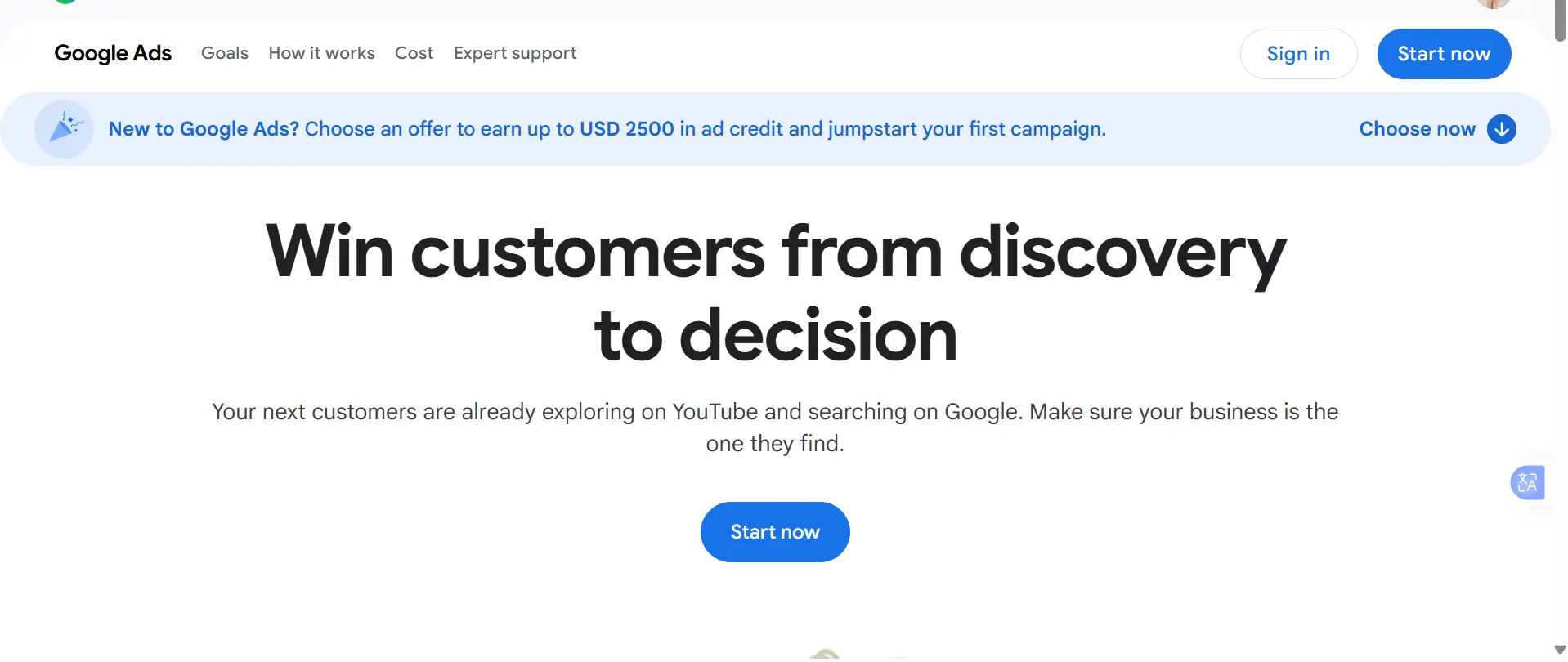
- Visit the Google Ads website and sign in with your Google account.
- Enter your business name and website address.
- Select Uganda as your billing country, then choose your currency and time zone.
- Add your billing details and select an available payment method.
- Review your campaign settings before launching.
A few things deserve care:
- Billing country, currency and time zone are hard to undo. Some of these settings cannot be changed after the account is set up, so choose carefully.
- Payment methods vary. The options available to you depend on your country, currency and payment setting, and some may be temporarily unavailable while Google reviews your account. Check your billing page to see what is offered. Bank cards are the most common option, but some local cards are declined for international online payments, so confirm with your bank that your card can be used for foreign online transactions.
- Failed payments stop your ads. If a payment is declined, your ads stop showing until it succeeds, so keep your card valid and funded.
- Do not accept every default. Google’s suggested settings are not always right for a small local business. Review your budget and targeting yourself.
Step 3: Choose the Right Campaign Type
The right campaign depends on your goal.
| Campaign type | Best use | Example |
| Search | Reach people searching for your products or services | A Kampala plumber |
| Display | Build awareness with visual ads | A clothing shop |
| Video | Promote products through video ads | A tour operator |
| Shopping | Advertise products from an online store | An electronics shop |
| Performance Max | Advertise across several Google channels | An online retailer |
| Demand Gen | Promote offers with visual ads | A hotel advertising weekend stays |
If you want enquiries from people who are already searching for your services, start with a Search campaign. These people have shown intent, which usually makes them more valuable than people who merely see an ad while browsing.
You do not need to run every campaign type at once; add others later once you know what works.
Step 4: Research the Keywords Your Customers Use
Keywords help Google match your ads to relevant searches.
How to find them
- Use Google Keyword Planner to find keyword ideas and estimated costs.
- Know what a customer would type when they need your product or service.
- Include locations such as Kampala or Entebbe where they count.
- Focus on searches that show buying intent, such as “buy”, “price”, “near me” or “services in”.
| Business | Example keywords |
| Cleaning company | cleaning services in Kampala |
| Hotel | hotel in Jinja |
| Electronics shop | buy laptops in Uganda |
| Tour operator | Uganda safari packages |
| Web design company | website design services Uganda |
Know match types
- Broad match reaches the widest range of related searches.
- Phrase match targets searches related to the meaning of your keyword.
- Exact match focuses on searches with the same meaning or intent.
Broad match brings more traffic but also more irrelevant clicks, so beginners on a small budget often do better with phrase or exact match.
Use negative keywords. These exclude searches you do not want. A shop selling new laptops, for example, can exclude “laptop repair” if it does not offer repairs. Review your search terms report regularly and update your keywords as you learn what people actually type.
Step 5: Target the Right Parts of Uganda
Choose locations based on where your customers live and where your business operates.
- Target relevant areas. A Kampala shop may focus on Kampala and nearby areas, while a tour operator may target customers across Uganda.
- Consider international customers. Hotels and tour operators may also target people planning trips to Uganda from abroad.
- Check location settings. Local businesses should focus on people in the areas they serve. Businesses targeting tourists may also reach people who show interest in those locations.
- Use language your customers know. Write ads and landing pages in the language that best suits your audience.
Location targeting is not always exact, so check where your clicks and enquiries really come from, and exclude areas that bring irrelevant traffic.
Step 6: Write Ads That Encourage Customers to Act
A good ad explains what you offer, why customers should consider you, and what to do next.
- Headline: Name your product or service and include the location where useful.
- Description: Explain the benefits, price or offer.
- Call to action: Encourage customers to call, book, request a quote or buy.
- Landing page: Send people to a page directly related to the ad, not just your homepage.
Example: cleaning services in Kampala
- Headlines: Cleaning Services Kampala | Home and Office Cleaning | Get a Quote Today
- Description: Book home or office cleaning with flexible scheduling. Contact us for a quote.
- Landing page: A page where customers can learn about your cleaning services and request a quote.
Write several headline and description options so Google can test combinations. Avoid claims you cannot prove, such as “cheapest” or “number one”, which can hurt trust and may breach ad policies.
A professional email address can also make it easier for potential customers to contact your business. See business email hosting options for addresses that use your own domain.
Step 7: Set a Google Ads Budget
Start with an amount your business can afford to lose while you learn, then adjust based on results.
- Set a daily budget based on your finances and the value of a new customer.
- Remember that click costs vary by keyword, industry and competition.
- Use Keyword Planner to estimate possible costs.
- Start with one campaign focused on a priority product or service.
- Track sales and enquiries, not just clicks.
- Check your billing and any applicable taxes.
Example: If you spend UGX 20,000 per day for 30 days, your planned budget is UGX 600,000. If each click costs an average of UGX 2,000, you could receive around 300 clicks.
These figures are illustrations, not real price estimates or guaranteed results. Google may spend more than your daily budget on some days, although monthly spending limits generally apply.
Step 8: Track Results and Measure Conversions
Visitors are not customers. What counts is whether your ads bring enquiries and sales.
| Metric | What it measures |
| Impressions | How often your ad appears |
| Clicks | How often people click your ad |
| Click-through rate (CTR) | The percentage of impressions that result in clicks |
| Cost per click (CPC) | The average cost of a click |
| Conversions | Actions such as purchases, form submissions or tracked calls |
| Cost per conversion | The advertising cost for each recorded conversion |
How to track results
- Set up conversion tracking for your important actions.
- Use Google Analytics 4 alongside Google Ads where appropriate.
- Track form submissions and completed purchases.
- Record enquiries and sales that arrive by phone call and WhatsApp, for example by asking every new customer how they found you.
- Compare your advertising costs with the sales generated.
Be careful with WhatsApp: a click on a WhatsApp link does not necessarily mean someone sent a message, and a message does not mean a sale. If you collect customer information, follow Uganda’s data protection requirements, including the Data Protection and Privacy Act, 2019.
Your website also needs reliable hosting to support the pages visitors land on. Compare Truehost hosting plans when reviewing your website’s needs.
Step 9: Improve Your Campaign Based on Results
Review your campaign regularly to cut wasted spending and attract better leads.
- Remove irrelevant searches with negative keywords.
- Adjust keywords that do not bring useful traffic.
- Test different headlines, descriptions, and offers.
- Improve your landing page, especially on mobile devices.
- Exclude locations that generate irrelevant clicks.
- Spend more on campaigns that bring valuable enquiries or sales.
- Make changes gradually so you can measure their effect.
The goal is not simply more clicks. It is to attract the right customers and generate sales at a cost your business can afford.
Get Started With Google Ads for Your Ugandan Business
Google Ads rewards businesses that start small and stay disciplined. Begin with one product, one Search campaign, a modest daily budget, and a landing page that makes it easy to call or request a quote.
Watch the results for a few weeks, keep what works and cut what does not. Over time, Google Ads can become a steady, measurable source of customers rather than a gamble.
But every click you pay for lands on your website, so that website needs to be fast, reliable and professional.
A slow page or an unreliable host wastes your ad budget before a customer even reads your offer. If you do not yet have a website, a domain name or a business email address, get started with Truehost and have your landing page online before your first ad goes live.
