Choosing between local and international web hosting depends on whether you prioritize local support, convenient payments, and familiarity with your market (local hosting) or a wider choice of server locations, hosting plans, and global infrastructure (international hosting).
Local providers mainly serve customers in a specific country or region, while international providers serve customers across multiple countries.
However, a provider’s location does not always match the location of its servers. A Ugandan hosting company, for example, may host websites on servers outside Uganda. Before choosing a plan, compare website speed, pricing, customer support, payment options, and available resources.
The best choice depends on where your visitors are, your budget, and the features your website needs.
The comparison at a glance
Neither option wins on every factor. Local hosting tends to win on convenience and proximity; regional and international hosting tend to win on breadth of services.
| Factor | Local hosting (Uganda) | Regional / international hosting |
| Speed | Can load faster for visitors in Uganda | Nearby servers (Nairobi, Johannesburg) can be fast; distant ones (Europe, US) add delay |
| SEO | A .ug or .co.ug domain helps target Uganda | Hosting abroad does not automatically hurt rankings |
| Cost | Shilling billing and mobile money are common | Often cheaper introductory prices, but currency conversion fees can add up |
| Support | Phone support and payment help in local business hours | Often 24/7, but quality and response times vary |
| Data privacy | May simplify data-location questions; does not guarantee compliance | Must meet Uganda’s cross-border transfer rules for personal data |
| Features and reliability | Fewer advanced options and backup locations | More cloud services, scaling options and server locations |
1) Performance and Website Speed
Website speed depends partly on the distance between your server and your visitors. For a website serving mainly Ugandan customers, a server in Kampala or nearby may provide faster loading times.
Local hosting. Uganda has the Uganda Internet Exchange Point (UIXP), which allows local networks to exchange traffic without sending it through other countries. Raxio’s Kampala data centre hosts an instance of this exchange. Hosting your website in Kampala can reduce delays for visitors using Ugandan internet providers.
Regional hosting. Nairobi is a major data centre hub in East Africa, with providers such as Africa Data Centres and iXAfrica expanding their facilities. Uganda also has direct network connections to Kenya, making Nairobi a good alternative for businesses that cannot find suitable local hosting.
International hosting. Servers in Europe or the US are farther from Ugandan visitors, which can increase loading times. This is especially noticeable on online shops, booking systems and dashboards that frequently communicate with the server.
Using a CDN. A content delivery network (CDN) stores copies of images, scripts and other files on servers closer to your visitors. This improves loading times even when your main server is abroad. However, actions such as logging in, searching and completing payments may still need to contact the main server. Check that your CDN has locations in East Africa.
Test before committing. Ask your hosting provider for a test server or trial. Check your website’s speed using Ugandan mobile and fixed internet connections at different times of day. Compare loading times and server response times before making a decision. Remember that server location is not the only factor; hardware, caching, and server configuration also affect performance. A well-managed server abroad may perform better than an overcrowded local server.
2) SEO Implications
Your server location has little direct effect on Google rankings. Your domain name, content and links from other websites are more important.
Google mainly uses your domain extension and other location signals to identify the country your website targets. A local server is not necessary to rank well in Uganda.
What this means for Uganda
- Use a .ug or .co.ug domain. These extensions show that your website targets Uganda, even if your server is in Nairobi or Europe.
- Add local information to your website. If you use a .com domain, include Ugandan phone numbers, addresses, prices in shillings and content relevant to local customers. Links from Ugandan websites can also help.
- Focus on website speed. A slow website can frustrate visitors and affect performance scores. If hosting far away makes your site slow in Uganda, it may indirectly affect SEO.
- Consider other search engines. Different search engines may use server location differently, so check their guidelines if they are important to your audience.
3) Cost and Billing
The cheapest hosting plan is not always the cheapest in the long run. Consider the renewal price, payment fees, and extra services you may need.
Local hosting. Ugandan hosting providers may charge in shillings and accept MTN Mobile Money, Airtel Money, bank transfers or cards.
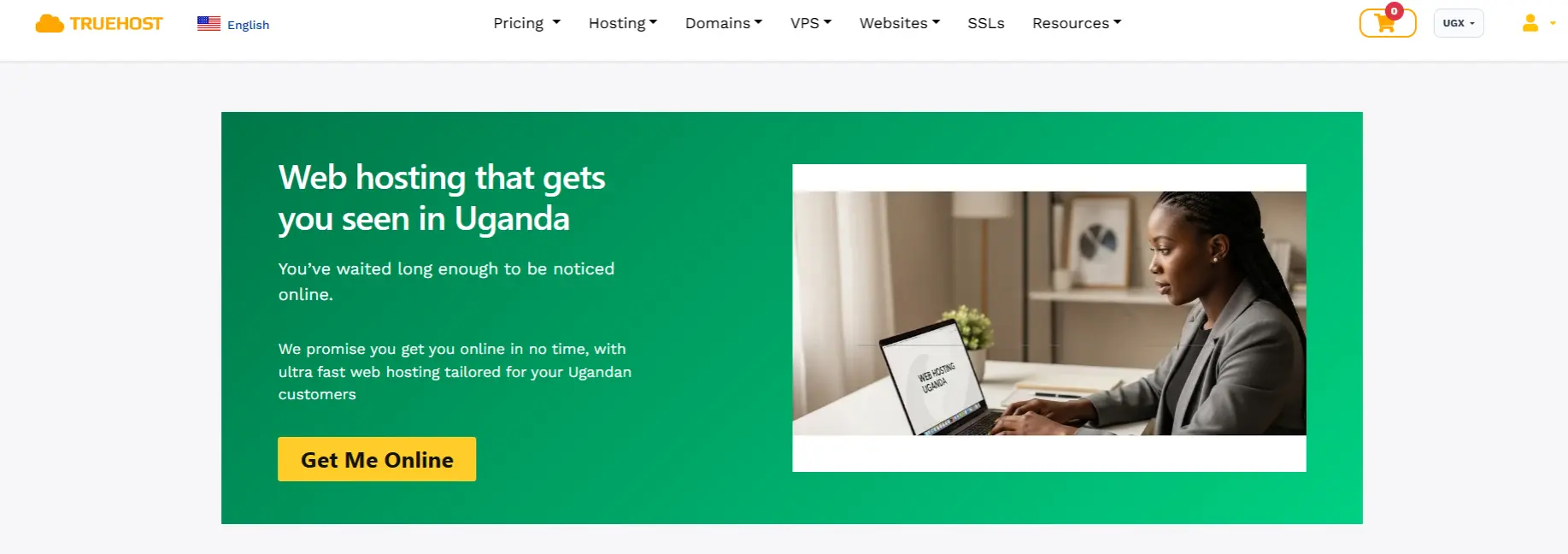
Paying in shillings makes budgeting easier because you do not have to worry about exchange-rate changes.
| Local hosting | Starting Cost |
| Truehost | USh 8,905.00 |
| NindoHost | From UGX13100/month |
International hosting. Providers in Europe and the US often charge in dollars or euros. Your bank may add currency conversion or foreign transaction fees, and exchange-rate changes can increase your costs.
| International Hosting | Starting Cost |
| Bluehost | $3.99/mo |
| Hostinger | $2.49/mo |
Regional hosting. Providers in Kenya and South Africa may also serve Ugandan customers. Check their accepted payment methods and billing currencies before signing up.
Have a backup payment method. Mobile money services can experience disruptions. Having another payment option, such as a bank card, or paying several months in advance can help prevent missed renewals.
Compare the total cost before buying. Check these expenses:
- Renewal prices after the introductory offer ends.
- Currency conversion and payment fees.
- Extra charges for SSL certificates, backups, email and website migration.
- Fees for priority or phone support.
- Costs of additional storage, bandwidth or processing power as your website grows.
- Applicable taxes.
4) Customer Support
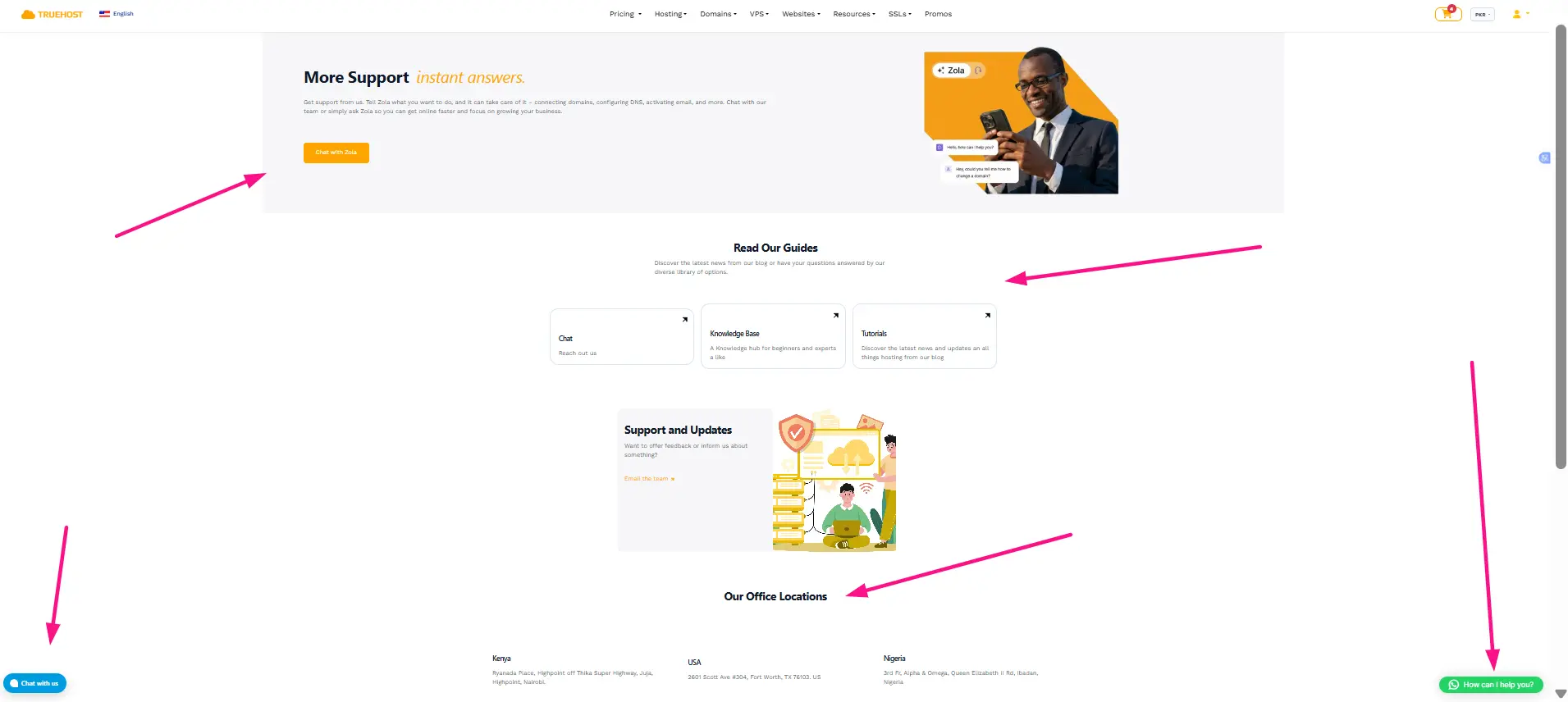
Good customer support is important when your website goes down or develops a problem. Look for a provider that responds quickly, explains issues clearly and is available when you need help.
Local hosting. Ugandan providers may offer phone, WhatsApp and in-person support, especially in Kampala. However, support hours may be limited to normal business hours unless 24/7 assistance is included.
Regional hosting. Kenyan providers operate in the same time zone as Uganda, making it easier to get help during working hours. Support is usually available through email, live chat or tickets, depending on the provider.
International hosting. Many global providers offer 24/7 support and detailed guides to help you solve problems. However, service quality varies, and support staff may be less familiar with local payment methods.
Questions to ask before signing up
- Which support channels are available, and what are their operating hours?
- How quickly does the provider respond to technical issues?
- Are website migrations, backups and security fixes included in the price?
- Can you speak directly to a technical support agent?
- Is support available during weekends and public holidays?
5) Data Privacy and Legal Requirements
Hosting your website outside Uganda is legal, but you must follow Uganda’s data protection laws if you collect or store personal information.
What the law says. Uganda’s Data Protection and Privacy Act, 2019, and its 2021 regulations control how businesses collect, store, and use personal data. Transferring data outside Uganda must meet certain legal requirements. The Personal Data Protection Office (PDPO) oversees compliance.
What to check before choosing a host
- Know what data you collect. Online shops, schools and clinics may store sensitive customer information.
- Check server locations. Ask where your website data and backups are stored.
- Review the contract. Check how the provider protects your data and handles security breaches.
- Check registration requirements. Your business may need to register with the PDPO and meet rules for transferring data abroad.
- Protect your data. Local hosting does not remove the need for proper security and privacy practices.
Regulated businesses. Banks, hospitals and mobile money providers may face additional rules about data storage. Check these before selecting a hosting provider.
6) Reliability, Scalability and Features
A hosting provider’s reliability depends on its equipment, network, backups and support, not just its location. A good international host can be more reliable than a poor local one.
Local hosting. Kampala has modern data centres, including Raxio. However, local providers may offer fewer hosting plans and backup locations.
Regional hosting. Nairobi offers more data centres and hosting options. It can also provide a separate location for backups, helping protect your data if something goes wrong at your main server.
International hosting. Large providers often offer automatic scaling, advanced databases and servers in multiple countries. These features are useful for growing websites, busy online shops and applications serving customers in different regions.
Internet disruptions. Uganda’s internet connections can be affected by problems with international networks or nationwide outages. Hosting abroad cannot prevent local visitors from losing internet access, but your website may remain available to customers in other countries. Keeping backups in a separate location also helps protect your data.
Check the uptime guarantee. Uptime shows how often your website is expected to remain available.
| Uptime guarantee | Possible downtime per year |
| 99.9% | About 8 hours 46 minutes |
| 99.95% | About 4 hours 23 minutes |
| 99.99% | About 53 minutes |
Before signing up, check what the uptime guarantee covers, how often backups are made, where they are stored and how quickly your website can be restored after a failure.
Choosing the right hosting for your audience
The right host comes down to three things: where your visitors are, what personal data you store, and what you can afford to pay and support. For most Ugandan businesses serving Ugandan customers, a Kampala or Nairobi server with a .co.ug domain is a safe default. Apps that need to scale, or audiences outside Uganda, are better served by regional or global cloud hosting.
Whichever you choose, confirm the server location, test speed from Uganda, read the renewal terms and keep a backup in a second location.
Ready to put your site online? Check web hosting plans at Truehost.
Local vs International Web Hosting FAQs
Is local hosting better than international hosting?
Not automatically. The better option depends on where your visitors are, what data you hold, your budget and the support you need.
Is international hosting faster than local hosting?
Not necessarily. Speed depends on server distance, network quality, hardware, configuration and caching, so test any provider from Uganda before buying.
Does local hosting improve Google rankings?
No guarantee. Google leans on your domain extension and content to decide which country you target. A Kampala server helps only to the extent that it makes your site faster.
Can I use a local hosting company whose servers are abroad?
Yes. A company’s office and its servers are separate things, so confirm the server location before you buy.
Is international hosting more expensive?
Not always. Compare renewal prices, currency conversion, taxes, included features and extra fees rather than the introductory price.
Can a CDN make international hosting suitable for Ugandan visitors?
Partly. A CDN serves cached files from a nearby location, but requests that must reach your main server still travel the full distance.
